Best Flashcard Apps for Language Learning
The best flashcard app for language learning is the one you'll open every day, and for most people that means a free, no-fuss tool that lets you build a deck in your own words with spaced repetition built in. Apps like Anki, Quizlet, and Memrise each do something well, but the fastest way to start is a browser-based flashcard maker that needs no install and no account. You type your words and definitions, flip through them on screen, and print a paper set when you want to study away from your phone.
Want to skip straight to making your deck? Open the free flashcard maker, type your foreign words on one side and the meanings on the other, and start flipping in under a minute. No sign-up, no download, and you can print the same set as physical cards whenever you like.
The Short Answer: What Makes a Great Language App
Before the list, it helps to know what you're actually looking for. Every good language flashcard app shares the same core engine: active recall (you pull the word from memory instead of rereading it) and spaced repetition (the app shows you a word right before you'd forget it). Those two ideas do the heavy lifting. The features around them are what separate one tool from the next.
When you compare apps, look for:
- Custom decks. You learn the words you need, not a fixed list someone else picked.
- Spaced repetition. The schedule decides what to review so you don't waste time on words you already know.
- Audio. Hearing the word matters as much as reading it in a new language.
- Speed to start. The less setup, the more days you'll actually study.
- Free access. You shouldn't pay just to flip cards.
A browser-based flashcard maker covers custom decks, on-screen flipping, and printing with zero setup, which is why it's a great first stop before you commit to a heavier app.
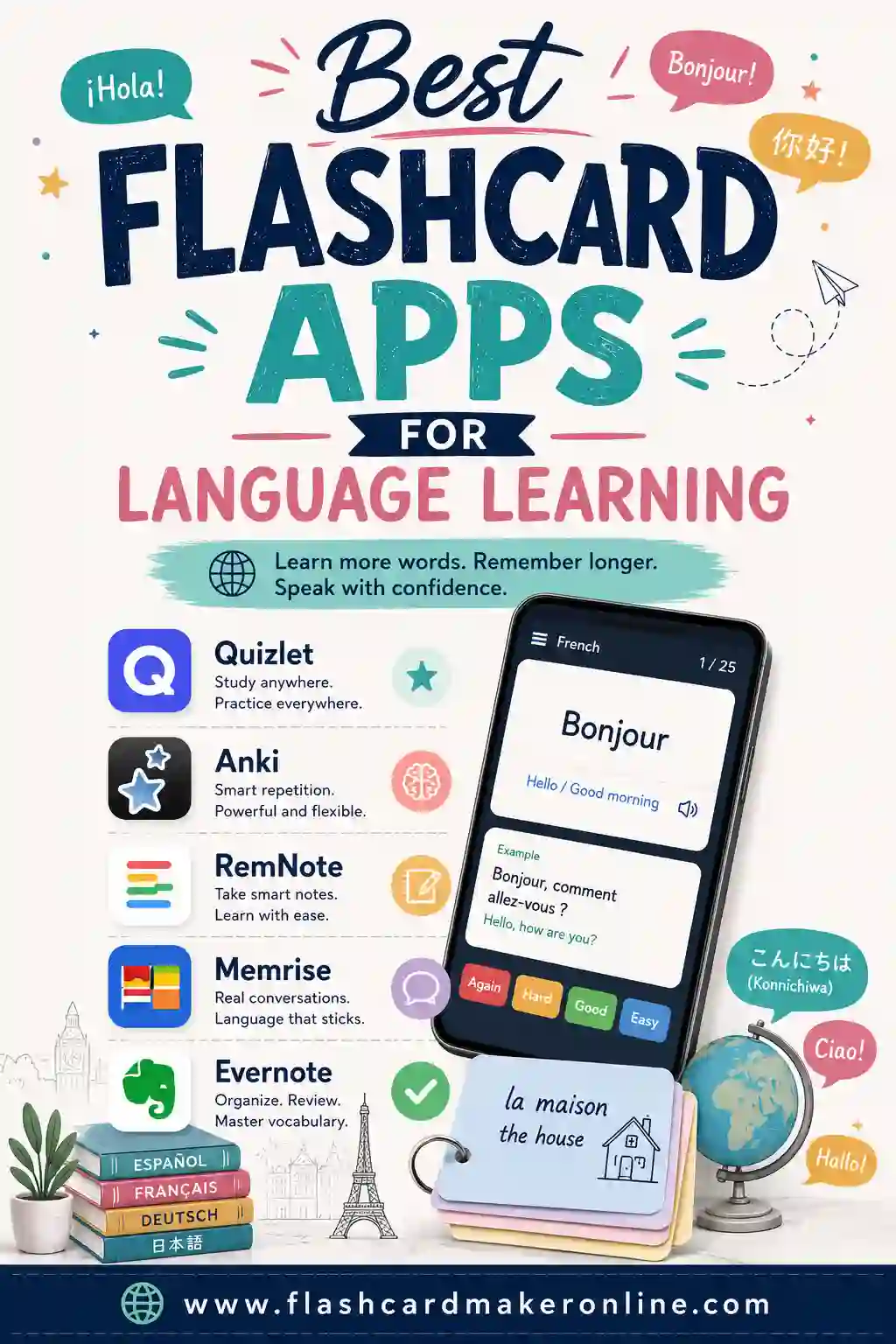
Best Flashcard Apps for Language Learning, Compared
Here's how the most popular options stack up for a language learner. Each one is genuinely good at something. Pick based on how you like to study.
| App / tool | Best for | Spaced repetition | Audio | Cost |
|---|---|---|---|---|
| Free flashcard maker | Fast custom decks + printing | On-screen flip study | Add your own | Free |
| Anki | Power users, huge decks | Yes (advanced) | Yes (with add-ons) | Free (paid iOS app) |
| Quizlet | Quick study modes + games | Yes | Yes | Free tier + paid |
| Memrise | Native-speaker video clips | Yes | Yes | Free tier + paid |
| Brainscape | Confidence-based review | Yes | Limited | Free tier + paid |
The rest of this guide breaks down where each shines, so you can match the tool to your goal.
Free browser flashcard maker — start here
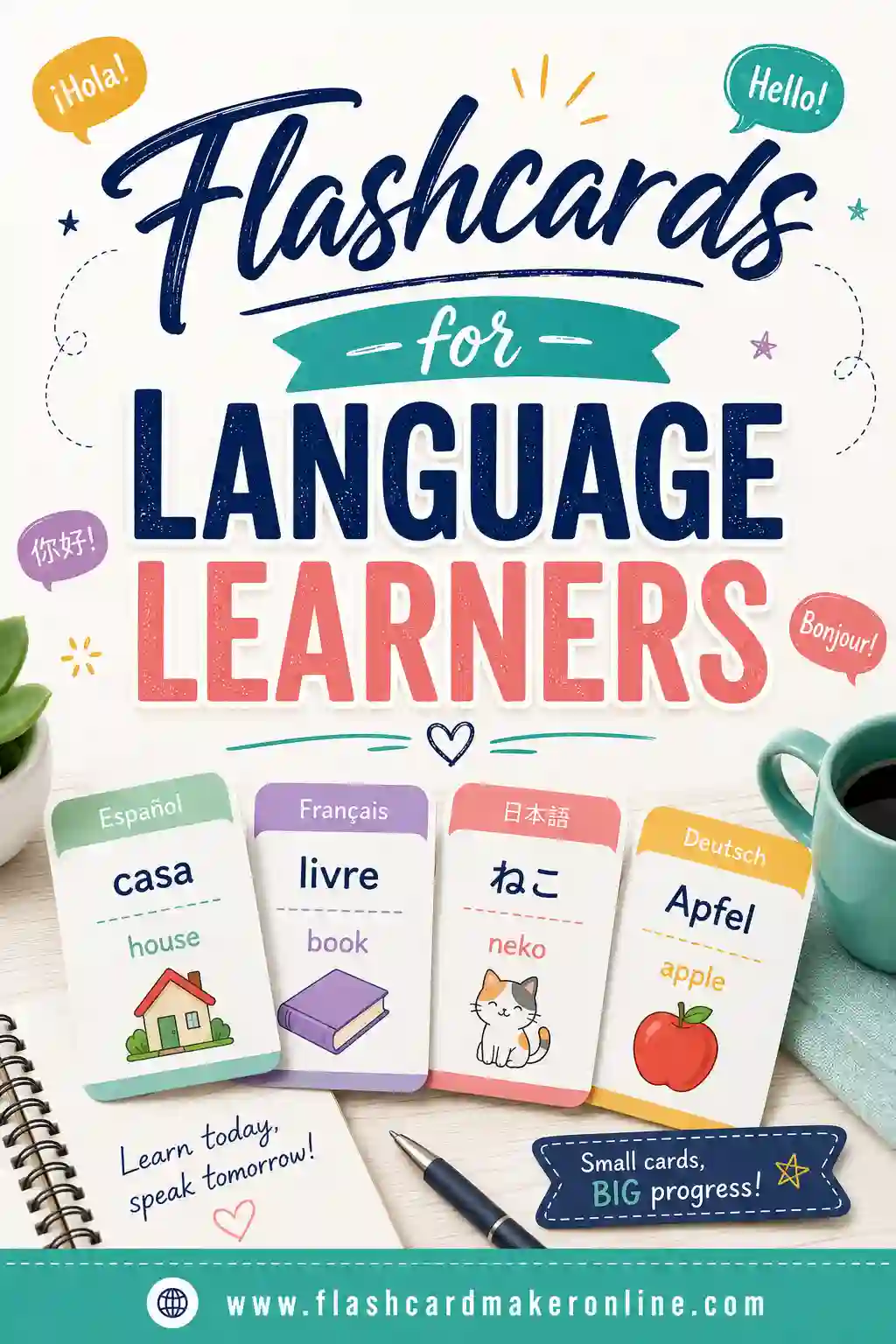
If you just want to learn vocabulary without a learning curve, start with a simple browser tool. You type a word in the target language, type the meaning, and you're flipping cards in seconds. There's nothing to install, no account, and you can print the deck for screen-free study or hand a set to a study partner. It's the lowest-friction way to begin, and you can always export your word list into a heavier app later. For language learners specifically, our guide to flashcards for language learners walks through the whole workflow.
Anki — the power user's choice
Anki is the gold standard for serious, long-term learners. Its spaced repetition algorithm is excellent, it handles tens of thousands of cards without breaking a sweat, and the community shares ready-made decks for nearly every language. The trade-off is a steeper learning curve and a dated interface. If you're studying a language for years, Anki rewards the time you put into learning it.
Quizlet — easiest study modes
Quizlet wraps your cards in friendly study modes: flip, match, write, and a few games. It's polished, it works on every device, and it's great for students who want variety. The free tier is generous, though some modes sit behind a subscription. It's a solid middle ground between a bare flashcard maker and a heavyweight like Anki.
Memrise — learn from native speakers
Memrise's standout feature is short video clips of native speakers saying each word. For pronunciation and real-world listening, that's gold. It leans more toward courses than fully custom decks, so it's best when you want guided learning alongside your own vocab practice.
Brainscape — confidence-based repetition
Brainscape asks you to rate how well you knew each card on a scale, then uses those ratings to schedule reviews. It's a clean, focused take on spaced repetition. The free tier is limited, but the approach works well if you like a structured, no-distractions flow.
How to Pick the Right One for You
Don't overthink it. The best app is the one that fits your habits, not the one with the longest feature list. Run through these quick questions:
- Want to start in the next 60 seconds? Use a free browser flashcard maker and skip setup entirely.
- Studying a language seriously for years? Anki's depth pays off.
- Want games and study modes to stay motivated? Quizlet.
- Most worried about pronunciation? Memrise's native clips help.
- Like rating your own confidence? Brainscape.
And remember: you can mix tools. Plenty of learners build a quick deck in a browser maker, then graduate the trickiest words into Anki for long-term review.
A Sample Spanish Deck to Get You Started
To make this concrete, here's a ready-to-use starter deck of common Spanish words. Type these into the flashcard maker, or print them as a paper set. They're the kind of high-frequency words that pay off fast in real conversation.
| Term (Spanish) | Definition (English) |
|---|---|
| hola | hello |
| adiós | goodbye |
| gracias | thank you |
| por favor | please |
| sí | yes |
| no | no |
| agua | water |
| comida | food |
| casa | house |
| libro | book |
| amigo | friend |
| tiempo | time / weather |
| trabajo | work / job |
| hoy | today |
| mañana | tomorrow / morning |
| bien | well / good |
| grande | big |
| pequeño | small |
| ahora | now |
| siempre | always |
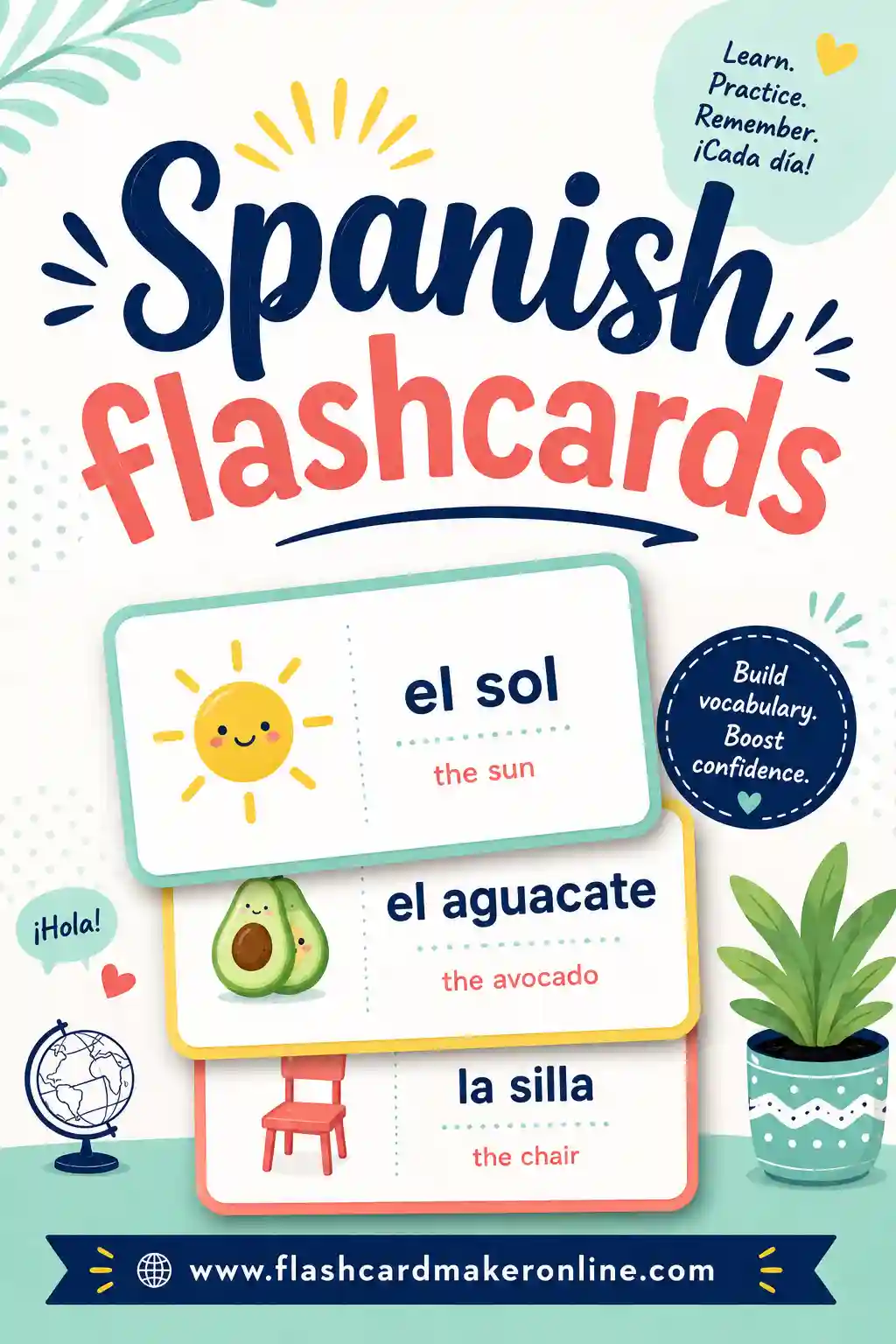
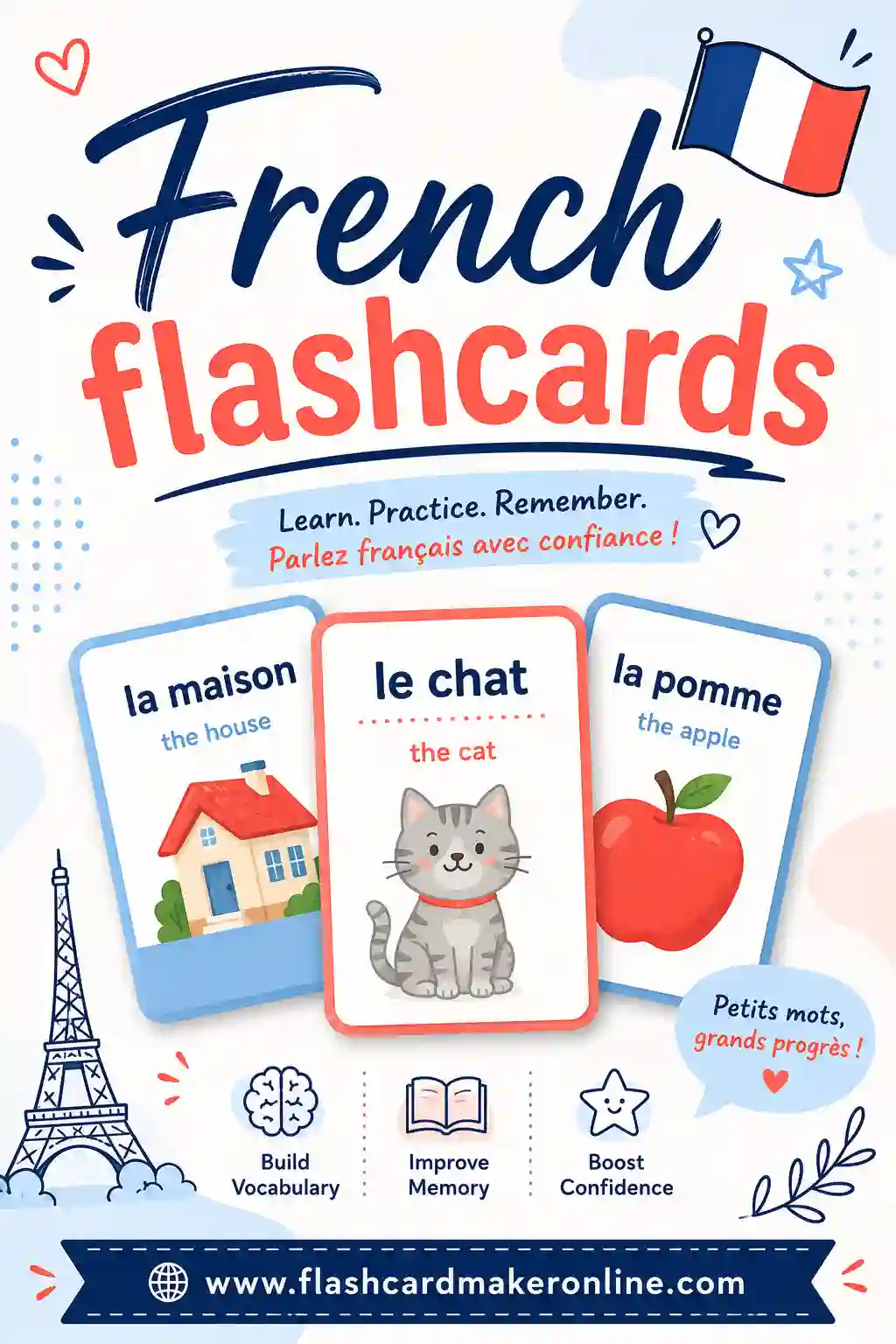
That's 20 words. Master these, and you'll already recognize a chunk of everyday Spanish. Want more language-specific sets? Try our Spanish flashcards and French flashcards guides for fuller word lists.
Tips for Studying Language Flashcards That Actually Stick
The app is only half the battle. How you study decides whether the words stick. These habits work in any tool:
- Study a little every day. Ten minutes daily beats a two-hour weekend cram. Spaced repetition only works if you keep showing up.
- Say the word out loud. Speaking forces real recall and trains your mouth, not just your eyes.
- Add a tiny example. "agua — water (un vaso de agua)" sticks better than the bare word.
- Learn words in both directions. Practice native-to-foreign and foreign-to-native so you can both understand and produce the word.
- Shuffle often. If you always study in the same order, you start memorizing the order instead of the words.
- Keep cards short. One word, one meaning. Don't cram a paragraph onto a card.
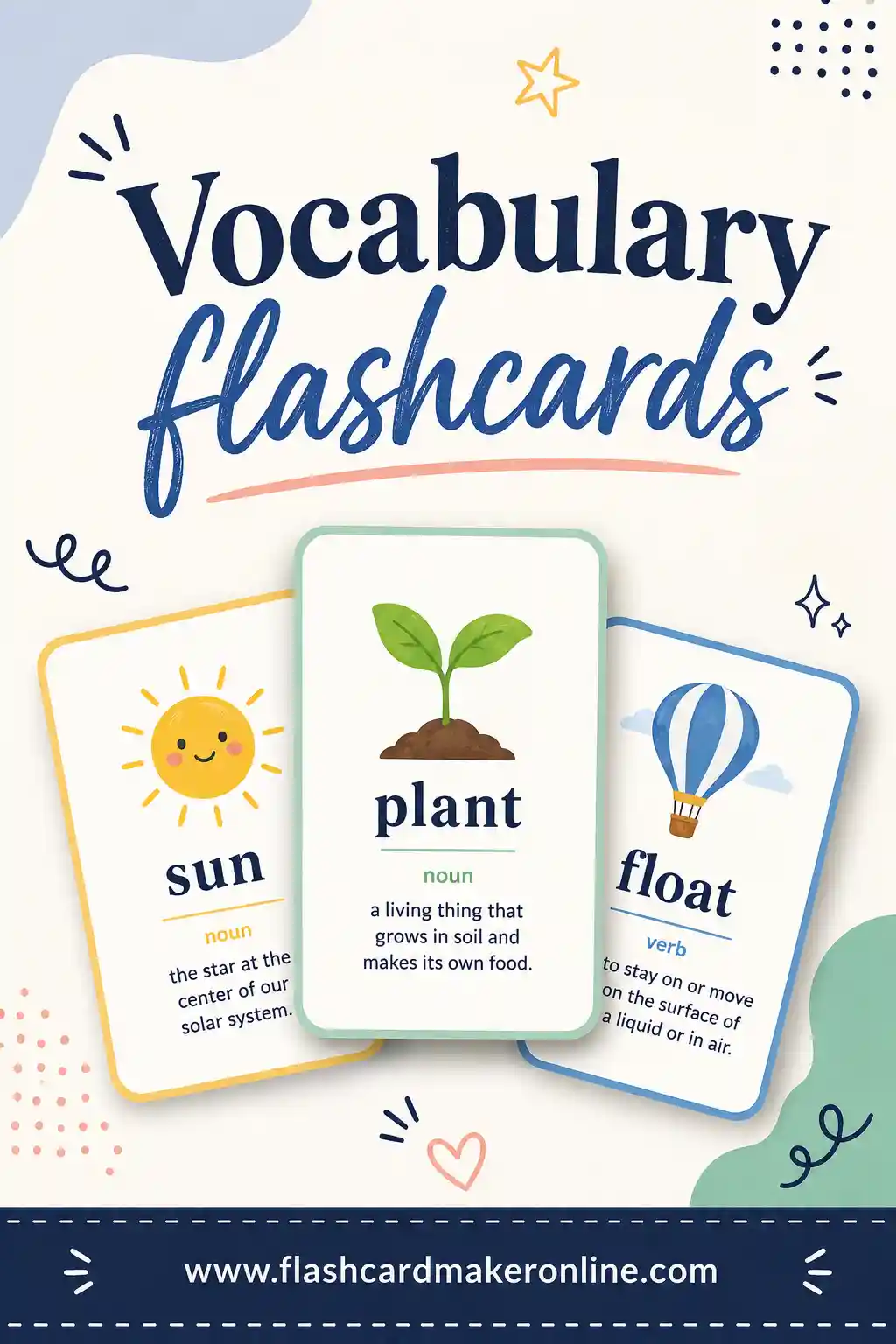
For a deeper toolkit on building memorable word cards, our vocabulary flashcards guide goes further on layout and review.
Free vs Paid: Do You Need to Pay?
Short answer: no, not to start, and often not ever. The free options here cover everything a beginner and most intermediate learners need — custom decks, spaced repetition, and on-screen flipping. Paid tiers mostly add convenience: cloud sync across devices, offline access, extra study modes, or removing ads.
Spend money only once you know flashcards are part of your routine and a specific paid feature would genuinely help. A great rule: prove the habit with a free tool first. If you find yourself studying every day and wishing for, say, audio on every card, that's the moment to consider upgrading. Until then, a free flashcard maker does the job.
Frequently Asked Questions
What is the best free flashcard app for learning a language?
For most people, a free browser-based flashcard maker is the best place to start because there's no install, no account, and you can build a custom deck in your own words in under a minute. For long-term, large decks, Anki is the most powerful free option. Quizlet is the easiest if you want built-in study games.
Do flashcard apps really help you learn a language faster?
Yes. They work because they use active recall and spaced repetition — two of the most proven ways to move words into long-term memory. The catch is consistency. Ten minutes a day in any decent app beats a rare marathon session.
Should I make my own flashcards or use ready-made decks?
Both have a place. Ready-made decks save time on common vocabulary, but making your own cards forces you to engage with the words, which boosts memory. A nice approach is to build your own deck in a free maker for the words you keep forgetting and use shared decks for bulk basics.
Can I use flashcards for grammar, not just vocabulary?
Absolutely. Put a sentence with a blank on one side and the correct form on the back, or a grammar rule on one side and an example on the other. Flashcards work for any fact you can phrase as a question and answer.
Are paper or app flashcards better for language learning?
Apps win on convenience, audio, and automatic scheduling. Paper wins on focus and the memory boost from writing cards by hand. The easiest move is to build one deck in a flashcard tool, study it on screen during the week, and print it for a screen-free review before a lesson or test.
Ready to Build Your Language Deck?
You don't need to download anything to start learning today. Open the free flashcard maker, type your first words and their meanings, and you'll be flipping a custom language deck in under a minute. It's free, there's no sign-up, and you can print the same set whenever you want a break from the screen. Pick the words you keep forgetting, build the deck, and let active recall do the rest.