Best Free Quizlet Alternatives for Students
The best free Quizlet alternative for most students is a simple, browser-based flashcard maker that lets you build, study, and print cards with no account and no paywall. Anki, Cram, and a free flashcard maker each cover what Quizlet used to give away for free — custom decks, spaced repetition, and study modes — without nudging you toward a subscription. This guide compares the top picks so you can keep studying for free.
Want to skip ahead and just start? Open the free flashcard maker, type your terms and definitions, and study or print them right away. No sign-up, no login wall, no limit on how many cards you flip.
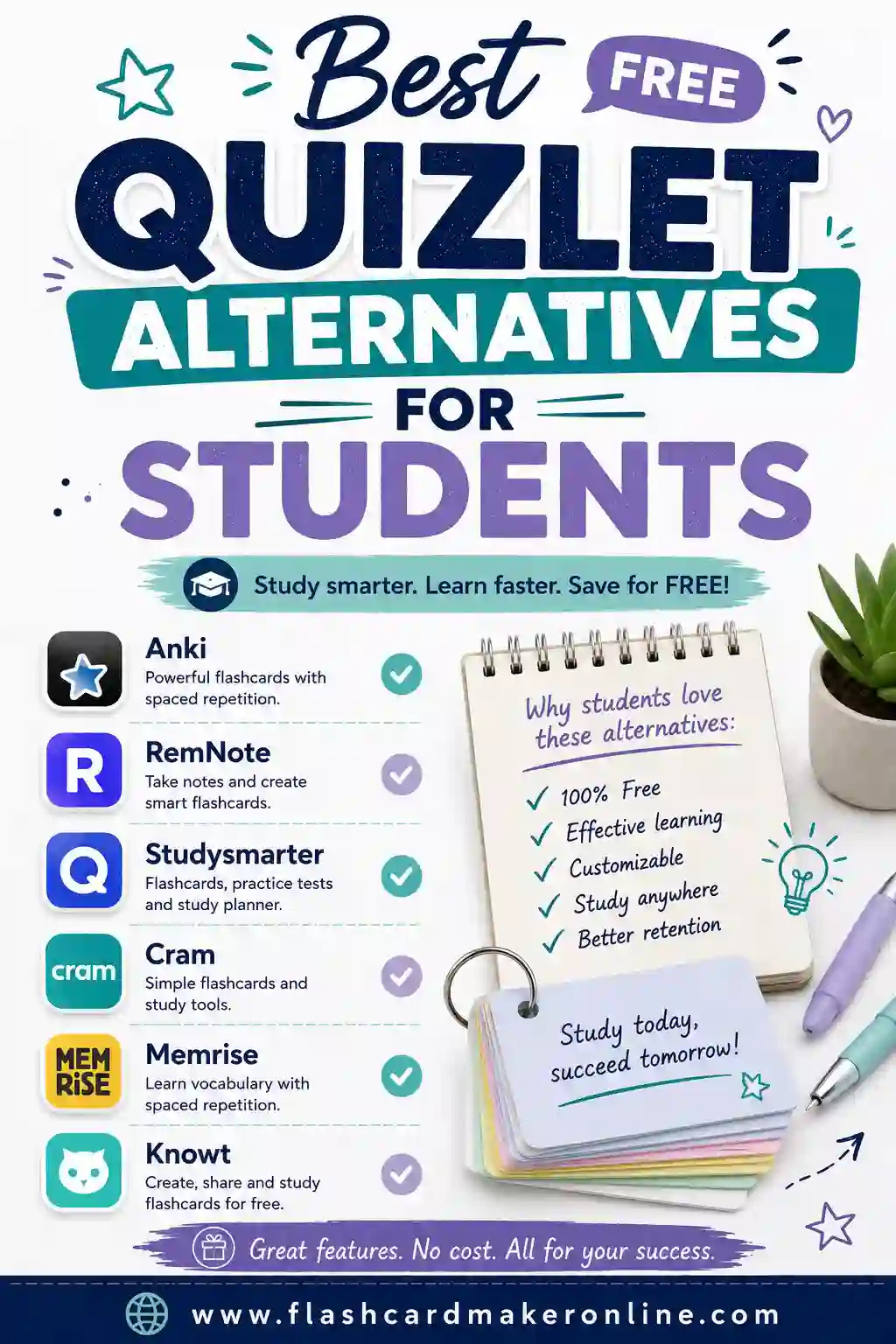
Why Students Look for a Quizlet Alternative
Quizlet is a genuinely good tool, and it earned its popularity. But over the years more of its features moved behind a paid plan — some study modes, certain print layouts, and ad-free studying. If you're a student on a budget, that adds up. The good news is the core idea of flashcards is simple, and several free tools deliver it without the upsell.
When you're shopping for an alternative, the features that actually matter are:
- Custom decks. You study the terms you need.
- A real free tier. Not a trial that locks the good parts.
- Spaced repetition or active recall study modes. The brain science that makes flashcards work.
- No login wall. The fewer hoops, the more days you'll study.
- Printing. A paper backup for screen-free review.
A free flashcard maker covers all five with zero setup, which is why it's the easiest place to start. The rest of this guide compares the strongest options so you can pick the right fit.
The Best Free Quizlet Alternatives, Compared
Each of these is a legitimate, free way to make and study flashcards. They differ in depth and ease, so match the tool to your study style.
| Alternative | Sign-up needed | Spaced repetition | Printing | Cost |
|---|---|---|---|---|
| Free flashcard maker | No | On-screen flip study | Yes | Free |
| Anki | No (desktop/web) | Yes (advanced) | Limited | Free (paid iOS app) |
| Cram | Yes | Yes | Basic | Free |
| Brainscape | Yes | Yes (confidence-based) | Limited | Free tier + paid |
| Google Slides / Docs | No | Manual | Yes | Free |
| AnkiDroid (Android) | No | Yes (advanced) | Limited | Free |
| Paper index cards | No | Manual (Leitner) | N/A (handwritten) | Cheap |
Below, here's where each option works best and where it asks something of you.
Free browser flashcard maker — easiest free pick
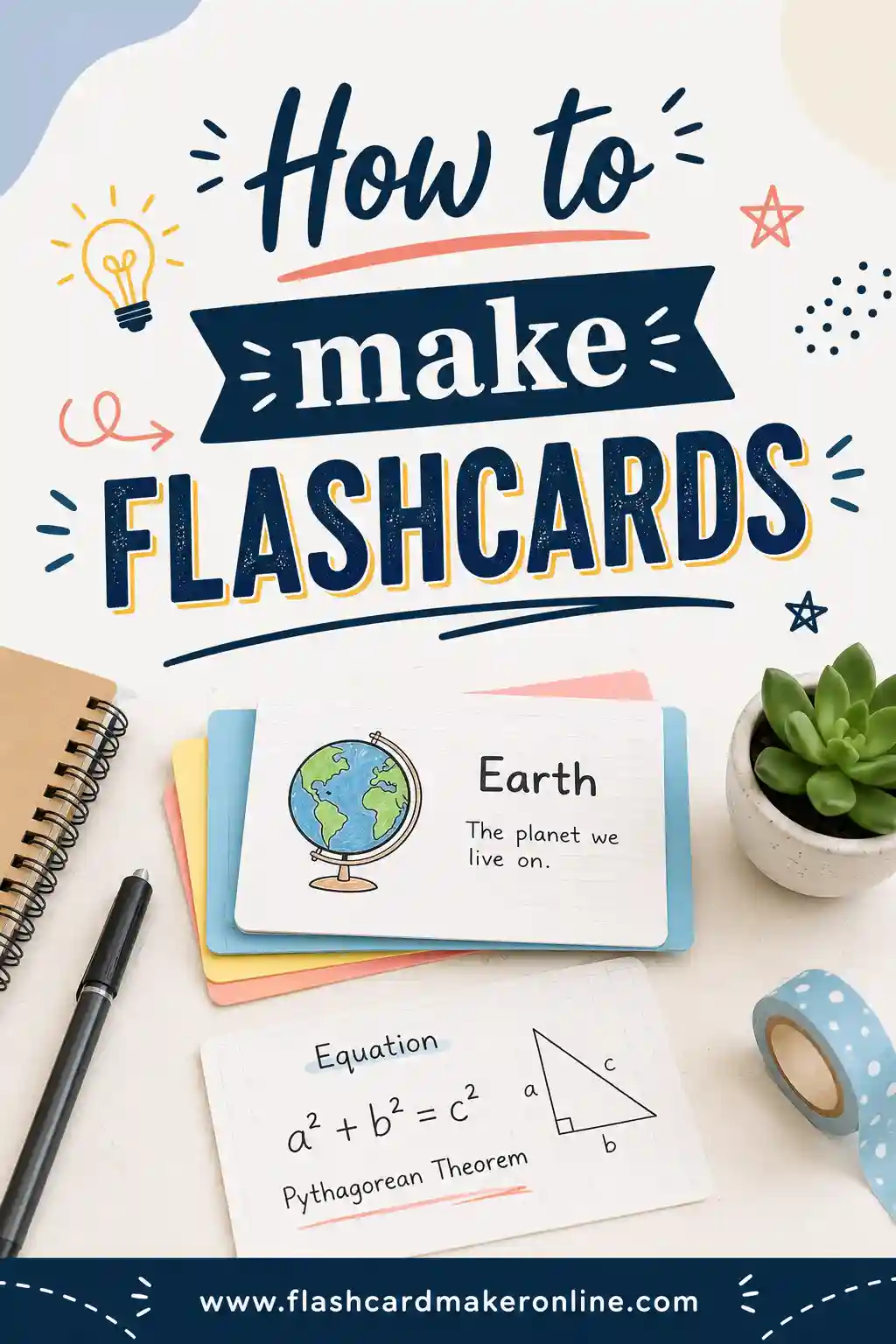
If you want the closest thing to "Quizlet, but free with no account," start here. You type terms and definitions, flip through them on screen, and print a paper set when you want one. There's no login wall, no paywall, and no limit on cards. It's the fastest way to keep your study routine going without paying. Our how to make flashcards guide shows the full workflow if you're new to it.
Anki — the most powerful free option
Anki is the heavyweight. Its spaced repetition algorithm is excellent, it handles enormous decks, and the desktop and web versions are completely free (only the iPhone app costs money). The trade-off is a steeper learning curve and a plain interface. If you're studying a big subject for the long haul — med school, a language, a licensing exam — Anki is worth the setup time.
Cram — familiar and simple
Cram feels a lot like classic Quizlet: build a set, then study it with flip cards and a couple of modes. It's free and straightforward. You'll need an account, and the design is basic, but it does the core job without nagging you to upgrade.
Brainscape — confidence-based review
Brainscape asks you to rate how well you knew each card, then schedules your reviews around those ratings. It's a clean, focused take on spaced repetition. The free tier is limited, but the approach is genuinely effective if you like a structured flow.
Google Slides or Docs — the DIY route
No dedicated app at all — just put a term on one slide and the answer on the next, or use a two-column table in Docs. It's free, you already have it, and it prints fine. The downside is there's no spaced repetition; you're managing your own review. Best as a quick fix or for sharing a set with classmates.
Paper index cards — the offline classic
Don't sleep on the original. A pack of index cards costs a couple of dollars and never needs an account, a charge, or Wi-Fi. Write the term on one side, the answer on the other, and sort them with the Leitner system: cards you know move to a "review less often" pile, cards you miss stay up front. It's spaced repetition by hand. The catch is you write every card yourself, and you can't shuffle 200 cards as fast as a screen can. Many students build digitally, then print a set for the night before an exam to get the best of both.
Watch Out for the "Free" That Isn't
Not every tool that calls itself free actually is. Before you commit your study time to one, check for these quiet catches.
- Trial timers. Some apps give you a few days of full features, then lock the good parts. That's a trial, not a free tier.
- Card limits. A tool might let you make only 50 cards free, which falls apart fast for a real course.
- Locked study modes. The basic flip is free, but spaced repetition or test mode sits behind a paywall.
- Account walls. A few tools demand a sign-up and email just to make one deck. The fewer hoops, the more days you'll actually study.
- Ad overload. Free with ads is fair, but a screen so cluttered you can't focus defeats the purpose.
The cleanest test is simple: can you make a deck, study it, and print it without paying or signing up? A no-account browser maker passes that test instantly, which is why it's the safest starting point.
How to Pick the Right Quizlet Alternative
Don't overthink it. Match the tool to your situation:
- Want to start right now with no account? Use a free browser maker.
- Studying a huge subject long-term? Anki's depth pays off.
- Miss Quizlet's familiar feel? Cram is the closest match.
- Like rating your own confidence? Brainscape.
- Just need a quick set to share? Google Slides or Docs.
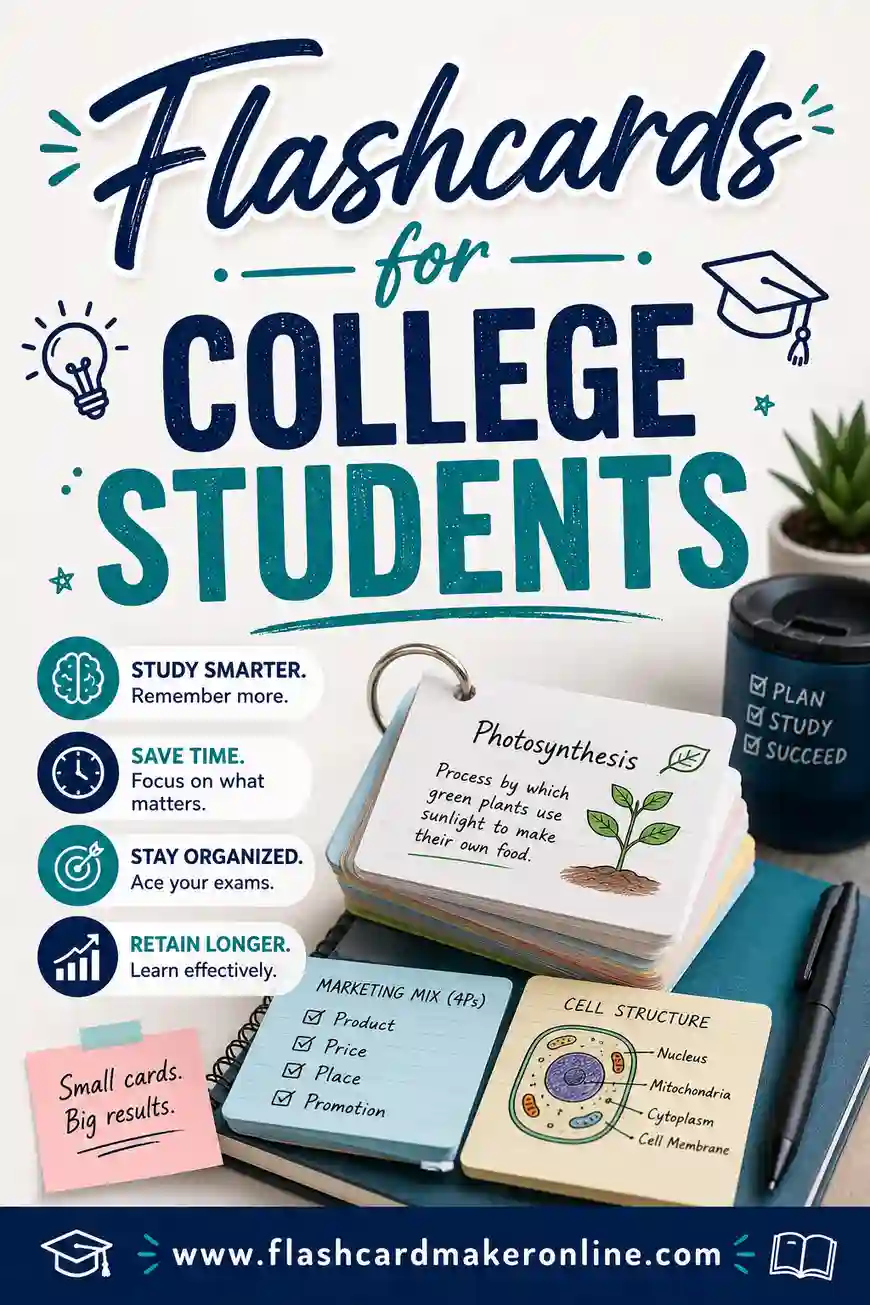
For students juggling several courses, the combination that works best is usually a free maker for fast decks plus Anki for the toughest material. Our flashcards for college students guide digs into managing multiple subjects.
A Sample Deck to Test Any Tool
Want something to try in whichever tool you pick? Here's a ready-made deck of common study and exam-prep terms. Drop it into the flashcard maker and flip through it, or print it for a screen-free review.
| Term | Definition |
|---|---|
| Active recall | Pulling an answer from memory instead of rereading it |
| Spaced repetition | Reviewing material at growing intervals over time |
| Leitner system | A box method that sorts cards by how well you know them |
| Cramming | Studying a lot of material right before a test |
| Interleaving | Mixing different topics in one study session |
| Retrieval practice | Testing yourself to strengthen memory |
| Mnemonic | A memory aid like a rhyme, acronym, or image |
| Chunking | Grouping items so they're easier to remember |
| Forgetting curve | How fast we lose new info without review |
| Elaboration | Connecting new facts to things you already know |
| Self-testing | Quizzing yourself instead of rereading notes |
| Metacognition | Thinking about how well you actually know something |
| Distributed practice | Spreading study over days instead of one sitting |
| Overlearning | Studying past the point of just barely knowing it |
| Encoding | Turning new information into a lasting memory |
| Consolidation | The brain locking in a memory, often during sleep |
| Cue | A prompt that triggers recall of stored information |
| Confidence rating | Marking how sure you are of each answer |
| Massed practice | Repeating one thing many times in a row |
| Recall failure | Not being able to retrieve something you learned |
| Free tier | The part of a tool you can use without paying |
| Leitner box | Sorting cards into piles by how well you know them |
| Two-sided card | A card with a prompt on one side, answer on the other |
| Confidence-based review | Scheduling cards by how sure you felt |
| Export | Saving a deck as text to move it to another tool |
| Active studying | Engaging with material instead of passively rereading |
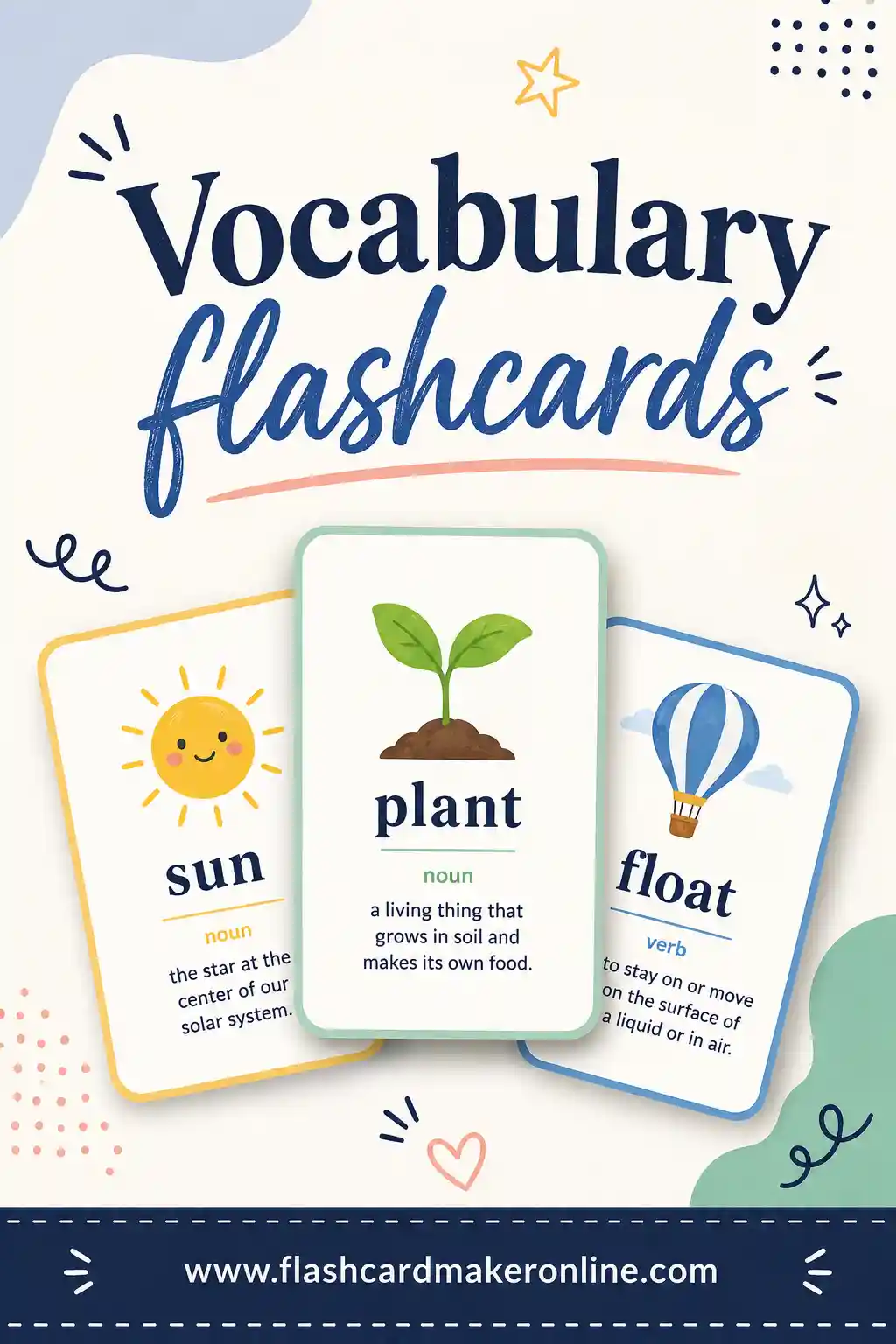
That's 28 cards — enough to compare how each tool feels. For building bigger word sets, see our vocabulary flashcards guide.
Tips for Studying Free Flashcards That Stick
The tool is only half of it. How you study decides whether the material sticks. These habits work in any of the options above:
- Study a little every day. Ten minutes daily beats a weekend marathon. Spaced repetition only works if you keep showing up.
- Say answers out loud. Speaking forces real recall and catches cards you only half know.
- Shuffle the order. Study in the same sequence and you'll memorize the order instead of the content.
- Sort by difficulty. Spend more time on the cards you miss, less on the ones you've nailed.
- Keep cards short. One question, one answer. Don't pack a paragraph onto a card.
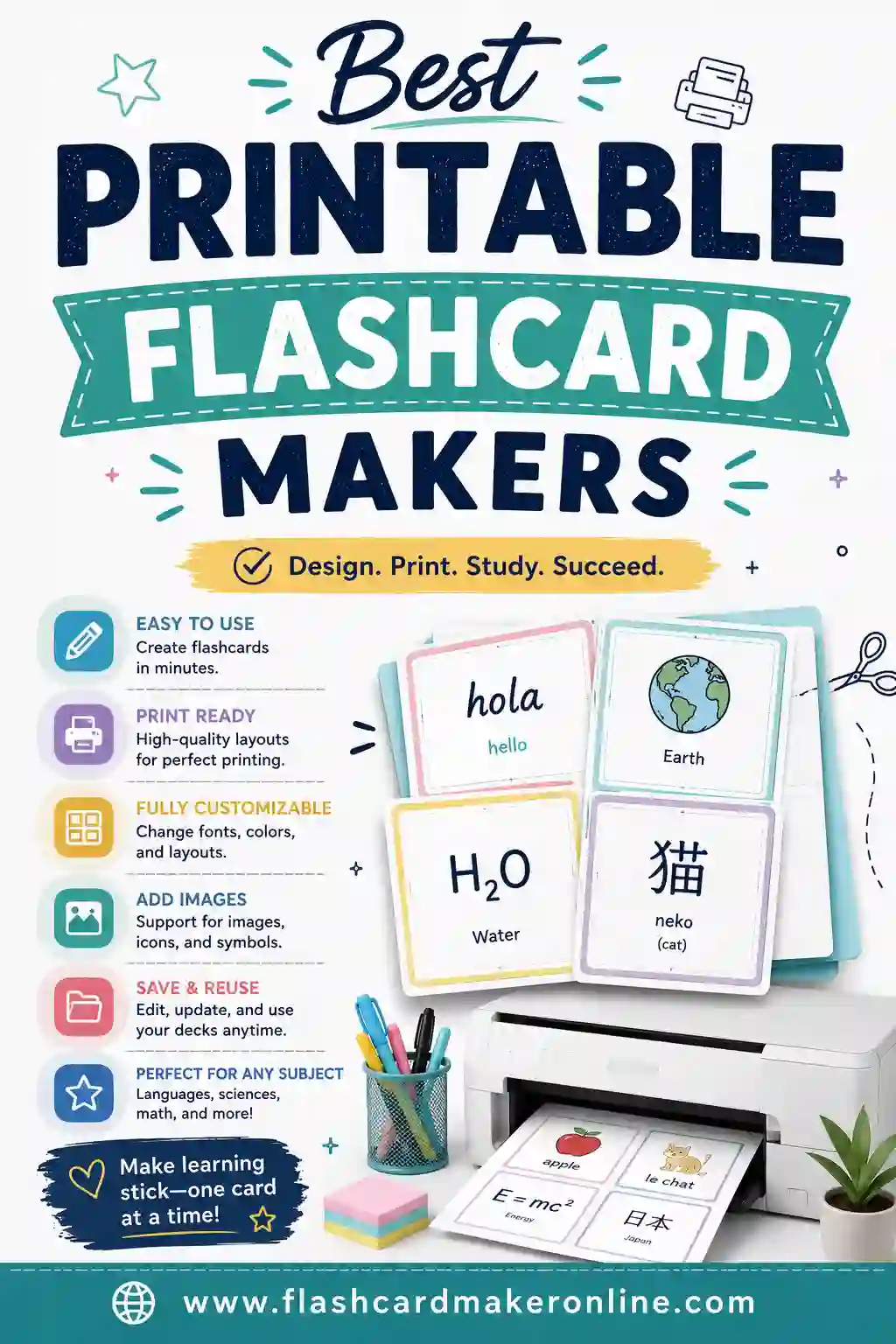
- Print a paper backup. A physical set for the night before an exam gives your eyes a screen break. See our best printable flashcard makers guide.
Free vs Paid: Do You Need to Pay?
Honestly, no — not as a student starting out. The free options here cover everything you need to make, study, and print flashcards: custom decks, active recall, and spaced repetition in the deeper tools. Paid tiers mostly add convenience like cross-device sync, offline access, or removing ads.
A good rule: prove the habit with a free tool first. If you study every day for a few weeks and find yourself wishing for one specific paid feature, that's the moment to consider it. Until then, a free flashcard maker does the job and keeps your money in your pocket.
How to Move Your Quizlet Sets to a Free Tool
Switching tools doesn't mean retyping every card. Most of the work copies over in a couple of minutes if you know the trick.
- Export your set as text. In Quizlet, open the set, find the export option, and choose a layout that puts a separator between the term and the definition (a tab or a dash works well). You'll get a plain block of text.
- Clean it up if needed. Make sure each card is on its own line, with a clear divider between the front and back. A quick scan catches any stray formatting.
- Paste it into your new tool. Drop the text into a free flashcard maker, Anki, or a Docs table. Most tools accept a pasted list and build the cards for you.
- Spot-check the first few cards. Confirm the front and back landed on the right sides before you trust the whole deck.
The same trick works in reverse if you ever want to back up a deck. Keeping your cards as plain text means you're never locked into one app, which is the whole point of going free.
Rebuilding by hand isn't always a loss
If a set is small, retyping it can actually help. Writing each card again is a study session in disguise, and it's a chance to trim cards you've outgrown or fix ones that were too wordy. For a 20-card set, building fresh in a flashcard maker might take less time than wrestling with an export.
Frequently Asked Questions
What is the best free alternative to Quizlet?
For most students, a free browser-based flashcard maker is the easiest pick because there's no account, no paywall, and you can build and print a deck in minutes. For powerful, large-scale studying, Anki is the strongest free option. Cram is the closest in feel to classic Quizlet.
Is Anki really free?
The desktop and web versions of Anki are completely free, and so is the Android app. Only the official iPhone/iPad app costs money — that one-time purchase helps fund development. So if you study on a computer or Android, Anki costs nothing.
Can I move my Quizlet sets to another tool?
Often, yes. Quizlet lets you export a set as text, which you can paste into many other tools, including a free flashcard maker. Copy your terms and definitions, paste them in, and you've rebuilt your deck without retyping everything.
Do free flashcard tools include spaced repetition?
Some do. Anki and Brainscape have built-in spaced repetition scheduling. A simple browser maker focuses on fast active-recall flipping and printing, which is plenty for most subjects. Pick a tool with scheduling if you're studying a huge deck over many months.
Are free flashcard apps good enough for serious studying?
Yes. The free options here use the same proven methods — active recall and spaced repetition — that paid tools do. Students pass major exams using nothing but free flashcards. What matters most is consistency, not how much you spend.
Which free Quizlet alternative is best for printing?
A browser-based flashcard maker is the easiest for printing, since it's built to lay cards out cleanly for paper. Google Docs and Slides also print fine with a two-column table or one card per slide. Anki and Brainscape lean digital, so their print options are more limited. If a paper backup matters to you, start with a maker that prints by default.
Do I need to download anything to replace Quizlet?
No. A browser-based flashcard maker runs right in your tab with nothing to install. The same goes for Anki's web version, Cram, and Google Docs. You'd only download software for the Anki desktop app or its mobile apps, and even then the web version covers most needs for free.
Is it safe to use a free flashcard tool without an account?
Yes. A no-account tool means you're not handing over an email or password just to study, which is one less thing to manage. The trade-off is your decks live in that browser session, so print or export anything you want to keep. For a quick study set, no-account is the simplest and safest route.
Ready to Start Studying for Free?
You don't need a subscription to study well. Open the free flashcard maker, type your terms and definitions, and start flipping in under a minute — no account, no paywall, no limits. Build a deck, study it on screen, and print it for a screen-free review before your next exam. Free tools, real results.