How to Make Flashcards That Actually Help You Learn
To make flashcards, write one question or term on the front of each card and its answer or definition on the back, keep each card focused on a single idea, then review them by trying to recall the answer before you flip. The fastest way to build a clean, printable set is to use a free flashcard maker that lets you type your terms, flip to study, and print the whole deck in minutes.
Want to skip the busywork? Open the free flashcard maker, paste in your terms and definitions (there's a ready-made sample deck below to copy), and you'll have a study-ready set you can flip on screen or print at home. No sign-up, no app to install.
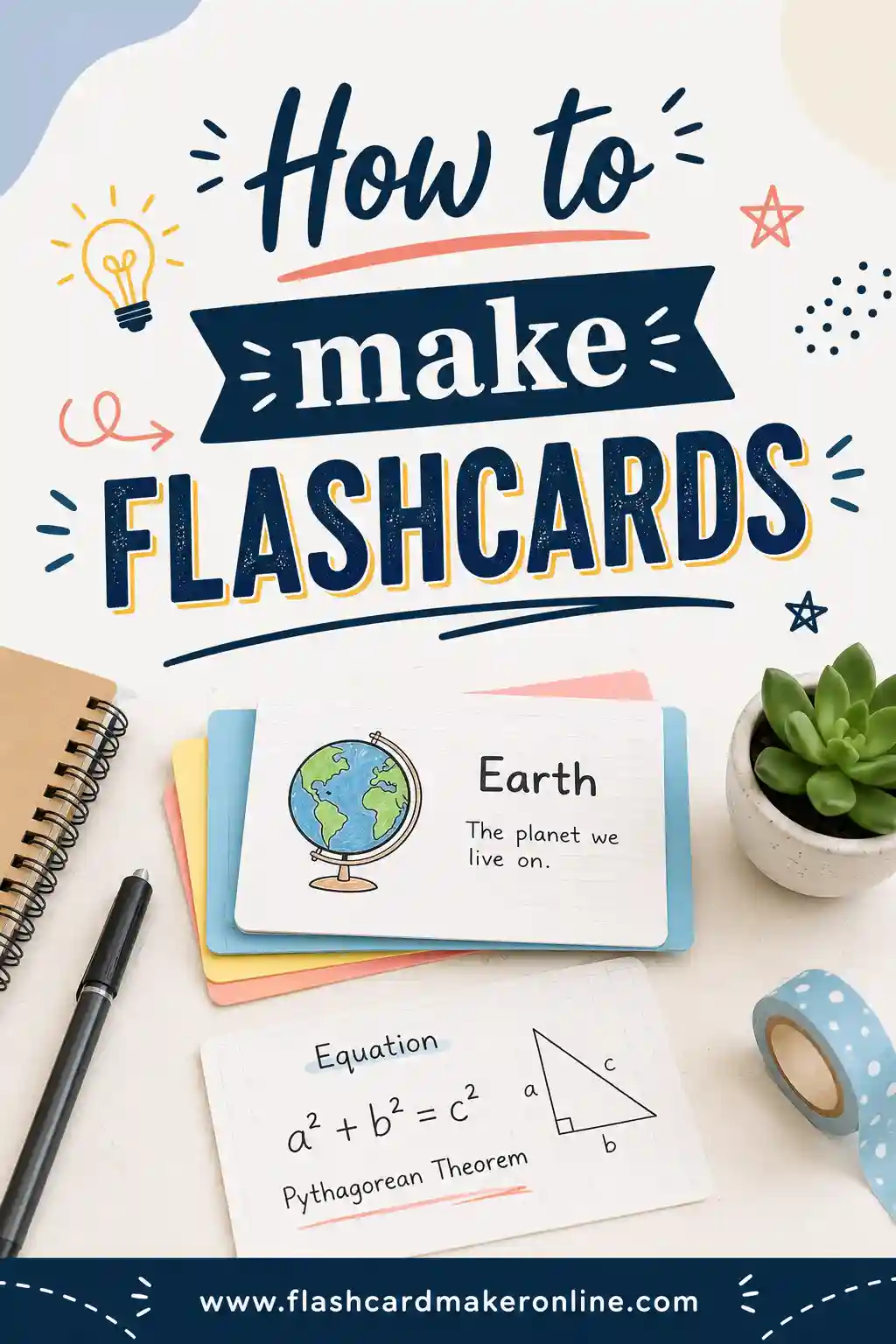
What Makes a Flashcard Work
A flashcard is just a prompt on one side and an answer on the other. That simple format is powerful because it forces you to retrieve information instead of rereading it. Pulling an answer out of your own head is what builds a strong memory, and a good flashcard sets up that little test every single time you flip it.
The trick isn't the card itself. It's how you write it. A messy card with five facts crammed on the back teaches you almost nothing. A clean card with one clear prompt and one clear answer teaches you a lot. So before we get to the step-by-step, hold onto this idea: one card, one idea.
Here's why that matters in practice:
- If a card has one fact, you either know it or you don't. No fuzzy "kind of."
- Single-idea cards are faster to review, so you get through more of them.
- When you miss a card, you know exactly what to study again.
How to Make Flashcards in 6 Steps
You don't need fancy supplies or design skills. Here's the whole process, start to finish.
1. Gather your material
Pull together what you're trying to learn: a textbook chapter, lecture notes, a vocab list, or a set of terms for a certification exam. Highlight the facts that are likely to show up on a test or that you keep forgetting. Those are your card candidates.
2. Break it into single ideas
Go through your highlights and split anything big into bite-sized pieces. "The water cycle" isn't a card. "What is evaporation?" is. If a fact has three parts, that's usually three cards, not one.
3. Write the front as a question or prompt
The front should ask you something. "Capital of Australia?" beats just writing "Australia," because a question triggers real recall. For language learning, the front can be a single word: "casa." For formulas, write the name and let the back hold the formula.
4. Write the back as one short answer
Keep the back tight. One word, one phrase, or one short sentence. If your answer runs three lines long, that's a sign the card is trying to do too much. Split it.
5. Add a hint or example if it helps
A tiny cue can make a hard card click. Add an example sentence under a vocab word, or a memory hook ("Canberra, not Sydney"). Just don't turn the hint into a paragraph.
6. Make the deck and review
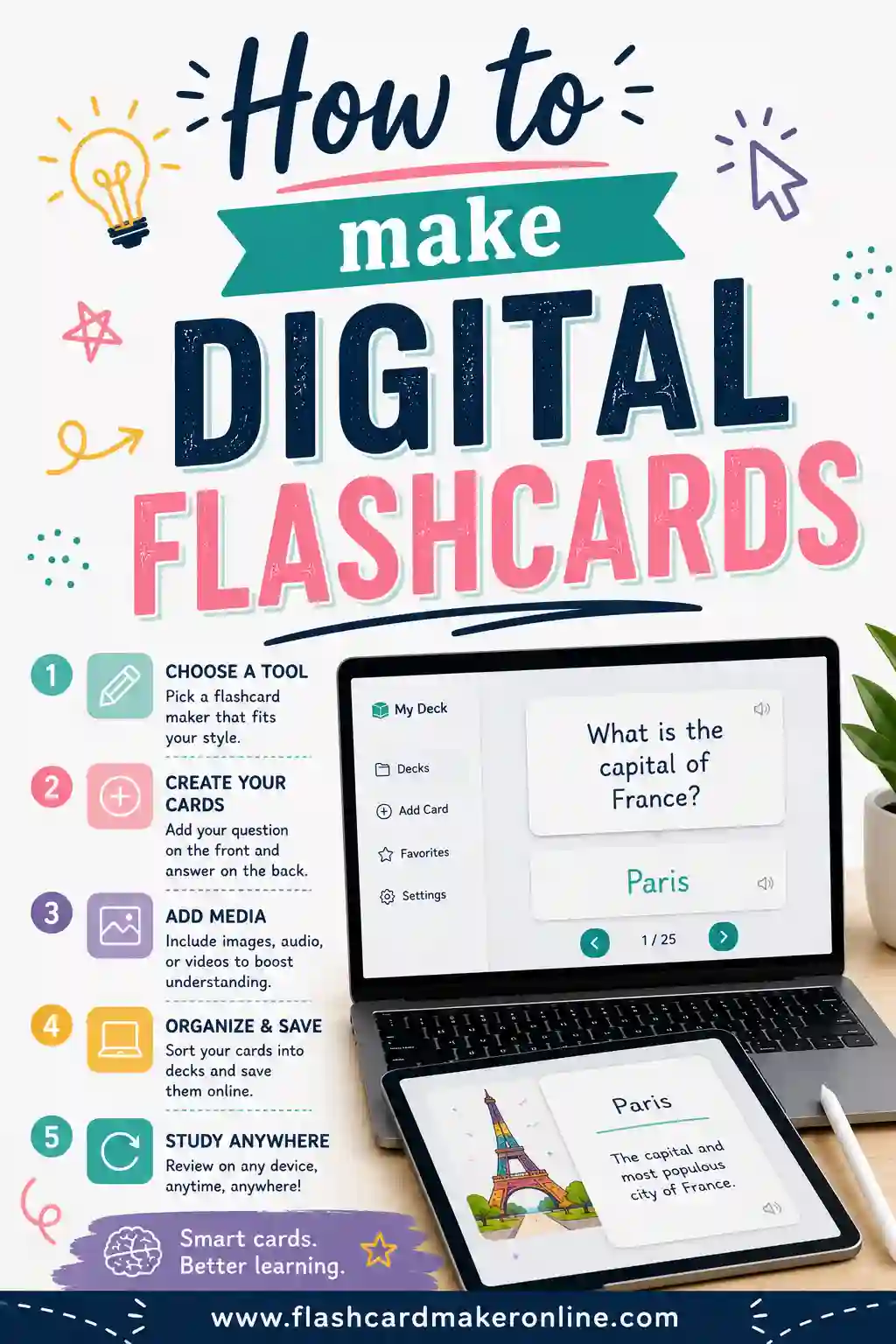
Now build the set. Writing cards by hand on index cards works, but it's slow and they're easy to lose. A free flashcard maker lets you type each pair once, flip through them on screen, and print a tidy stack when you want a paper version. Either way, the real work starts when you begin reviewing.
Sample Flashcard Deck (Copy & Paste)
Here's a ready-to-use mixed deck so you can see what well-written cards look like. The left column is the front (the prompt), and the right column is the back (the answer). Copy any rows straight into the flashcard maker to start studying.
| Front (term / question) | Back (definition / answer) |
|---|---|
| Capital of Australia? | Canberra |
| Capital of Canada? | Ottawa |
| H2O is the formula for? | Water |
| Photosynthesis converts what into glucose? | Sunlight, water, and carbon dioxide |
| A noun is a word for? | A person, place, thing, or idea |
| Spanish: "gracias" | Thank you |
| Spanish: "biblioteca" | Library |
| French: "fromage" | Cheese |
| What year did WWII end? | 1945 |
| The mitochondria is the? | Powerhouse of the cell |
| 7 x 8 = ? | 56 |
| Area of a triangle formula? | ½ × base × height |
| Who wrote Romeo and Juliet? | William Shakespeare |
| What is a synonym? | A word that means the same as another |
| Speed equals distance divided by? | Time |
| The freezing point of water in °C? | 0°C |
| What is a verb? | An action or state-of-being word |
| Largest planet in our solar system? | Jupiter |
| Spanish: "perro" | Dog |
| What is photosynthesis' main product? | Glucose (sugar) |
Notice the pattern: every front asks one thing, and every back answers it in a few words. That's the standard to aim for in your own deck.
Handwritten vs Digital Flashcards
Both work. The right choice depends on how you like to study and how much material you have.
| Handwritten cards | Digital cards | |
|---|---|---|
| Setup speed | Slower (write each by hand) | Fast (type once) |
| The "writing it out" memory boost | Strong | Mild |
| Easy to shuffle & reorder | Yes, physically | Yes, instantly |
| Hard to lose | No, they scatter | Yes, saved in one place |
| Printable | Already paper | Yes, print the deck |
| Best for | Small sets, kinesthetic learners | Big sets, repeated review |
A nice middle path: build your deck in a digital flashcard maker so you can edit and print it, then study the printed stack on the bus where a screen is a hassle. You get the writing-free setup and the paper feel.
Tips for Writing Flashcards That Stick
Good cards are a skill. These habits make a real difference.
- Keep it to one idea per card. We keep saying it because it's the single biggest fix for most decks.
- Make the prompt a real question. "What is osmosis?" beats "osmosis" because it triggers retrieval.
- Use your own words. Rewriting a definition in plain language forces you to understand it.
- Add an image cue when you can. A quick sketch or a printed picture anchors visual memory.
- Avoid yes/no cards. "Is Paris in France?" teaches nothing. Ask "Capital of France?" instead.
- Front-load the hardest material. Make cards for what you keep forgetting first.
Common mistakes to avoid
- Cramming the back. Three facts on one back means you'll learn none of them well. Split it.
- Copying word-for-word. If you can't say it in your own words, you don't understand it yet.
- Too few cards. A handful won't cover a chapter. Aim for full coverage of the testable facts.
- Never shuffling. If you always review in the same order, you memorize the order, not the facts. Shuffle every session.
How to Study Your New Flashcards
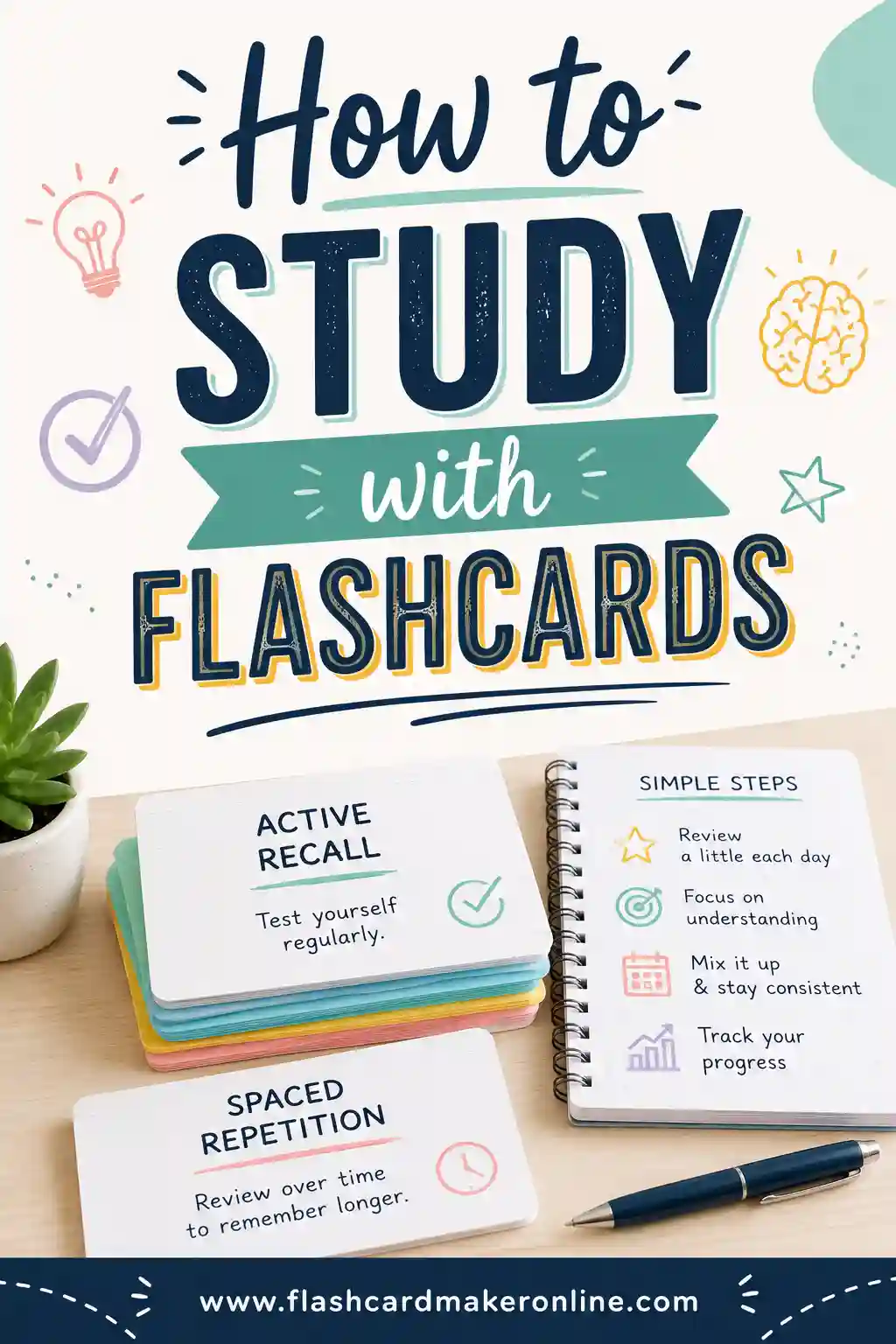
Making the deck is half the job. Here's the quick version of using it well (there's a full guide on how to study with flashcards if you want to go deeper).
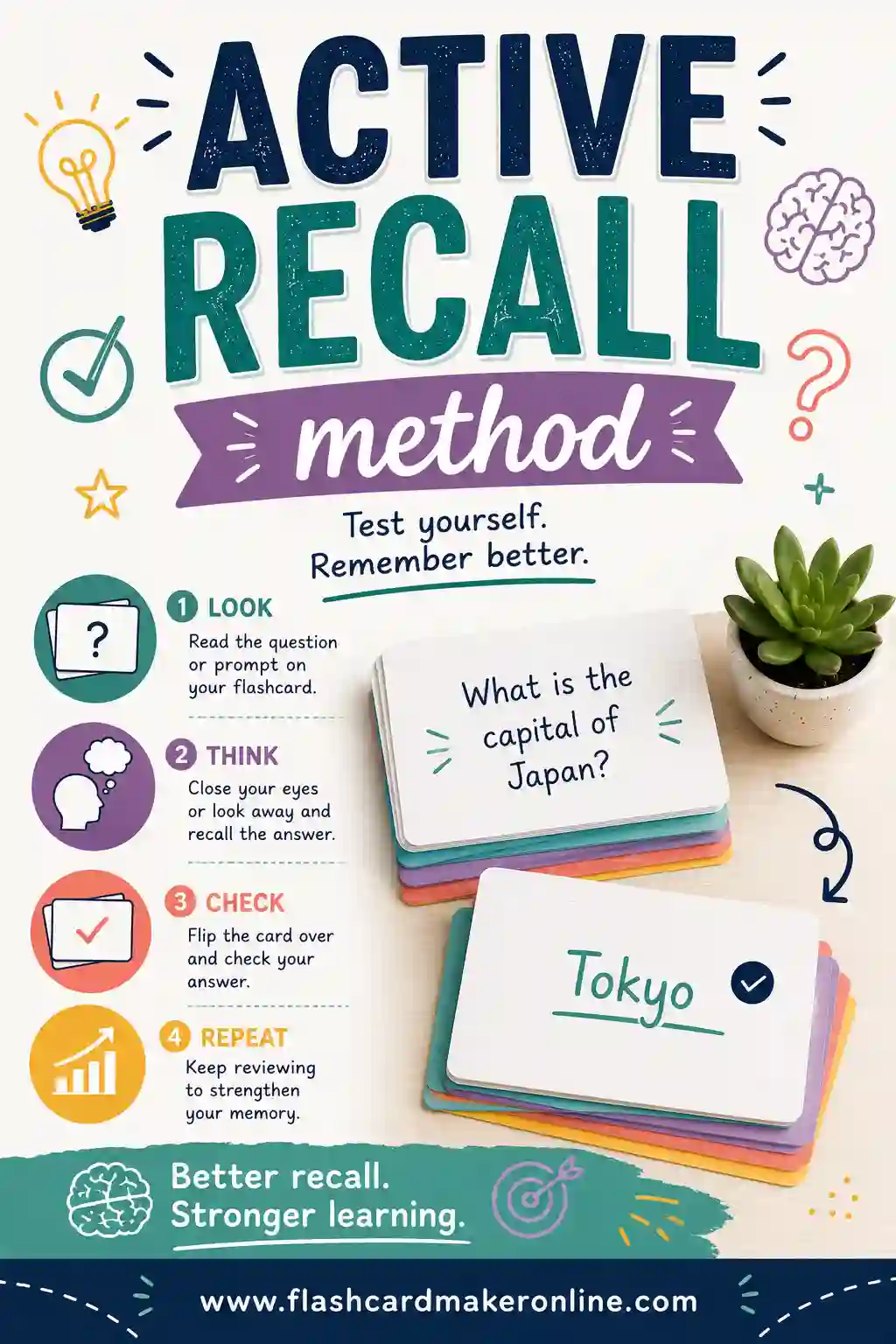
- Look at the front and answer out loud or in your head before flipping. This is active recall, and it's where the learning happens.
- Flip and check. Right? Set it aside. Wrong? Keep it in the pile for another pass.
- Sort by difficulty. Cards you nail go to a "review later" stack. Cards you miss come back soon.
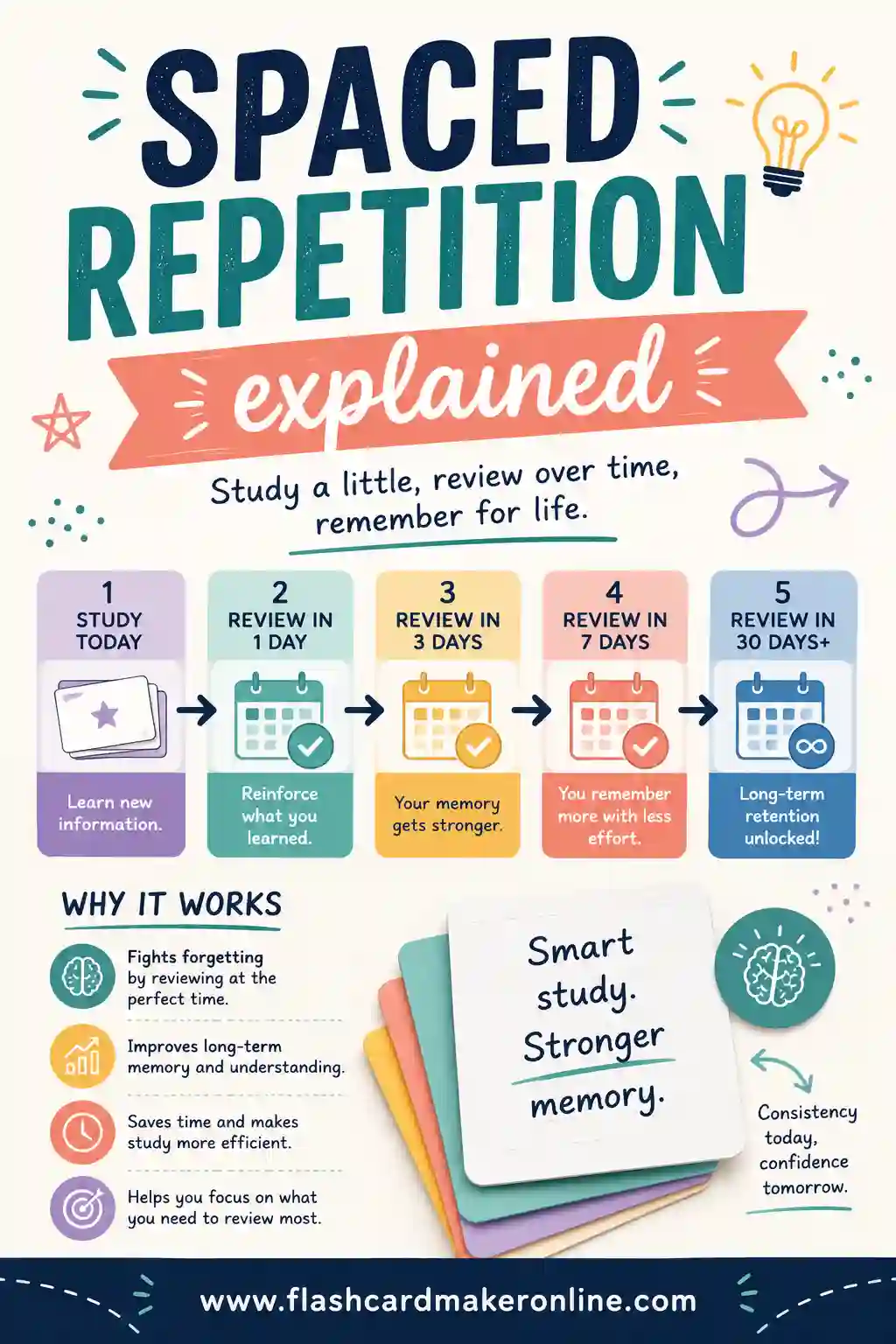
- Space your reviews. Don't drill the whole deck once and quit. Revisit it tomorrow, then in a few days. That's spaced repetition, and it's how facts move into long-term memory.
A few focused 15-minute sessions across several days beats one long cram. Your brain remembers more when it has to work a little to recall something that's started to fade.
If you'd like another card style, see how to write fill-in-the-blank cloze cards.
If you're deciding whether to make or download cards, read about the generation effect and making your own answers.
Frequently Asked Questions
How many facts should go on one flashcard?
Just one. A single question on the front and a single short answer on the back. If you're tempted to add a second fact, make a second card. One idea per card is the most important rule for making flashcards that actually work.
Should I make flashcards by hand or on a computer?
Both are fine. Writing by hand gives a small memory boost, but it's slow and the cards are easy to lose. A digital flashcard maker is faster for large sets, easy to edit, and lets you print a clean stack. Many people build digitally and study on printed cards.
How many flashcards do I need for an exam?
Enough to cover every testable fact, usually 30 to 100+ for a full chapter or unit. Don't pad the deck with things you already know cold. Focus on the facts you keep forgetting and the ones most likely to be tested.
What makes a good flashcard?
A good flashcard asks one clear question on the front and gives one short, plain-language answer on the back. It avoids yes/no prompts, uses your own words, and includes a hint or image only when it genuinely helps you recall.
Are these flashcards really free to make and print?
Yes. The flashcard maker is free, with no sign-up and no watermark. You type your terms, flip through them on screen, and print the whole deck as many times as you like.
How often should I review my flashcards?
Review a new deck the same day you make it, again the next day, then space the reviews out (a few days, then a week). This spaced schedule keeps facts fresh with far less total study time than cramming.
Ready to Make Your Own Flashcards?
Grab the sample deck above, open the free flashcard maker, and you'll have a clean, study-ready set in minutes. Flip the cards on screen to test yourself, then print the stack for study sessions away from a screen. It's free, there's no sign-up, and you can make as many decks as you need. Start with one chapter today, and you'll be surprised how fast the facts start sticking.