Digital vs Paper Flashcards: Which Is Better?
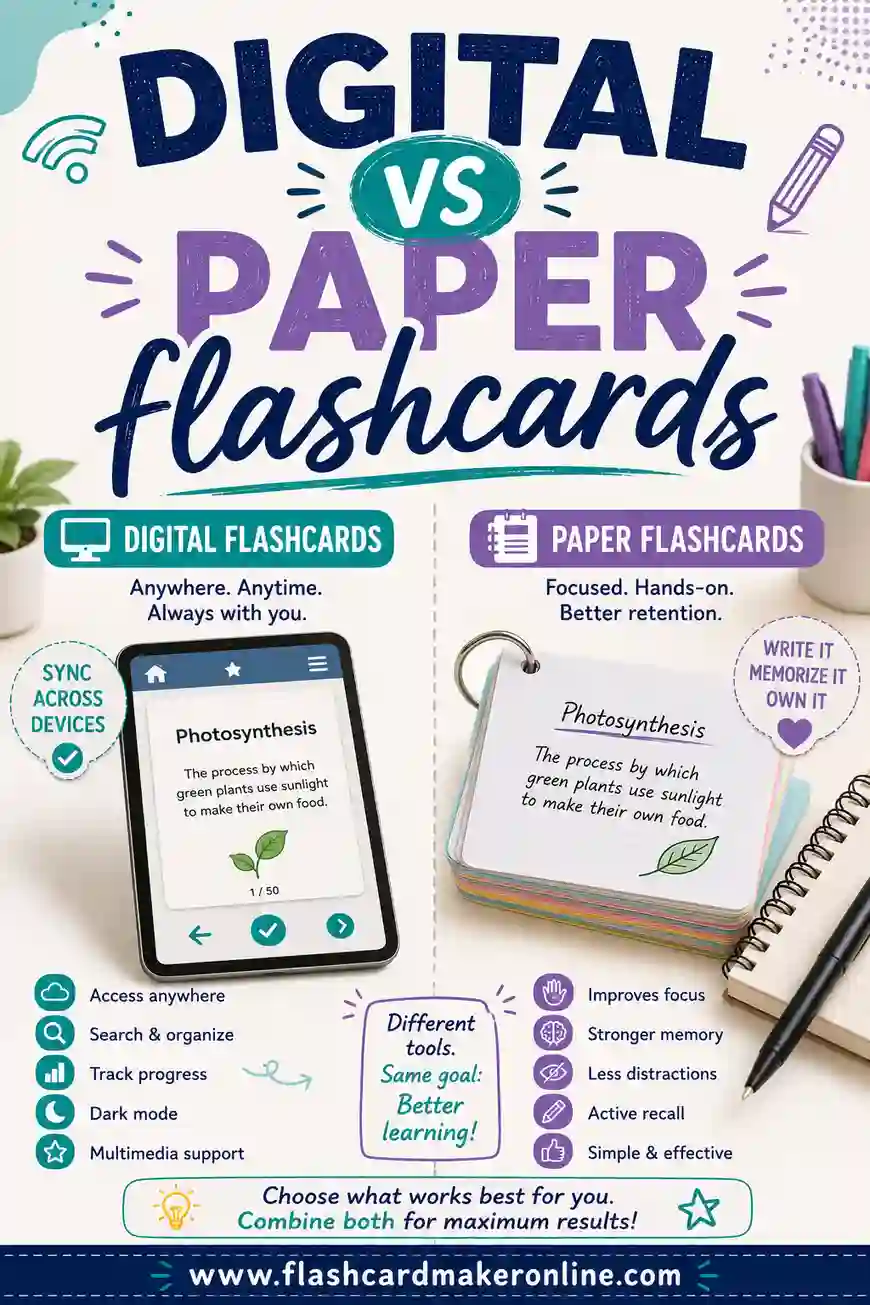
Digital flashcards win on speed, cost, and convenience: you make them in seconds, carry thousands in your pocket, and never lose a card. Paper flashcards win on focus and recall, since writing by hand helps memory and a screen-free pile means fewer distractions. The good news is you don't have to choose. The smartest move is to make your cards with a free flashcard maker, then flip them on screen or print them onto paper.
In a hurry? Open the free flashcard maker, type your terms and definitions, and you can study on screen right away or hit print for a paper set. No sign-up, no software, and it works on your phone or laptop.
The Short Answer
Both work. The right choice depends on you. Pick paper if you remember things better by writing, you get distracted by your phone, or you like the feel of shuffling a real stack. Pick digital if you study on the go, want to make and edit cards fast, or have a huge amount of material to cover.
Most people land somewhere in the middle. They build a deck once, flip through it digitally during the week, then print the cards before a big test for a focused, screen-free review. With the right tool, you get both from a single deck.
Side-by-Side Comparison
Here's how the two stack up across the things that matter most:
| Feature | Digital flashcards | Paper flashcards |
|---|---|---|
| Cost | Free, no supplies | Free tool + paper and ink |
| Speed to make | Very fast, type and go | Slower, write by hand |
| Portability | Thousands in your pocket | Limited by what you carry |
| Editing | Instant, fix a typo in a tap | Rewrite the whole card |
| Recall boost | Good | Strong, thanks to handwriting |
| Distraction risk | Higher, you're on a device | Low, no notifications |
| Shuffling | One tap | Quick, but by hand |
| Battery needed | Yes | No |
| Sharing | Easy to send a link | Photocopy or hand them over |
No clear winner, right? That's the point. Each shines in different spots.
The Case for Digital Flashcards
Digital cards are built for speed and scale. You type a term, type a definition, and move on. In ten minutes you can build a deck that would take an hour by hand.
They're also weightless. A semester's worth of cards lives on your phone, so you can review them on the bus, in line at the store, or during a five-minute break. No bag full of index cards.
Editing is the quiet superpower. Made a typo? Fix it in a second. Want to add a card? Done. With paper, a small mistake means rewriting the whole thing.
A few more digital perks:
- Search and sort. Find any card instantly, or group them by topic.
- No mess. No stack of cards to lose under the couch.
- Easy sharing. Send a deck to a classmate with a link. Great for group study.
- Shuffle in a tap. Random order keeps you honest so you learn the facts, not the sequence.
The catch is the screen. Phones buzz with notifications, and it's easy to drift to another app mid-session.
The Case for Paper Flashcards
Paper has one big thing going for it: writing the cards by hand helps you remember them. The act of forming the words slows you down just enough to actually process the material. Many students find they've half-learned a deck simply by making it.
Paper is also distraction-free. A stack of cards can't ping you with a text. That focus adds up over a long study session.
There's a physical side too. Shuffling a real deck, sorting cards into piles, flipping them face down, these little motions help some people remember. It's the same reason the Leitner box (sorting cards by how well you know them) is so satisfying to run on paper.
More reasons paper still rocks:
- No battery, ever. Study during a power cut or on a long flight.
- Easy on the eyes. No screen glare after hours of work.
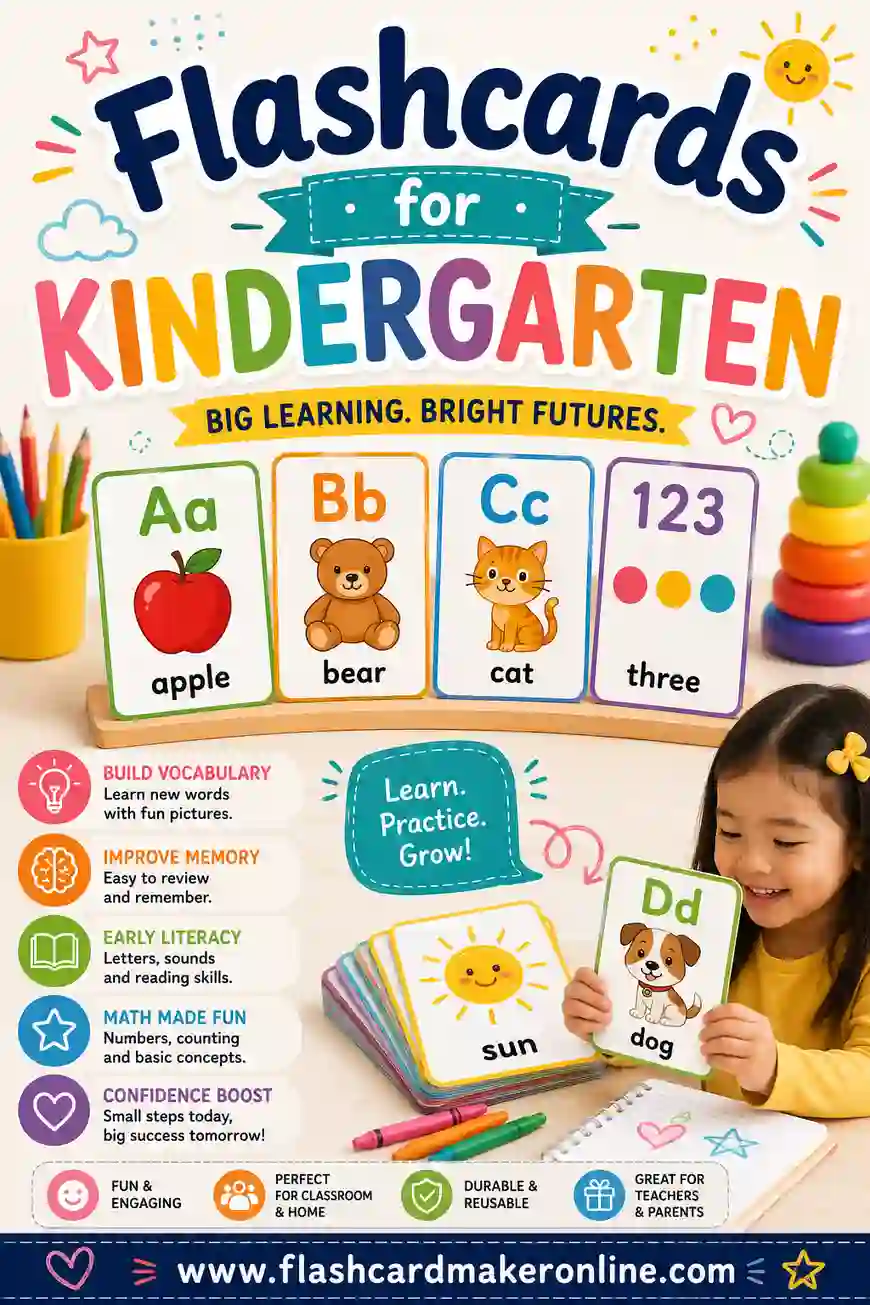
- Great for kids. Little hands and learning go well with real cards. See our guide on flashcards for kindergarten.
- Tactile sorting. Build physical piles for spaced repetition.
The downsides: making them takes longer, they're easy to lose, and you can only carry so many.
How to Get the Best of Both
You don't have to pick a side. Here's a workflow that uses each for what it does best:
- Build once, digitally. Use the free flashcard maker to type your whole deck. It's fast and easy to fix mistakes.
- Review on screen during the week. Flip cards on your phone in spare moments. Shuffle each time.
- Print before a big test. Hit print for a paper set. Study screen-free the night before, when focus matters most.
- Sort the paper cards. Build Leitner piles so the cards you struggle with stay up front.
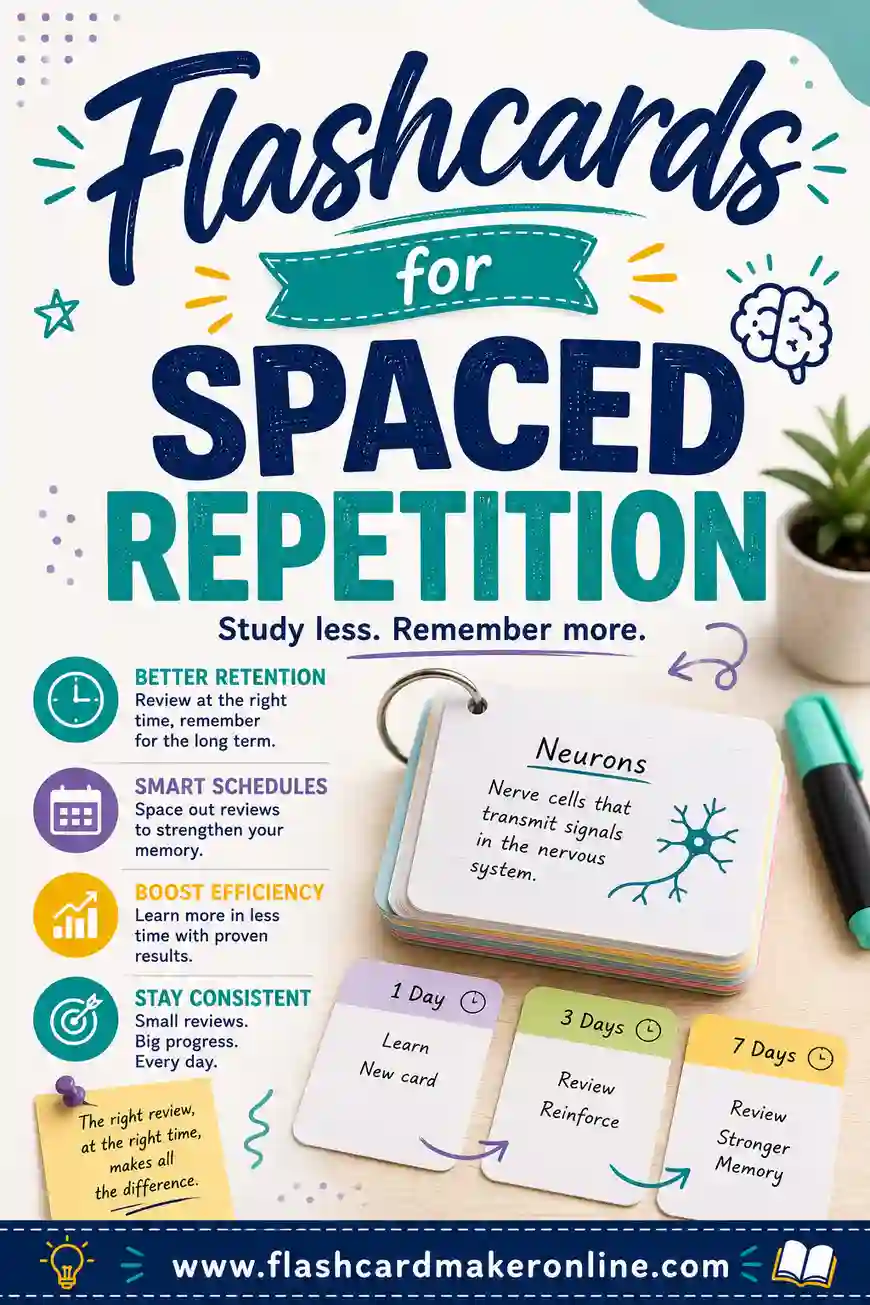
This way you skip the slow part of paper (writing every card by hand) while keeping the focus and recall benefits of a physical stack. Pair it with a real review schedule and you've got a powerful system. Our guide on flashcards for spaced repetition shows you how to space those reviews.
Sample Deck You Can Make Either Way
Here's a starter deck about study terms. Type it into the flashcard maker, then flip it on screen or print it on paper, your call. Each row is one card.
| Term (front) | Definition (back) |
|---|---|
| Digital flashcards | Cards you study on a screen, easy to edit and carry |
| Paper flashcards | Physical cards you hold, shuffle, and write by hand |
| Handwriting effect | Writing notes by hand boosts memory more than typing |
| Portability | How easily you can carry your whole deck around |
| Screen fatigue | Eye strain and distraction from studying on a device |
| Tactile memory | Recall helped by the physical feel of handling cards |
| Active recall | Pulling an answer from memory instead of rereading |
| Spaced repetition | Reviewing material at growing intervals to beat forgetting |
| Leitner box | A method that sorts paper cards by how well you know them |
| Cardstock | Thick paper that makes printed cards last longer |
| Lamination | A plastic coating that protects reused cards |
| Cloud sync | Saving a digital deck so it's safe across devices |
| Index card | A small ruled card often used for paper flashcards |
| Editing | Changing a card after you make it |
| Shuffle | Randomizing card order to test true recall |
| Distraction | Anything that pulls focus away from studying |
| Review session | A block of time spent flipping through cards |
| Double-sided print | Printing the answer on the back of the same sheet |
| Deck | The full set of cards for one subject |
| Hybrid study | Using both digital and paper cards together |
| Forgetting curve | How fast memory fades without review |
| Retrieval practice | Testing yourself to strengthen a memory |
| Encoding | Turning new information into a lasting memory |
| Marker pen | What you use to mark up reusable laminated cards |
| Auto-save | A digital deck saving itself so you never lose it |
| Self-quiz | Covering the answer and testing yourself first |
Once you've practiced with this set, build a deck for your own subject and decide which format fits the moment.
What Each Format Really Costs
People assume digital is free and paper costs money. It's close to true, but the full picture is worth a look before you commit a whole semester to one format.
Digital cards cost nothing to make with a free flashcard maker. No paper, no ink, no cardstock. The only "cost" is the device you already own and a bit of battery. For a student covering thousands of terms, that adds up to real savings.
Paper cards start free too (the tool is free), but you pay for what you print. A ream of paper and a printer cartridge aren't much, but if you want cards that last, cardstock and lamination sheets add a little more. Reusing cards with a dry-erase marker brings the per-use cost back down.
| Cost factor | Digital | Paper |
|---|---|---|
| Making the deck | Free | Free |
| Studying it | Free | Paper + ink |
| Making it last | No cost | Cardstock, sleeves |
| Reusing it | Built in | Laminate + marker |
| Replacing a lost deck | Re-open it | Reprint it |
The takeaway: digital is genuinely cheaper at scale, but paper's costs are small and one-time. Neither will break the bank, so let study style, not pennies, drive your choice.
Match the Format to How You Learn
The "better" format isn't the same for everyone. The honest answer is that it depends on how your brain holds onto things. Here's how to read your own learning style.
If you learn by doing and touching
You're probably a paper person. Writing each card by hand, sorting them into piles, and physically flipping them gives your memory something to grab onto. The Leitner box (sorting cards by how well you know them) will feel natural and satisfying.
If you learn by repetition and volume
Digital wins. You can build a huge deck fast, shuffle it endlessly, and review it in any spare minute. When you're drilling hundreds of vocab terms, the speed of typing and the convenience of your phone matter more than the feel of paper.
If you're easily distracted
Lean paper, at least for deep sessions. A stack of cards can't ping you with a notification or tempt you into another app. When focus is fragile, take the screen out of the equation entirely.
If you study in short bursts between other things
Go digital. Waiting for a bus, standing in line, sitting through a slow moment, that's when your pocket deck shines. You'll get reviews in that paper cards, left at home, would never catch.
Most people are a blend, which is exactly why the hybrid approach below works so well for so many.
Which Should You Choose? A Quick Guide
Still deciding? Match your situation to the better fit:
| Your situation | Better pick |
|---|---|
| You study on the go | Digital |
| You remember by writing | Paper |
| You get distracted by your phone | Paper |
| You have tons of material | Digital |
| You're studying with little kids | Paper |
| You want to share with classmates | Digital |
| You're prepping the night before a test | Paper |
| You want to edit cards often | Digital |
And if you're torn, remember the hybrid path: make it digital, study it both ways.
Frequently Asked Questions
Are paper flashcards better for memory?
Often, yes, mostly because writing the cards by hand helps you encode the material. Studying on paper also cuts out screen distractions. That said, digital cards still build strong recall if you use active recall and shuffle the order. The format matters less than the effort.
Are digital flashcards free?
Making them is free with a tool like our flashcard maker. There's no sign-up and nothing to install. Paper cards are also low cost, though you'll spend a little on paper, ink, and maybe cardstock if you want them to last.
Can I print digital flashcards onto paper?
Yes. That's the best of both worlds. Build your deck digitally so it's fast to make and easy to edit, then print a paper set when you want a screen-free review. One deck, two formats.
Do digital flashcards cause eye strain?
They can after long sessions, since you're staring at a screen. Take short breaks, lower your brightness, or switch to a printed set for marathon study sessions. This is one reason many students print their cards before a big exam.
Which is faster to make?
Digital, by a wide margin. You type instead of write, and fixing mistakes takes a second. Paper cards are slower, but that slowness is partly why they help memory. If speed is your priority, go digital.
Can kids use digital flashcards?
Older kids, sure. For young children, paper usually wins. Real cards are easier for little hands, screen-free, and great for sorting games. See our guide on flashcards for kindergarten for age-appropriate ideas.
Do I lose my deck if I make it digitally?
Not if your maker saves it. A good flashcard maker keeps your deck so you can re-open it anytime, which is one edge digital has over paper, where a lost stack means starting over. And because you can print a digital deck whenever you want, you've always got a paper backup a click away.
Which format is better for spaced repetition?
Both can do it well. Paper makes spaced repetition tactile through the Leitner box, where you physically move cards between piles by how well you know them. Digital makes it effortless to shuffle and re-review on a schedule. Pick whichever you'll actually stick with. Our guide on flashcards for spaced repetition walks through both.
Is handwriting cards really worth the extra time?
For many people, yes. Writing a card by hand slows you down just enough to process the material, so you've half-learned the deck before you even study it. If you've got the time and you remember things by writing, it's a real advantage. If you're racing a deadline or facing thousands of terms, the speed of typing usually wins out.
Ready to Make Your Cards, Digital or Paper?
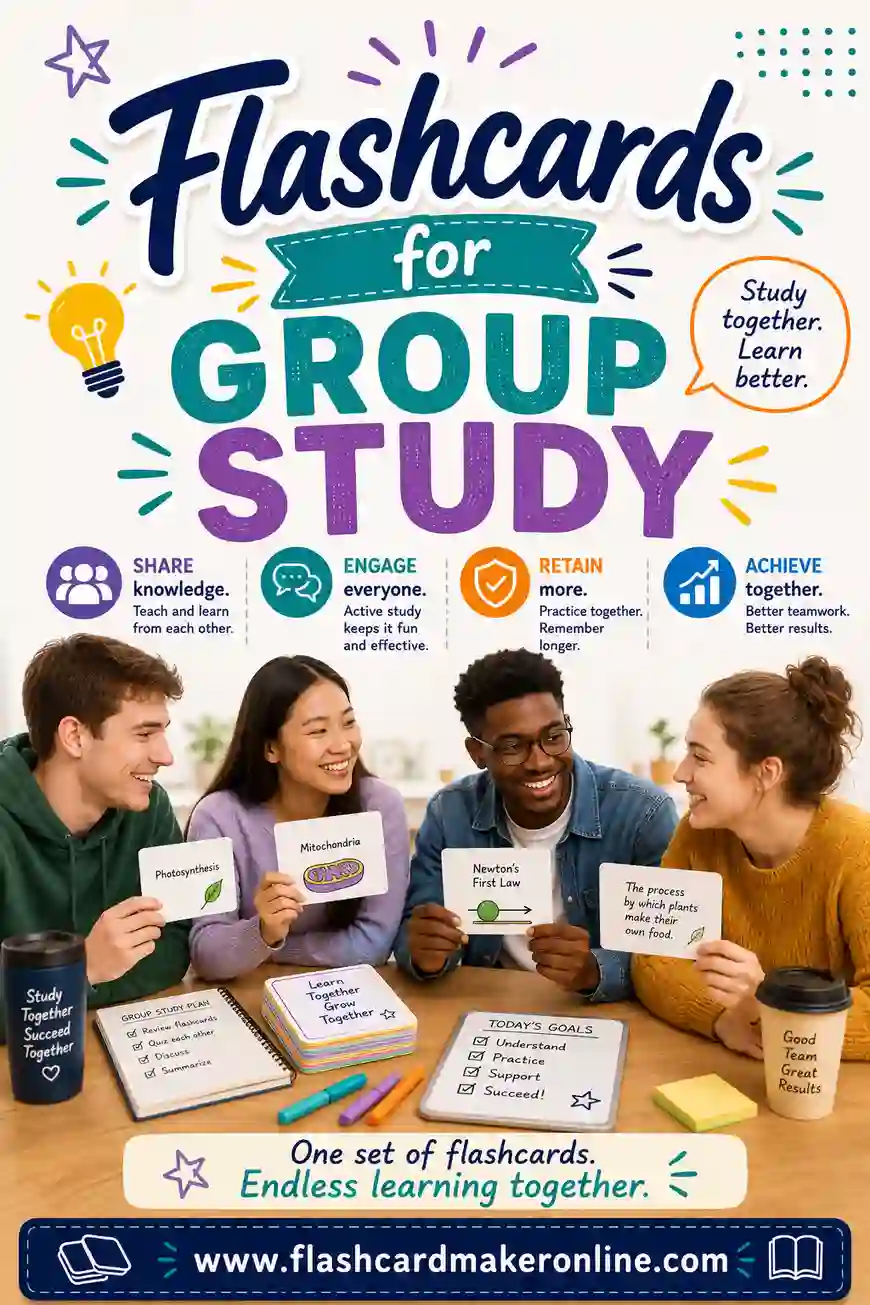
Stop debating and start building. Open the free flashcard maker, type your terms and definitions, and study on screen today or print a stack for tonight. You get both formats from one deck, with no sign-up and no cost. For your next step, check out our guides on flashcards for spaced repetition and flashcards for group study. Happy studying.