Best Free Flashcard Makers 2026: Top Picks Compared
The best free flashcard makers in 2026 let you create, study, and print flashcards without paying or jumping through hoops. The quickest pick for most people is a no-sign-up web tool like flashcardmakeronline, which builds a flip-and-print deck in seconds. Bigger platforms like Anki and Quizlet add spaced-repetition algorithms and huge shared libraries if you want more depth.
Want to skip the comparison and just make a deck? Open the free flashcard maker, type your terms, and study or print right away. No account, no cost, nothing to install. The rest of this guide breaks down the top options so you can match a tool to how you actually study.
What Makes a Flashcard Maker "Good"?
Before comparing tools, it helps to know what actually matters. A flashcard maker is just a means to an end, and the end is remembering more in less time. The features that support that are the ones worth caring about.
Here's what to look for:
- Active recall by design. The card flips so you can guess before you check. This is the whole point of flashcards.
- Easy creation. You should be able to type a list of terms and definitions fast, without fighting the interface.
- Studying that works. Flip cards, shuffle the order, and ideally space your reviews over time.
- Printing. Sometimes paper wins — for exams, kids, or screen-free study. A clean print option is a real plus.
- Low friction. No forced sign-up, no paywall on the basics, and no steep learning curve.
Different tools weight these differently. Some are built for depth, some for speed. The "best" one is the one that matches your study style.
The Top Free Flashcard Makers Compared
Here's a quick side-by-side of the leading free options in 2026, so you can scan before reading the details.
| Tool | No sign-up | Best for | Spaced repetition | Easy printing |
|---|---|---|---|---|
| flashcardmakeronline | Yes | Quick decks + printing | Manual / Leitner | Yes |
| Anki | No | Power users, long-term study | Yes (built-in) | Limited |
| Quizlet | No | Shared decks + study games | Free tier limited | Yes |
| Brainscape | No | Confidence-based review | Yes | Limited |
| Cram | No | Browsing pre-made sets | Basic | Yes |
Every tool here is genuinely useful. The right pick depends on whether you value instant simplicity, algorithmic depth, a big shared library, or great printing. Let's look at each.
flashcardmakeronline: Best for Speed and Printing
If you want a deck right now, this is the easiest path. flashcardmakeronline is a free web tool with no account, no install, and no paywall on the basics. You type your terms and definitions, and you've got a flip-card deck you can study or print in seconds.
What it does especially well:
- Zero friction. Open it and go. There's no sign-up form between you and your first card.
- Create, study, print in one place. Build the deck, flip through it to self-test, and send it to a clean printable page when you want paper.
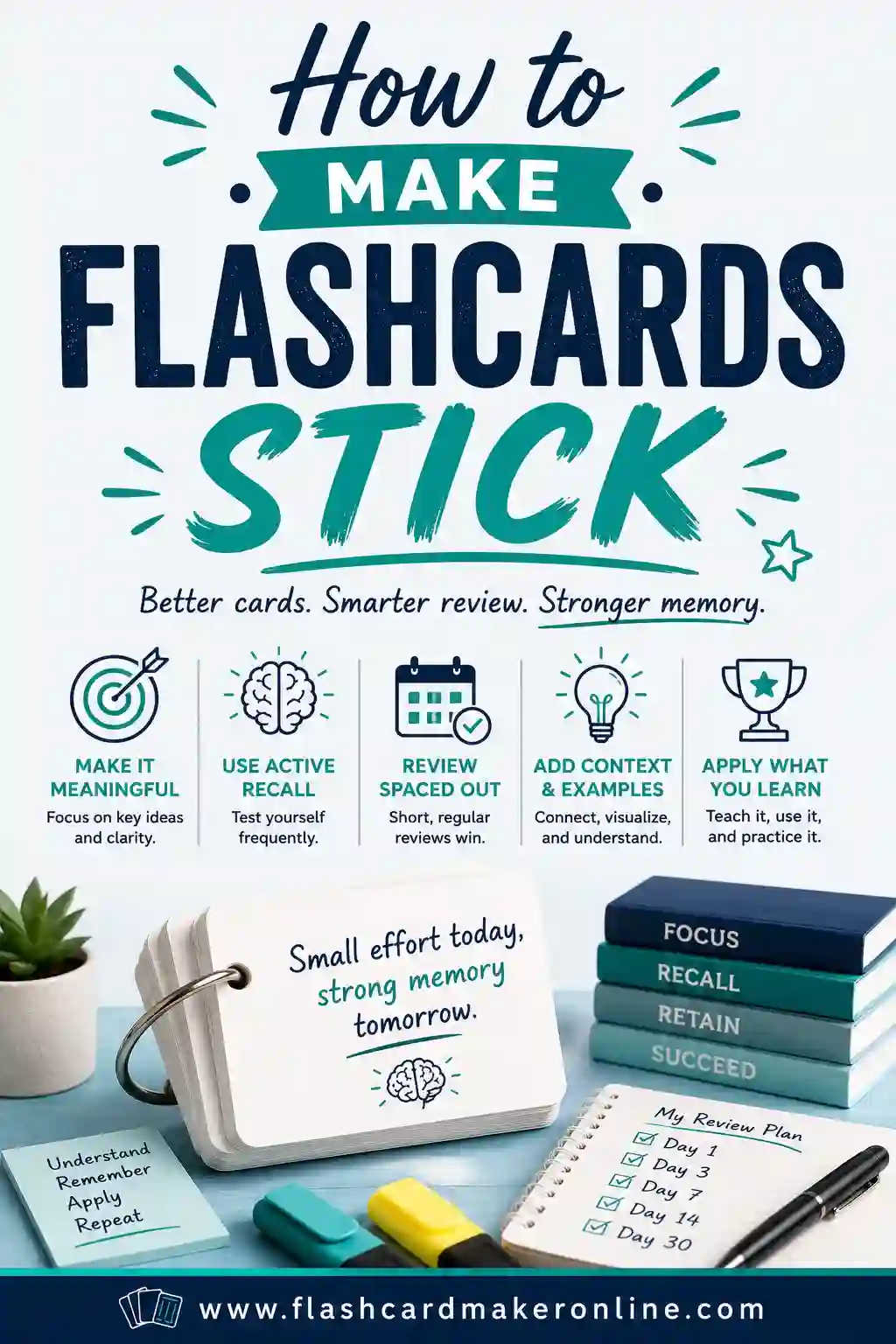
- Great for fresh decks. When you're making your own cards from your own notes — which, as our make-flashcards-stick guide explains, is the most effective way to study — speed matters, and this is fast.
Where it's lighter: it doesn't run a heavy spaced-repetition algorithm in the background. You handle spacing yourself with a simple system like the Leitner box (review hard cards more often, easy cards less). For many students that simplicity is a feature, not a flaw. If you specifically want an algorithm to schedule every card for you, read on.
Anki: Best for Long-Term, Algorithm-Driven Study
Anki is the heavyweight for serious, long-haul learners — think medical students and language learners memorizing thousands of cards over years. Its standout feature is a powerful spaced-repetition algorithm that decides exactly when each card should resurface.
What it's great at:
- Best-in-class spaced repetition. The algorithm tracks every card and schedules reviews for the optimal moment.
- Free on desktop and Android. The core apps cost nothing (the iPhone app is paid, which funds the project).
- Huge add-on ecosystem. Power users customize it endlessly.
The trade-off is the learning curve. Anki is less polished and takes time to set up, and printing isn't its strength. If you're committed to a big, multi-month study project and want the science handled automatically, the effort pays off. For a quick deck before Friday's quiz, it's more than you need.
Quizlet: Best for Shared Decks and Study Games
Quizlet is one of the most popular study platforms, and its strength is community. Millions of pre-made decks mean someone may have already built the deck you need, and its study games make review feel less like a chore.
Highlights:
- Massive shared library. Search a topic and you'll often find ready-made cards.
- Multiple study modes. Flip, match, and quiz formats keep things varied.
- Polished and beginner-friendly. It's easy to pick up.
The catch in 2026 is that several features that were once free now sit behind a paid tier, and you'll need an account to do much. The free experience is still solid for browsing shared decks and basic studying. Just remember that, as our study-techniques guide notes, building your own cards usually beats using someone else's — so don't lean too hard on pre-made sets.
Brainscape: Best for Confidence-Based Review
Brainscape takes a slightly different angle. After each card, you rate how well you knew it on a scale, and the app uses those ratings to schedule reviews. It's spaced repetition driven by your own confidence.
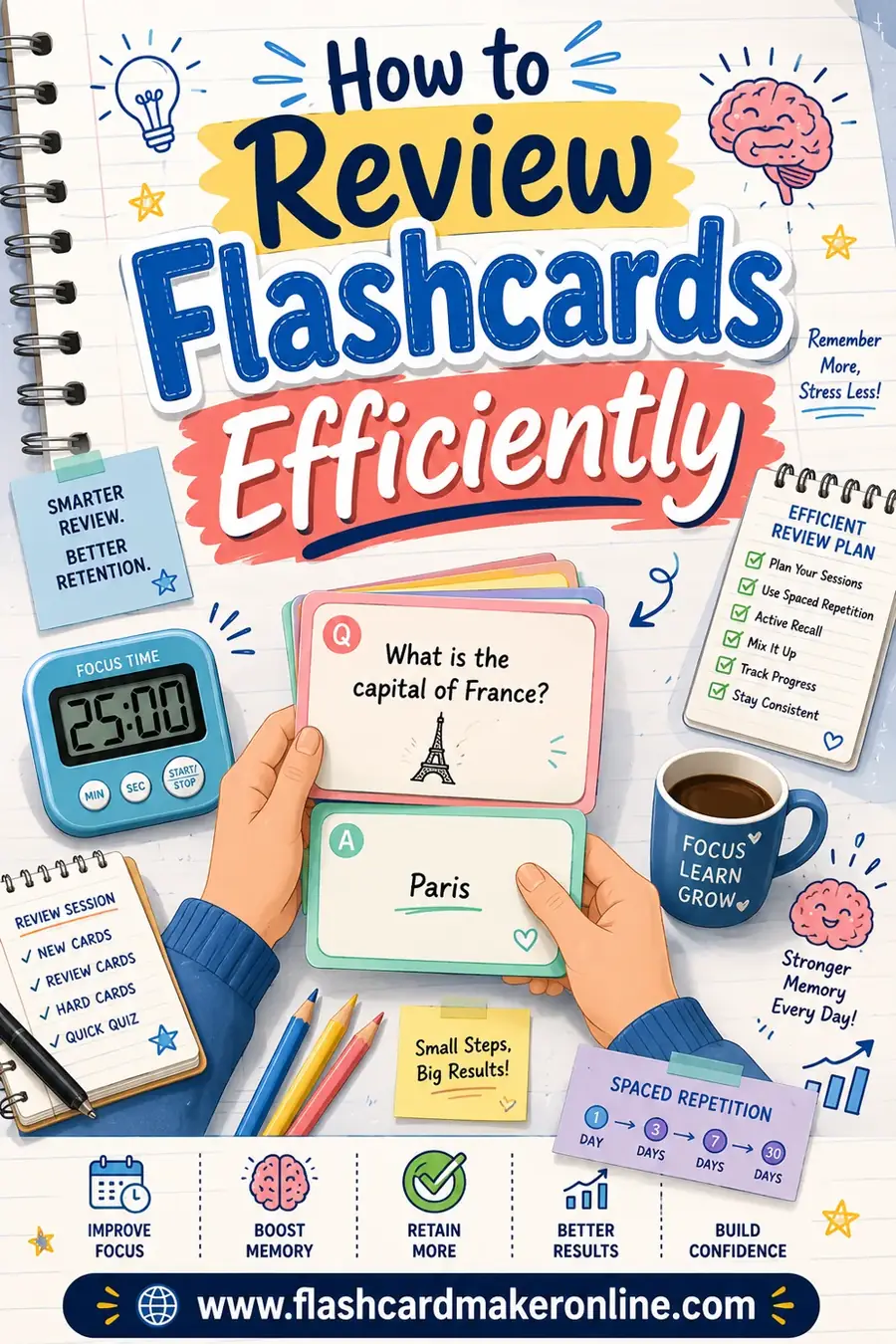
It's clean, web-based, and pleasant to use, with a free tier that covers the basics. The paid plan unlocks more, and printing is limited. If you like the idea of rating your confidence on each card — a habit we recommend in our efficient-review guide — Brainscape builds that right into the workflow.
Cram: Best for Browsing Pre-Made Sets
Cram is a straightforward, long-running site with a big library of user-created flashcard sets and a simple study mode. It's a fine place to find existing decks on common subjects and run through them without much fuss.
Its study features are basic compared to Anki or Brainscape, but the printing is decent and the interface is uncluttered. Think of it as a no-frills option for grabbing and reviewing pre-made sets.
How to Pick the Right One for You
Match the tool to your situation:
- "I need a deck in the next five minutes." Use a no-sign-up tool like flashcardmakeronline. Type, study, print, done.
- "I'm memorizing thousands of cards over months." Anki's algorithm is worth the learning curve.
- "I want a deck someone already made." Browse Quizlet or Cram's shared libraries.
- "I like rating my confidence per card." Brainscape is built around that.
- "I want to print cards for a kid or an exam." Pick a print-friendly tool — flashcardmakeronline, Quizlet, or Cram.
There's no single winner for everyone. The fastest, lowest-friction path for most casual studying is a simple web maker; the deepest path for marathon memorization is an algorithm-driven app.
Why the Maker Matters Less Than the Method
Here's the honest truth: the tool you choose matters far less than how you use it. The best flashcard maker in the world won't help if you review passively. The cheapest one will work wonders if you use it right.
The methods that actually move the needle are the same across every tool:
- Active recall. Always guess before you flip.
- Spaced repetition. Review hard cards often, easy cards rarely.
- One idea per card. Keep cards short and clean.
Pick whichever maker fits your style, then put those methods to work. We cover all three in depth in our guides linked throughout this article.
Frequently Asked Questions
What is the best free flashcard maker in 2026?
It depends on your needs. For a fast, no-sign-up deck you can create and print in seconds, flashcardmakeronline is the easiest pick. For algorithm-driven long-term study, Anki leads. For pre-made shared decks, Quizlet and Cram are strong. All are free for core use.
Do I need to create an account to make flashcards?
Not always. Some tools, like flashcardmakeronline, let you build and study a deck with no sign-up at all. Others — Anki, Quizlet, Brainscape — ask you to create an account to save and sync your decks. If you want to avoid sign-ups, choose a no-account web tool.
Which free flashcard maker is best for printing?
Web-based tools with a clean export page handle printing best. flashcardmakeronline, Quizlet, and Cram all let you print cards for offline or screen-free study. Anki and Brainscape are built mainly for on-screen review, so printing from them is more limited.
Is Anki or Quizlet better?
They serve different users. Anki is best for serious, long-term memorization with a powerful free spaced-repetition algorithm, but it has a learning curve. Quizlet is more polished and offers a huge shared library and study games, though some features now require payment. Pick Anki for depth, Quizlet for ease and shared decks.
Are free flashcard makers actually good, or do I need to pay?
The free tiers are genuinely good for most students. You can create, study, and print effective decks without paying a cent using tools like flashcardmakeronline, Anki, or Quizlet's free features. Paid plans add convenience and extras, but the core study methods — active recall and spaced repetition — work just as well on free tools.
Can I use these tools on my phone?
Yes. Web-based makers like flashcardmakeronline work in any mobile browser, and apps like Anki, Quizlet, and Brainscape have dedicated mobile apps. That means you can squeeze in short review sessions anywhere, which is exactly how spaced repetition is meant to work.
Pick a Maker and Start Studying
The best free flashcard maker for you is the one that fits how you study — instant and print-friendly, or deep and algorithm-driven. Whatever you choose, the methods matter more than the tool: guess before you flip, space your reviews, and keep cards short.
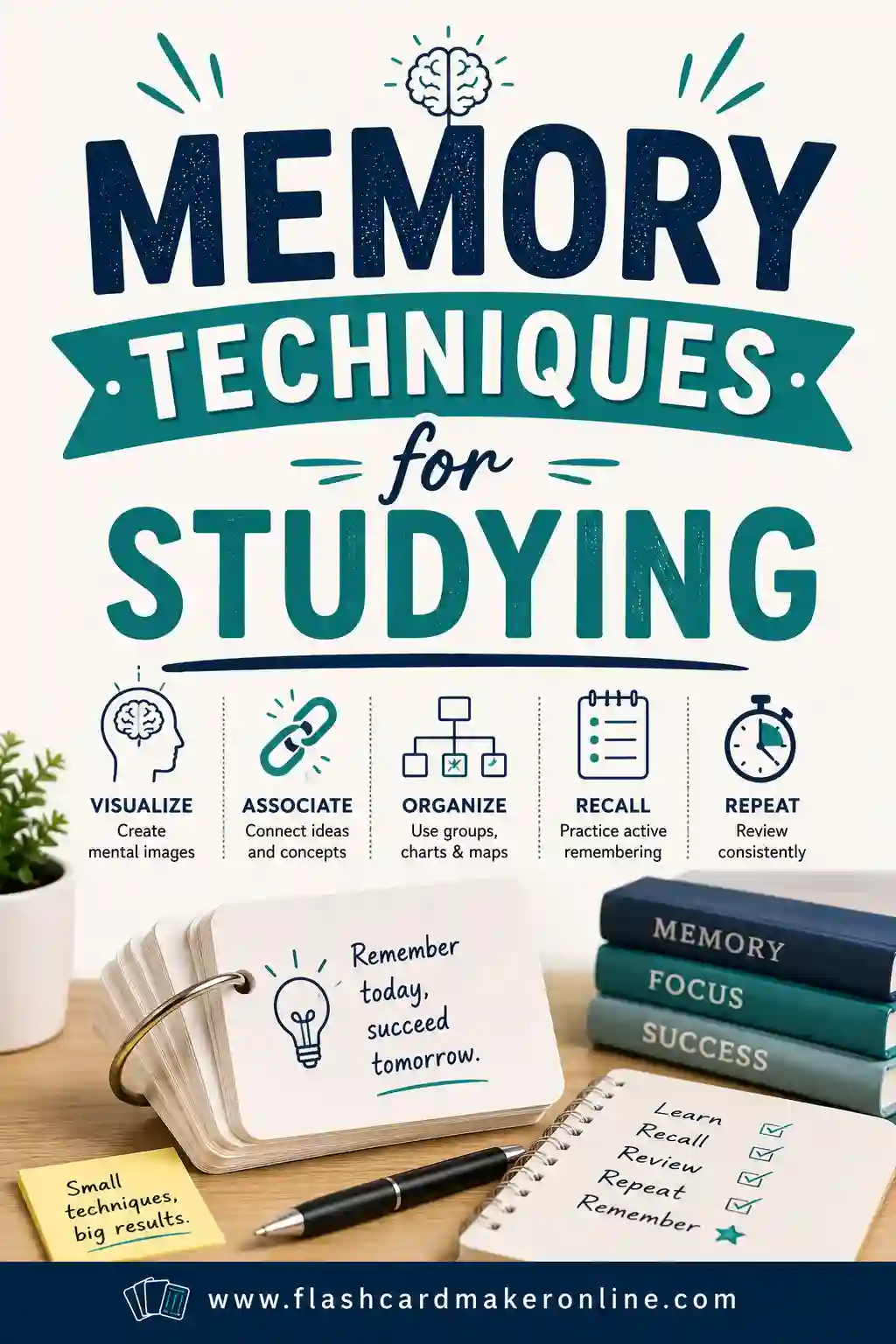
Want the fastest path from "I need to study" to "I'm studying"? Open the free flashcard maker, build a deck in seconds, and start quizzing yourself. Then sharpen your technique with our guides to memory techniques for studying, how to make flashcards stick, and how to review flashcards efficiently.