Quizlet Alternatives (Free): 9 Tools Worth Trying
The best free Quizlet alternatives are tools that let you build, study, and print flashcards without a paywall or a sign-up wall. If you mostly want to type out a set, flip through it, and print a clean copy, Flashcard Maker Online does that in your browser for free, no account needed. For heavy spaced-repetition study, Anki is the classic free pick.
Want to skip the comparison and just make a deck? Open the free flashcard maker, type your terms and definitions, and study or print in under a minute. There's a ready-made sample set below to show you the format.
Why People Look for a Quizlet Alternative
Quizlet built a lot of goodwill over the years, and it's still a solid app. But the reasons people search for something else tend to be the same handful.
The big one is the paywall creep. Features that used to be free, like Learn mode and unlimited test runs, now sit behind Quizlet Plus. If you hit a "study with this feature for free, then pay" screen mid-session, that's annoying.
Then there's the account requirement. Some people just want to make a quick deck without creating yet another login. Teachers setting up a one-off review game feel this most.
And finally, ads and clutter. The free tier shows ads, and the interface keeps nudging you toward upgrades. If you want a clean, distraction-free place to study, that friction adds up.
None of this makes Quizlet bad. It just means there's room for tools that do one thing well, for free.
What "Free" Should Actually Mean
Before the list, it helps to define free, because "free" gets stretched a lot in this space.
- Truly free: you can make, study, and (ideally) print cards with no payment and no trial countdown.
- Freemium: core features are free, but the genuinely useful ones (spaced repetition, test mode) are locked.
- Free with an account: no money, but you must sign up before you can do anything.
The picks below are sorted with that in mind. Where a tool has a catch, it's called out plainly.
The Best Free Quizlet Alternatives at a Glance
Here's the quick comparison. Scan it, then read the notes on whichever ones fit.
| Tool | Best for | Sign-up needed? | Spaced repetition | Print-friendly |
|---|---|---|---|---|
| Flashcard Maker Online | Quick make, study, print | No | Manual | Yes |
| Anki | Serious long-term memorization | No (desktop) | Yes (built-in) | Limited |
| AnkiDroid / AnkiMobile | Anki on the go | No (Android free) | Yes | Limited |
| Cram | Web study with test mode | Optional | Basic | Some |
| Brainscape | Confidence-based repetition | Yes | Yes (free tier) | No |
| StudyStack | Games from your cards | Optional | Basic | Yes |
| Tinycards-style apps | Casual, gamified review | Varies | Some | No |
| Google Sheets + add-on | DIY full control | Google account | Manual | Yes |
| Paper + a printout | No screen, no battery | No | Manual | Yes |
1. Flashcard Maker Online — Simplest Free Pick
If your goal is "type a list, flip through it, print a copy," this is the most direct route. Flashcard Maker Online runs in your browser, needs no account, and shows no paywall. You add terms and definitions, study them as flip cards, and print a clean sheet when you want an offline version.
It doesn't try to be a giant platform. There's no social feed, no premium tier dangling features. That's the point. For a quick vocab set, a glossary, or a test review, it gets you from idea to printed deck fast.
It pairs well with heavier tools too. Draft and print here, then import the same terms into Anki later if you decide you want automated review.
2. Anki — The Power User's Free Choice
Anki is the long-standing free champion for serious memorization. Its spaced-repetition engine schedules each card based on how well you knew it, so you spend time on weak cards and skip the ones you've nailed.
The desktop app and AnkiDroid (Android) are free. AnkiMobile on iOS costs money, which funds the project. The trade-off is a steeper learning curve and an interface that looks like it's from another decade. If you want raw power and don't mind tinkering, nothing beats it.
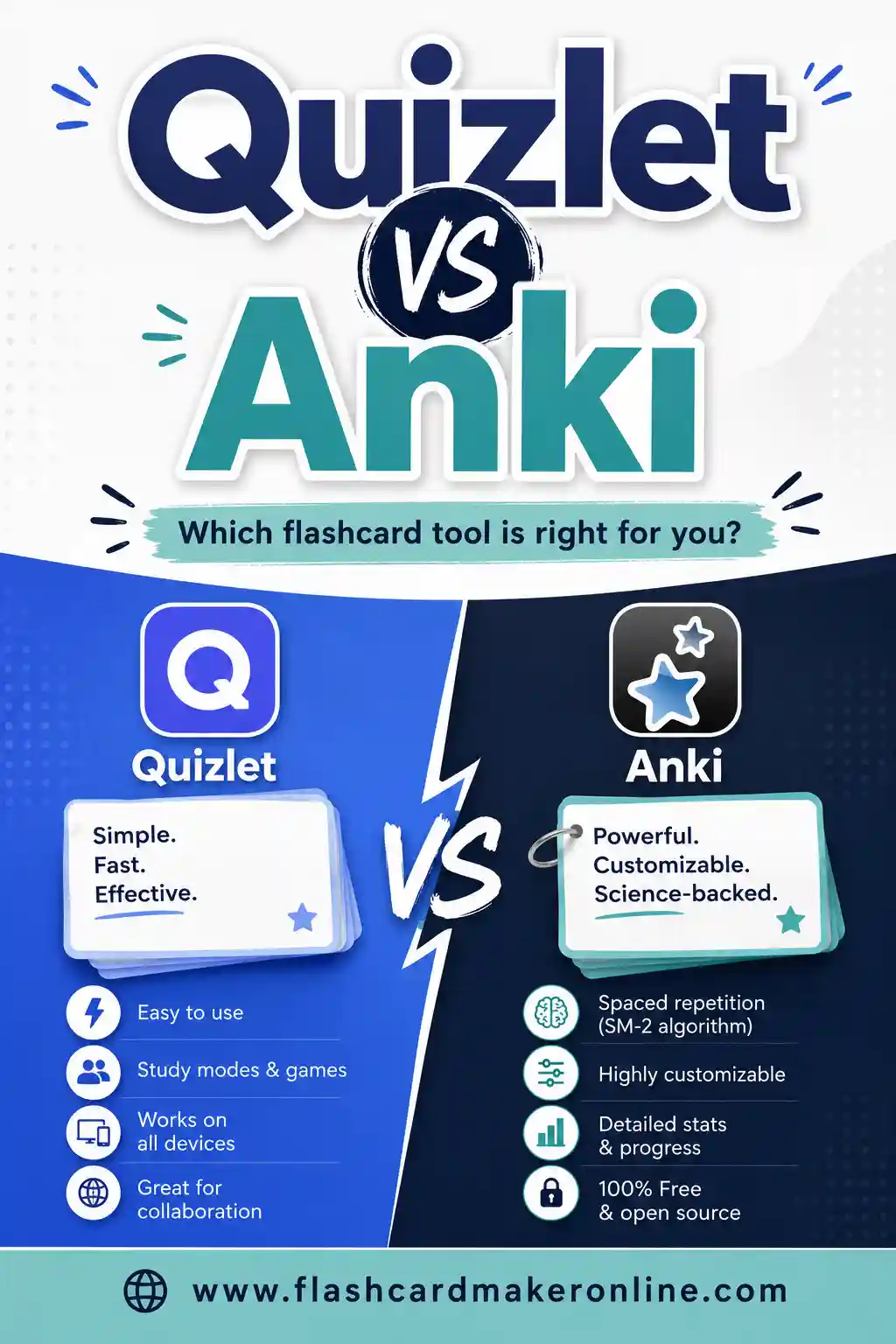
We dig into the differences in our Quizlet vs Anki breakdown and round up Anki alternatives if it feels like too much.
3. Cram — Web Study With a Test Mode
Cram is a browser-based flashcard site with a familiar Quizlet-like feel. You get a card mode for flipping, a memorize mode that spaces out tough cards, and a test mode that quizzes you. Much of it is usable without paying.
The catch is the ads and the occasional nudge, plus an interface that can feel dated. But for free web study with built-in self-testing, it's a reasonable swap.
4. Brainscape — Confidence-Based Repetition
Brainscape uses a clever twist on spaced repetition. After each card you rate how well you knew it on a 1-to-5 scale, and the app uses that confidence rating to decide when to show it again.
The free tier lets you study and make sets, though the deeper features and pre-made certified decks push you toward a subscription. If the confidence-rating idea clicks with you, it's worth a look.
5. StudyStack — Turn Cards Into Games
StudyStack takes your flashcard set and spins it into games: matching, hangman, crosswords, and more. That makes it great for younger learners or anyone who gets bored flipping plain cards.
It's free and you can study without an account, though some features want one. We compare it head to head in our StudyStack alternatives guide if game-style study is your thing.
6. The DIY Route — Sheets or Paper
Two underrated free options round things out.
A spreadsheet (Google Sheets or Excel) with two columns, term and definition, gives you total control. Add-ons can flip it into a study mode, and you can print it any time. It's clunky but bulletproof and costs nothing.
And don't sleep on plain paper. Writing cards by hand is itself a memory boost, and a printed sheet from a free maker means no battery, no ads, and no distractions. For a focused study session, that's a feature, not a limitation.
A Sample Deck You Can Steal Right Now
To see how a clean set looks, here's a ready-to-use deck on common study and flashcard terms. Copy it into the free flashcard maker and you've got an instant set.
| Term | Definition |
|---|---|
| Quizlet | Popular flashcard app with study modes and games |
| Anki | Free, open-source spaced-repetition flashcard software |
| Spaced repetition | Reviewing material at increasing time intervals |
| Active recall | Retrieving an answer from memory instead of rereading |
| Freemium | Free core features with paid premium upgrades |
| Flip card | A card with a prompt on one side and answer on the other |
| Study mode | A view that quizzes you instead of just showing cards |
| Test mode | A scored quiz generated from your card set |
| Deck | A complete set of related flashcards |
| Term | The prompt side of a flashcard |
| Definition | The answer side of a flashcard |
| Brainscape | Flashcard app using confidence-based repetition |
| Cram | Web flashcard site with memorize and test modes |
| StudyStack | Flashcard site that turns sets into games |
| Cloze deletion | A fill-in-the-blank style flashcard |
| Leitner system | A paper method of sorting cards into review boxes |
| Interleaving | Mixing different topics in one study session |
| Retrieval practice | Another name for active recall |
| Cardstock | Heavy paper that makes durable printed cards |
| Glossary | A list of terms and their meanings |
How to Pick the Right One
Match the tool to the job instead of chasing the "best" app overall.
- You want fast and printable. Use Flashcard Maker Online. Make, flip, print, done.
- You're memorizing hundreds of cards for months. Use Anki. The scheduling pays off over time.
- You learn best through games. Try StudyStack.
- You like rating your own confidence. Brainscape's system suits you.
- You want web study with quizzes and no install. Cram covers it.
Most people end up using two: a simple maker for quick sets and printing, plus a heavier tool when a big exam looms.
Tips for Switching Away From Quizlet
Moving your study habit is easier than moving your data.
- Export your old sets if you can. Quizlet lets you copy a set's text. Paste it into a spreadsheet, clean it up, and reuse it anywhere.
- Keep your term/definition format consistent. Most tools import a simple "term, definition" layout, so a tidy two-column list travels well.
- Print a backup. Once a set matters, print it. Then a paywall or a deleted account can never lock you out.
- Don't over-tool. Pick one maker and one study app. More than that and you'll spend study time fiddling with software.
Frequently Asked Questions
What is the best free alternative to Quizlet?
It depends on your goal. For quickly making, flipping, and printing cards with no account, Flashcard Maker Online is the simplest pick. For serious long-term memorization with automatic scheduling, Anki is the strongest free option.
Is Quizlet still free?
Quizlet has a free tier, but several study features (like full Learn and Test modes) now sit behind the paid Quizlet Plus plan, and the free version shows ads. That paywall creep is why many people look for alternatives.
Can I use a Quizlet alternative without making an account?
Yes. Tools like Flashcard Maker Online and the Anki desktop app let you start immediately with no sign-up. Some web apps, like Brainscape, do require a free account before you can study.
Which free flashcard tool lets me print my cards?
Flashcard Maker Online, StudyStack, and the spreadsheet route all support printing. If a clean, offline printout matters to you, make your deck in a print-friendly tool first, then study from paper.
Do I need spaced repetition?
Only if you're memorizing a lot of material over weeks or months, like for a big exam. For a quick quiz next week, simple flip-and-print study works fine. Anki and Brainscape handle spaced repetition automatically if you want it.
Can I move my Quizlet sets to another tool?
Usually, yes. Copy the set text from Quizlet, paste it into a two-column "term, definition" list, and most flashcard makers will accept it. Keeping a clean text version of your sets makes switching painless.
Ready to Build Your First Free Deck?
You don't need a subscription to study smart. Open the free flashcard maker, paste in your terms, and flip through or print your deck in minutes, no account and no paywall. Try the sample set above to get a feel for it, then make a set for whatever you're learning next. If you want to compare the heavyweights, our Quizlet vs Anki and Anki alternatives guides go deeper.