StudyStack Alternatives: 8 Better Flashcard Tools
The best StudyStack alternatives keep what people love about it, free flashcards and study games, while feeling cleaner and more modern. For a quick, no-account way to make, flip, and print cards, Flashcard Maker Online is the simplest pick. For game-style review like StudyStack's matching and hangman, Quizlet and Cram are the closest matches.
Want to skip ahead and just build a deck? Open the free flashcard maker, type your terms and definitions, and study or print in under a minute. There's a ready-made sample set below to show you the format.
Why People Look Past StudyStack
StudyStack has a loyal following, and for good reason. It's free, it's been around forever, and its big trick, turning any flashcard set into games like matching, hangman, and crosswords, makes dull review more fun. Teachers love it for younger students.
So why search for an alternative? A few honest reasons.
The interface feels dated. StudyStack hasn't changed its look much over the years, and next to newer apps it shows its age. For students used to clean, mobile-first design, it can feel clunky.
The mobile experience lags. While there are apps, the core site was built for desktop, and studying on a phone isn't as smooth as it is on tools designed mobile-first.
And the study modes, while fun, are basic. There's no real spaced-repetition engine to schedule your weak cards over time. For casual review that's fine, but serious memorization needs more.
None of this makes StudyStack bad. It just means there's room for tools that modernize the same idea.
What to Keep and What to Upgrade
When you swap away from StudyStack, think about which parts you actually use.
- The games. If matching and hangman are the draw, look for tools with the same play options.
- The free price. StudyStack is free. Don't trade into a tool that paywalls everything.
- Printing. StudyStack can print cards. If you rely on paper, keep that.
- Ease for kids. If you're a teacher, simplicity for young students matters more than power features.
The picks below note where each one stands on these.
The Best StudyStack Alternatives at a Glance
| Tool | Study games | Spaced repetition | Sign-up | Free tier | Print-friendly |
|---|---|---|---|---|---|
| Flashcard Maker Online | Flip cards | Manual | No | Fully free | Yes |
| Quizlet | Match, gravity, test | Paid Learn | Yes | Limited free | Some |
| Cram | Match, test | Basic | Optional | Free with ads | Some |
| Anki | None built-in | Yes | No (desktop) | Fully free | Limited |
| Brainscape | None | Yes | Yes | Free tier | No |
| Wordwall | Many game templates | No | Yes | Limited free | Yes |
| Blooket / Gimkit | Live class games | No | Yes | Free tier | No |
| Knowt | Flashcards + quizzes | Some | Yes | Free tier | Some |
1. Flashcard Maker Online — The Clean, Free Pick
If you want the no-fuss core of StudyStack, making and studying cards, without the dated feel, this is the most direct swap. Flashcard Maker Online runs in your browser, needs no account, and shows no ads or paywall. Type terms and definitions, flip through them, and print a clean sheet whenever you want a paper copy.
It doesn't ship the full game arcade StudyStack has. What it does instead is make the basics fast and clean, and it prints beautifully, which matters for classrooms. For quick review and printable decks, it's the simplest path.
2. Quizlet — Games and Polish
Quizlet is the obvious modern upgrade if the games are why you used StudyStack. It has match, a gravity game, practice tests, and a slick, mobile-first interface that students find friendly.
The catch is the paywall and ads on the free tier, with the Learn mode increasingly locked behind Quizlet Plus. Our Quizlet alternatives (free) guide covers ways to keep it free.
3. Cram — Familiar Web Study
Cram is the closest spiritual cousin to StudyStack: a free web flashcard site with a matching game, a memorize mode, and a test mode. It's ad-supported and the design is plain, but the workflow will feel instantly familiar if you're coming from StudyStack.
4. Wordwall — For Teachers Who Want Templates
Wordwall is built for educators and turns a word list into a huge range of interactive game templates: match-up, quiz, whack-a-mole, anagram, and more. It also prints worksheets, which classroom teachers love.
The free tier limits how many activities you can save, but for variety of game formats it goes well beyond StudyStack's handful.
5. Blooket and Gimkit — Live Classroom Games
If your real goal is whole-class engagement, not solo study, Blooket and Gimkit turn flashcard content into live, competitive games students play together on their devices. Kids love them, and they're a different, livelier take on review than StudyStack's solo games. Both have free tiers with paid extras.
6. Anki and Brainscape — When You Need Real Memory Power
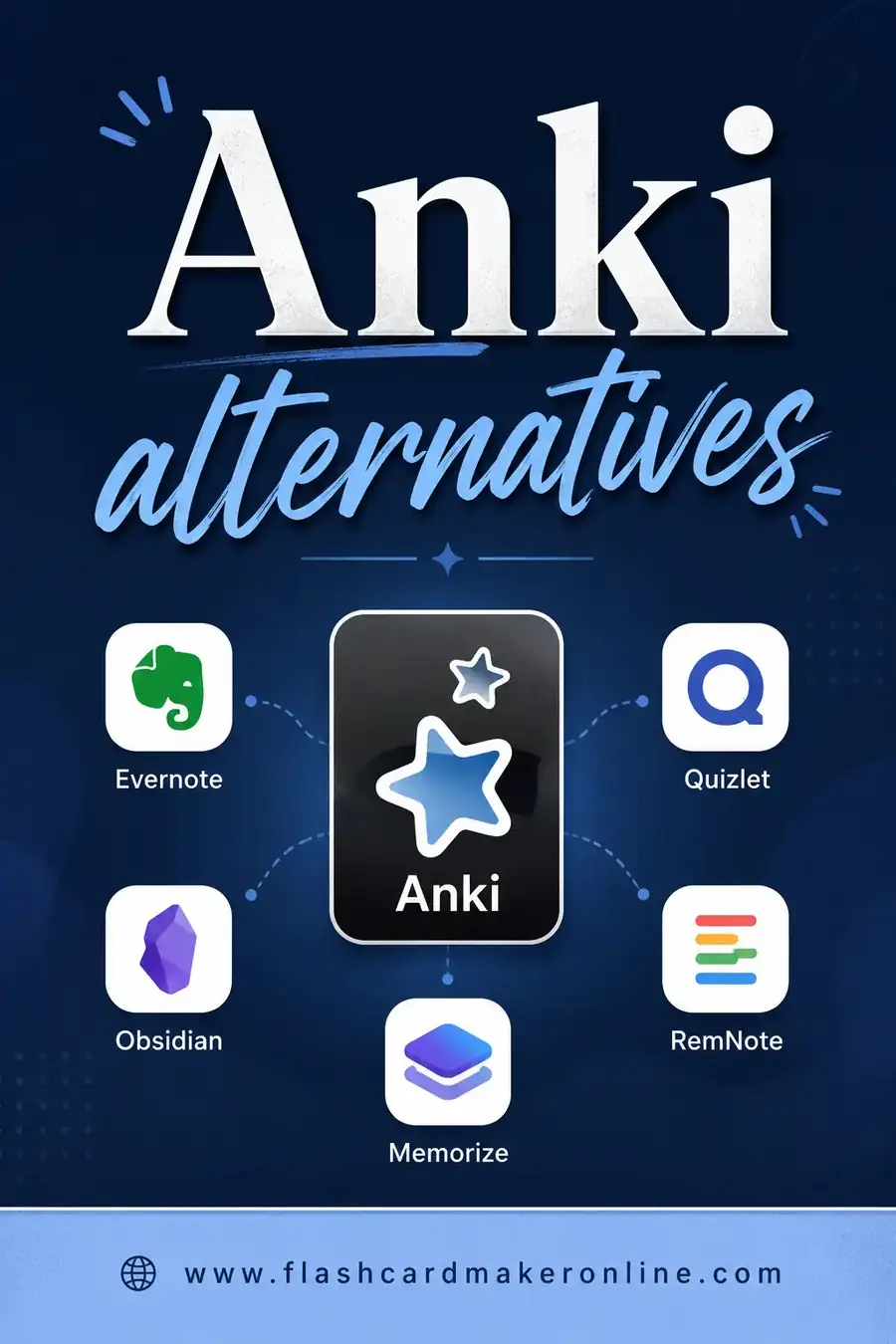
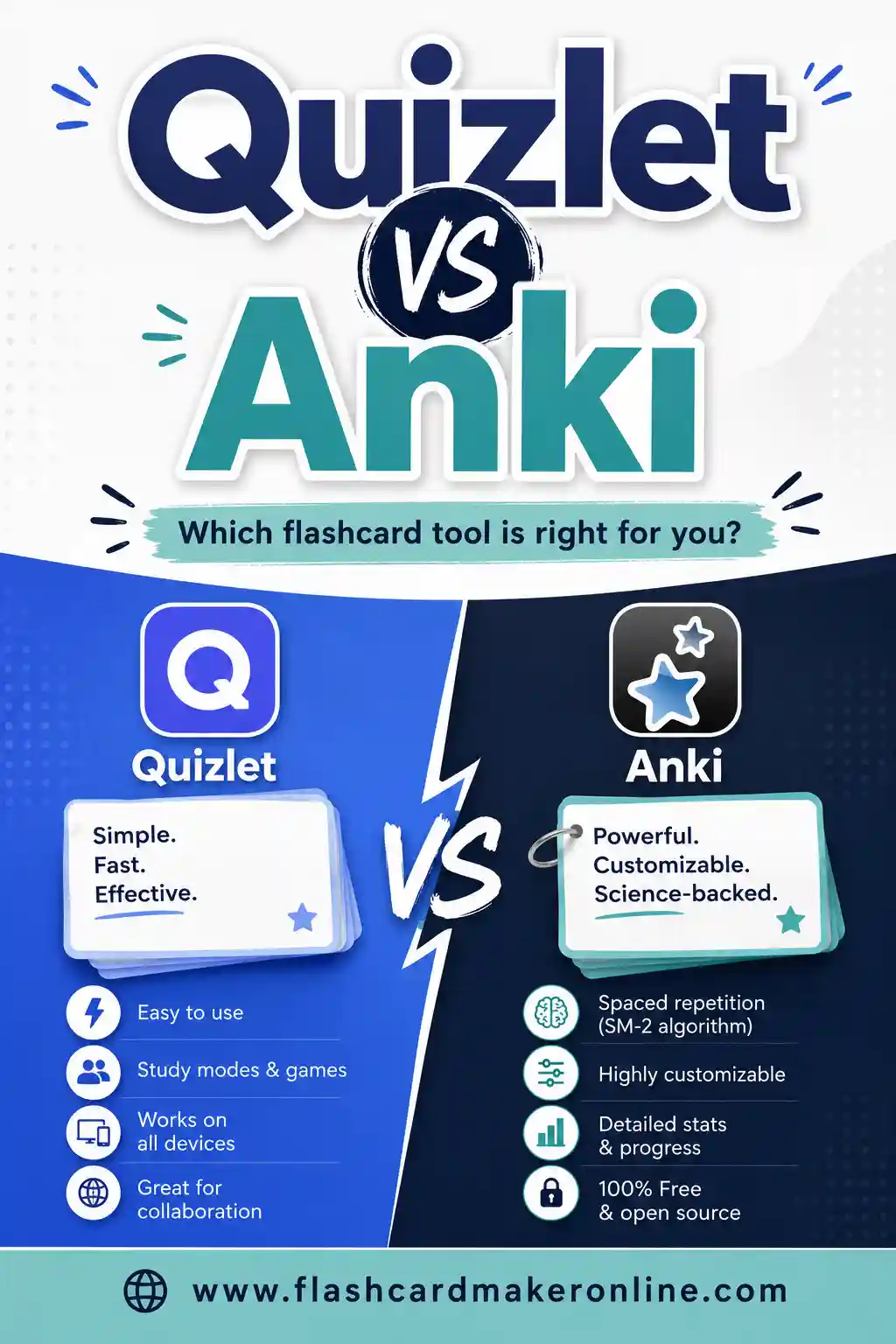
If you've outgrown casual games and want material to actually stick for an exam, step up to a spaced-repetition tool. Anki (free, powerful, see our Anki alternatives guide) and Brainscape both schedule reviews so weak cards come back more often. They drop the games but win on long-term retention.
A Sample Deck You Can Use Today
Here's a ready-made set on flashcard study and game terms. Copy it into the free flashcard maker for an instant deck.
| Term | Definition |
|---|---|
| StudyStack | A free site that turns flashcard sets into games |
| Matching game | Pairing each term with its correct definition |
| Hangman | Guessing a hidden term one letter at a time |
| Crossword | Filling answers into a grid from clues |
| Word scramble | Unscrambling letters to find the term |
| Quizlet | Flashcard app with study modes and games |
| Cram | Web flashcard site with match and test modes |
| Wordwall | Tool that turns word lists into game templates |
| Flip card | A card with a prompt on one side and answer on the other |
| Study mode | A view that quizzes you instead of just showing cards |
| Test mode | A scored quiz made from your card set |
| Deck | A complete set of related flashcards |
| Term | The prompt side of a flashcard |
| Definition | The answer side of a flashcard |
| Active recall | Retrieving an answer from memory, not rereading |
| Spaced repetition | Reviewing cards at increasing time intervals |
| Cardstock | Heavy paper that makes durable printed cards |
| Glossary | A list of terms and their meanings |
| Worksheet | A printable practice sheet from a card set |
| Review | Going back over cards to reinforce memory |
How to Choose, Fast
- You want clean, free, and printable. Use Flashcard Maker Online.
- You want polished games and tests. Use Quizlet.
- You want a familiar StudyStack-style site. Try Cram.
- You're a teacher who wants game variety. Use Wordwall.
- You want live class competition. Try Blooket or Gimkit.
- You need material to stick for an exam. Step up to Anki or Brainscape.
Most teachers end up with two tools: a clean maker for printable cards and a game tool for engagement.
Moving Your Sets From StudyStack
Switching is mostly about your word list, which travels easily.
- Copy your set text. StudyStack shows your terms and definitions; copy them into a two-column list.
- Tidy the format. Make sure each row is a clean "term, definition" pair so a new tool can import it.
- Print a backup. Once a set matters, print it. Then no site change can lock you out.
- Pick the right new home. Match the tool to your real use, games for engagement, a clean maker for printing.
Make Game-Style Study Work for You
Games are fun, but they only help if they're pointed at the right material. A few habits make game-based review actually move the needle.
Start by trimming your set to what you don't know yet. It's tempting to play a matching game with cards you've already mastered because winning feels good. But the real gains come from drilling your weak spots. Pull the tricky terms into their own small deck and game those.
Mix game modes so your brain doesn't coast. If you only ever play matching, you start recognizing card positions instead of recalling meanings. Rotate through matching, then a quiz, then plain flip cards. The variety forces genuine recall each time.
Keep sessions short and frequent. Ten focused minutes a day beats a single hour-long cram. This is the spaced-repetition principle in spirit, even if your game tool doesn't schedule reviews automatically: come back tomorrow, and the day after, and the facts settle in.
Finally, end with a no-game check. After the fun, flip through the plain cards once and be honest about which ones you still fumble. Those go back into tomorrow's weak-spot deck. Games warm you up and keep you motivated; the honest flip-through is where you measure real progress.
A simple weekly routine
Here's a light plan that blends games with solid review:
- Monday: Make or update your set in a clean maker, then print a copy.
- Tuesday–Thursday: Play a different game mode each day on the same set.
- Friday: Flip through the plain cards, no games, and mark what's still shaky.
- Weekend: Re-game only the shaky cards. Keep it to ten minutes.
It's flexible, it's free, and it keeps the fun without letting games become a way to avoid the cards you actually need to learn.
Frequently Asked Questions
What is the best alternative to StudyStack?
It depends on what you used StudyStack for. For clean, free, printable cards, Flashcard Maker Online is the simplest pick. For polished study games, Quizlet wins. For a familiar web-flashcard feel, Cram is the closest match.
Is there a free alternative to StudyStack?
Yes. Flashcard Maker Online is fully free with no account. Cram is free with ads, and Quizlet, Wordwall, Blooket, and Gimkit all have free tiers, though some limit features or saved activities.
Which StudyStack alternative has study games?
Quizlet (match, gravity, test), Cram (match, test), and Wordwall (many game templates) all offer game-style study. For live classroom games, Blooket and Gimkit are popular picks.
Does any alternative let me print flashcards?
Yes. Flashcard Maker Online and Wordwall both produce clean printable sheets. If paper copies matter to you, build your deck in a print-friendly tool first.
Can I move my StudyStack sets to another tool?
Usually, yes. Copy your terms and definitions into a clean two-column list and import that into most flashcard apps. Keeping a plain text version of each set makes switching simple.
Which tool is best for young students?
Flashcard Maker Online is simple and prints well for classrooms, while Wordwall, Blooket, and Gimkit add game-based engagement kids love. The right pick depends on whether you want quiet solo review or lively group play.
Ready to Build Your First Deck?
You don't need a dated interface to study well. Open the free flashcard maker, paste in your terms, and flip through or print your deck in minutes, no account and no ads. Try the sample set above to get a feel for it, then make a set for whatever you're learning. For deeper comparisons, our Quizlet alternatives (free) and Anki alternatives guides go further.