Anki Alternatives: 8 Simpler Ways to Study Flashcards
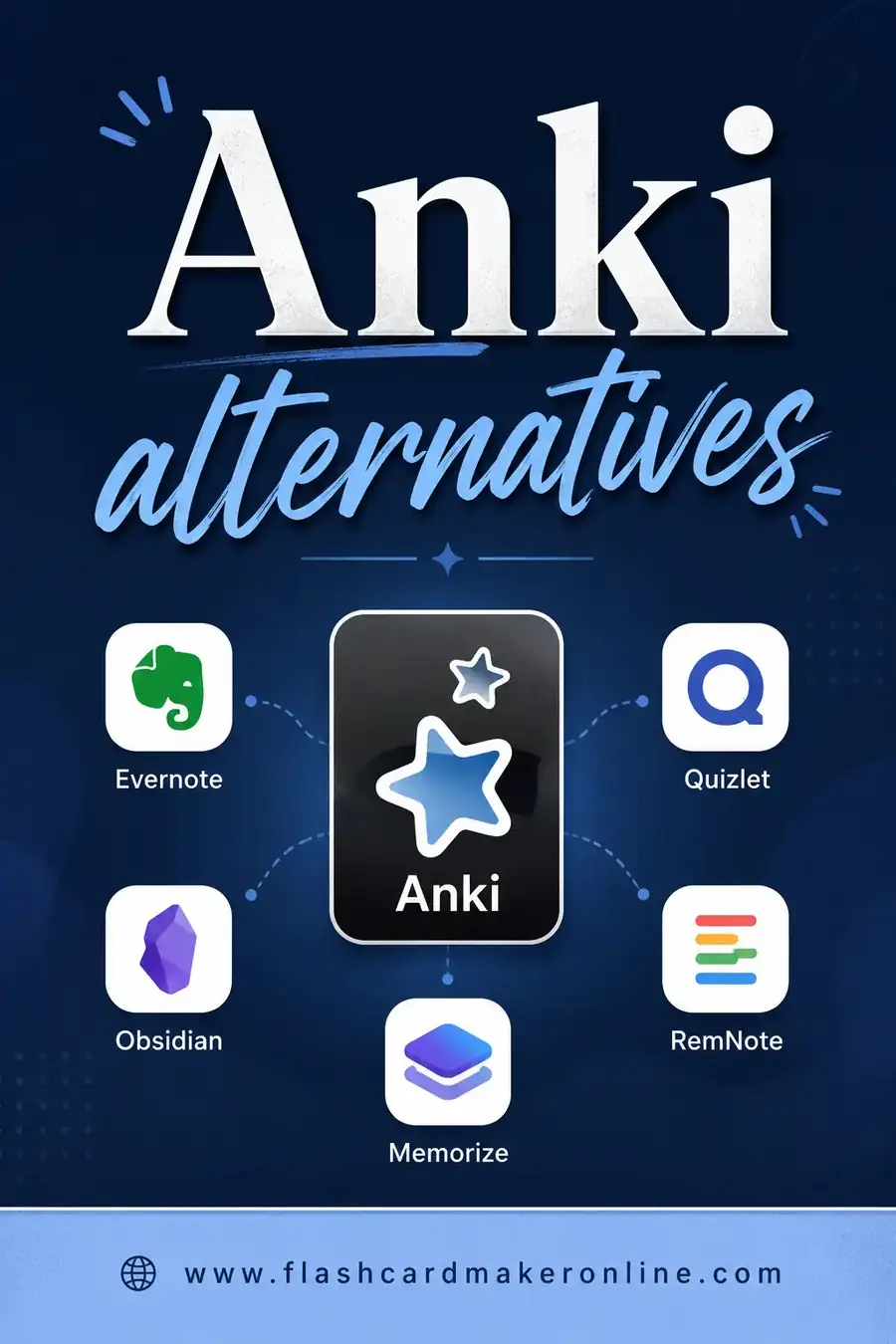
The best Anki alternatives trade Anki's deep, fiddly power for something faster and friendlier. If you want spaced repetition without the steep setup, Quizlet, Brainscape, and RemNote are the closest matches. If you just want to make, flip, and print cards without any of the complexity, Flashcard Maker Online does that free in your browser, no account required.
Want to skip the research and just make a deck? Open the free flashcard maker, type your terms, and study or print right away. There's a sample set below so you can see the format first.
Why People Want an Anki Alternative
Anki is genuinely great. Its spaced-repetition engine is the gold standard, it's free on desktop and Android, and serious students swear by it. So why look elsewhere?
The honest answer: Anki is powerful, but it's not friendly. The interface looks ancient. Setting up decks, sub-decks, note types, and card templates can feel like learning software, not learning your material.
Then there's the syncing maze. Free on desktop and Android, but the iPhone app (AnkiMobile) costs a notable one-time fee. Getting cards to sync across devices means setting up an account and sometimes wrestling with the desktop app first.
And add-ons, while powerful, break between updates. If you've ever had a beloved plugin stop working after an Anki update, you know the pain.
People rarely leave Anki because it's bad. They leave because they want to spend their energy studying, not configuring.
What to Look For in an Anki Alternative
Before the list, know what you're trading and what you want to keep.
- Spaced repetition. Anki's killer feature. Some alternatives keep it; some drop it for simplicity. Decide if you actually need it.
- Ease of setup. Can you make a deck and start in two minutes?
- Cross-device sync. Do you study on your phone and laptop both?
- Printing. Anki isn't built for clean printouts. If you like paper, this matters.
- Cost. Many "alternatives" are freemium, with the good parts locked.
The picks below note where each one lands on these.
The Best Anki Alternatives at a Glance
| Tool | Spaced repetition | Ease of use | Sign-up | Free tier | Print-friendly |
|---|---|---|---|---|---|
| Flashcard Maker Online | Manual | Very easy | No | Fully free | Yes |
| Quizlet | Yes (paid Learn) | Easy | Yes | Limited free | Some |
| Brainscape | Yes | Easy | Yes | Free tier | No |
| RemNote | Yes | Moderate | Yes | Generous free | Some |
| Memrise | Yes | Easy | Yes | Limited free | No |
| SuperMemo | Yes (the original) | Hard | Yes | Limited | No |
| Cram | Basic | Easy | Optional | Free with ads | Some |
| Mochi | Yes | Moderate | Yes | Free tier | Some |
1. Flashcard Maker Online — When You Want Simple
If Anki feels like overkill, this is the antidote. Flashcard Maker Online lets you type terms and definitions, flip through them as cards, and print a clean sheet. No account, no algorithm to configure, no add-ons to maintain.
The trade-off is honest: there's no automatic spaced-repetition scheduler. You review on your own rhythm. For a lot of study tasks, that's exactly enough, and the time you save on setup goes straight into actual studying. It's also the easiest way to get a printable deck, which Anki never did well.
A common workflow: draft your set here, print a copy for quick review, and only graduate to a heavier tool if a months-long exam demands automated scheduling.
2. Quizlet — The Friendly Mainstream Pick
Quizlet is what most students reach for, and the interface is miles friendlier than Anki's. Making a set takes minutes, and the flip cards, match games, and quizzes feel modern.
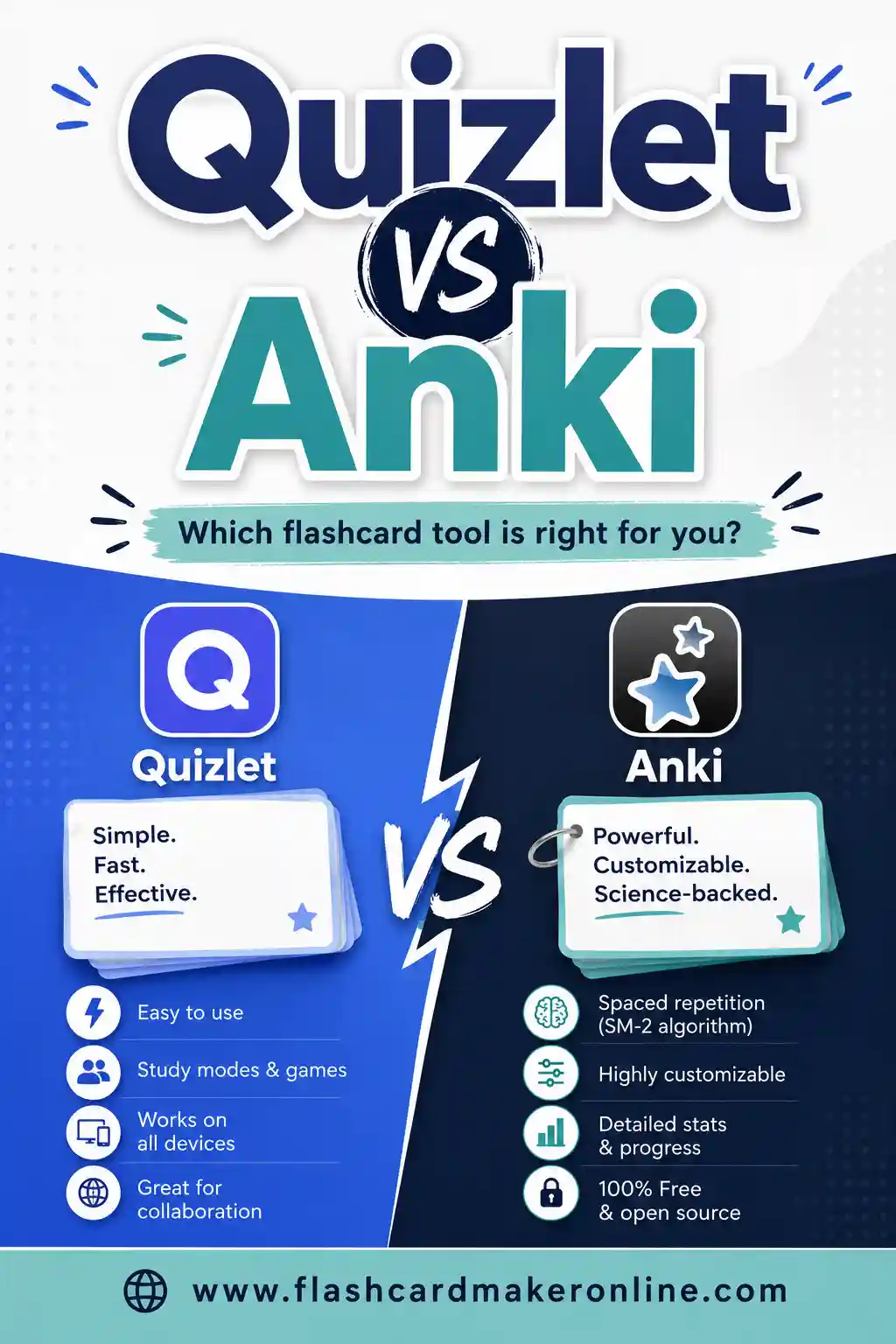
The catch is the paywall. The Learn mode (its spaced-repetition-style feature) and full test runs increasingly sit behind Quizlet Plus, and the free tier shows ads. Our Quizlet alternatives (free) guide covers ways around that, and Quizlet vs Anki compares the two directly.
3. Brainscape — Spaced Repetition Made Approachable
Brainscape keeps the spaced-repetition benefit but hides the machinery. After each card you rate your confidence from 1 to 5, and the app schedules reviews from that.
It's far easier to start than Anki, and the free tier lets you make and study sets. Deeper features push a subscription, but if you want smart scheduling without Anki's interface, it's a strong match.
4. RemNote — Notes and Flashcards Together
RemNote is for people who take notes and study from them. You write notes, and with a small syntax you turn lines into flashcards on the spot, complete with spaced repetition.
It's more involved than a plain card maker, but if your study flows from reading and note-taking, having both in one place is powerful. The free tier is genuinely generous.
5. Memrise and Mochi — Two More Worth a Look
Memrise leans into language learning with a polished, game-like feel and spaced repetition baked in. The free tier is limited, but for vocab it's pleasant.
Mochi is a cleaner, more modern take on Anki-style study, with Markdown support and a tidy interface. It keeps spaced repetition while feeling far less intimidating. The free tier covers casual use.
6. SuperMemo — Where Spaced Repetition Began
SuperMemo invented the spaced-repetition algorithm that Anki is built on. It's the most powerful and the least beginner-friendly of all. Mention it mostly for context: if Anki feels too complex, SuperMemo will feel worse. But for incremental reading and squeezing the last drop out of an algorithm, the die-hards still use it.
A Sample Deck You Can Use Today
Here's a ready-made set on spaced repetition and flashcard study. Copy it into the free flashcard maker for an instant deck.
| Term | Definition |
|---|---|
| Anki | Free, open-source spaced-repetition flashcard software |
| Spaced repetition | Reviewing material at increasing intervals over time |
| Active recall | Retrieving an answer from memory rather than rereading |
| SuperMemo | The original spaced-repetition program and algorithm |
| Ease factor | A number that controls how fast a card interval grows |
| Interval | The gap before a card is shown again |
| Add-on | A plugin that adds features to Anki |
| Note type | A template defining a card's fields and layout |
| Cloze deletion | A fill-in-the-blank style card |
| Deck | A set of related flashcards |
| Sub-deck | A deck nested inside another deck |
| Sync | Keeping decks matched across devices |
| RemNote | Note-taking app with built-in flashcards |
| Brainscape | App using confidence-based spaced repetition |
| Memrise | Language app with gamified spaced repetition |
| Leitner system | A paper method of sorting cards into review boxes |
| Retrieval practice | Another name for active recall |
| Interleaving | Mixing topics within one study session |
| Mature card | A card you have reviewed enough to know well |
| Burnout | The point where too many reviews pile up |
How to Choose, Fast
- You want zero setup and a printout. Use Flashcard Maker Online.
- You want friendly and modern with games. Use Quizlet.
- You want spaced repetition without the headache. Use Brainscape or Mochi.
- You study from your own notes. Use RemNote.
- You're learning a language. Try Memrise.
If Anki overwhelmed you, start with the simplest tool that meets your real need. You can always level up later.
Migrating Away From Anki
Leaving Anki doesn't mean losing your work.
- Export your decks. Anki can export to text (`.txt`) or its own formats. A plain text export gives you a clean term/definition list to move anywhere.
- Clean the formatting. Anki cards can carry HTML and media. Strip that down to plain term and definition for a smooth import.
- Print the keepers. For sets that matter, print a copy. Then no app change can ever lock you out of your own material.
- Don't recreate Anki. If you left for simplicity, resist rebuilding a complex system in the new tool. Keep it light.
Do You Actually Need Spaced Repetition?
Before you pick any tool, ask the question that really decides things: does your study task need automated spaced repetition at all? Anki and its alternatives center on this feature, but plenty of learning doesn't require it.
Spaced repetition shines when you're holding a large amount of material for a long time, think a board exam months away, a language you're building for years, or a professional certification. The scheduler earns its keep by spreading hundreds of reviews efficiently across weeks.
But for a vocabulary quiz next Friday, a glossary for one chapter, or a presentation you need to recall on Tuesday, scheduling is overkill. You'll know everything before the algorithm even kicks in. In those cases, a simple flip-and-print tool is faster and far less fussy.
Here's a quick way to decide:
| Your situation | Better choice |
|---|---|
| Big exam, weeks or months away | Spaced repetition (Anki, Brainscape, Mochi) |
| Quiz next week | Simple maker, flip and print |
| Long-term language learning | Spaced repetition (Memrise, Anki) |
| One chapter or lecture | Simple maker |
| Material you'll use repeatedly for years | Spaced repetition |
| A one-off set you'll discard after the test | Simple maker |
The honest takeaway: lots of people install Anki, get overwhelmed, and stall, when a two-minute set in a clean maker would have done the job. Reach for the heavy machinery only when the timeline truly calls for it. When it doesn't, Flashcard Maker Online gets you studying immediately and prints a copy you can carry.
If you're comparing review schedulers, see how the FSRS algorithm schedules flashcards.
Frequently Asked Questions
What is the best Anki alternative?
For spaced repetition that's easier to use, Brainscape and Mochi are the closest matches. For modern, friendly studying with games, Quizlet wins. If you want zero setup and a printable deck, Flashcard Maker Online is the simplest pick.
Is there a free alternative to Anki?
Yes. Flashcard Maker Online is fully free with no account. Quizlet, Brainscape, RemNote, and Mochi all have free tiers, though some lock their best features behind a subscription.
Do I lose spaced repetition if I leave Anki?
Not necessarily. Brainscape, RemNote, Mochi, and Memrise all include spaced repetition. Simpler tools like Flashcard Maker Online don't schedule reviews for you, so you'd review on your own rhythm, which is fine for shorter-term study.
Why is Anki so hard to use?
Anki prioritizes power and customization over polish. Note types, card templates, sub-decks, and add-ons give experts huge flexibility, but they overwhelm beginners. Alternatives trade some of that power for a gentler learning curve.
Can I move my Anki decks to another app?
Often, yes. Export your Anki deck as text, clean up the formatting to a simple term/definition list, and import it into most other flashcard tools. Keeping a plain text version makes future moves easy too.
Which Anki alternative is best for printing?
Flashcard Maker Online is built with printing in mind, so you get clean, offline sheets. Anki itself isn't great at printouts, which is one reason people switch when they want paper copies.
Ready to Try a Simpler Way to Study?
You don't need a complicated system to learn well. Open the free flashcard maker, paste in your terms, and flip through or print your deck in minutes, no setup and no account. Try the sample set above to see how clean it feels, then build a set for whatever you're studying. For deeper comparisons, our Quizlet vs Anki and Quizlet alternatives (free) guides have you covered.