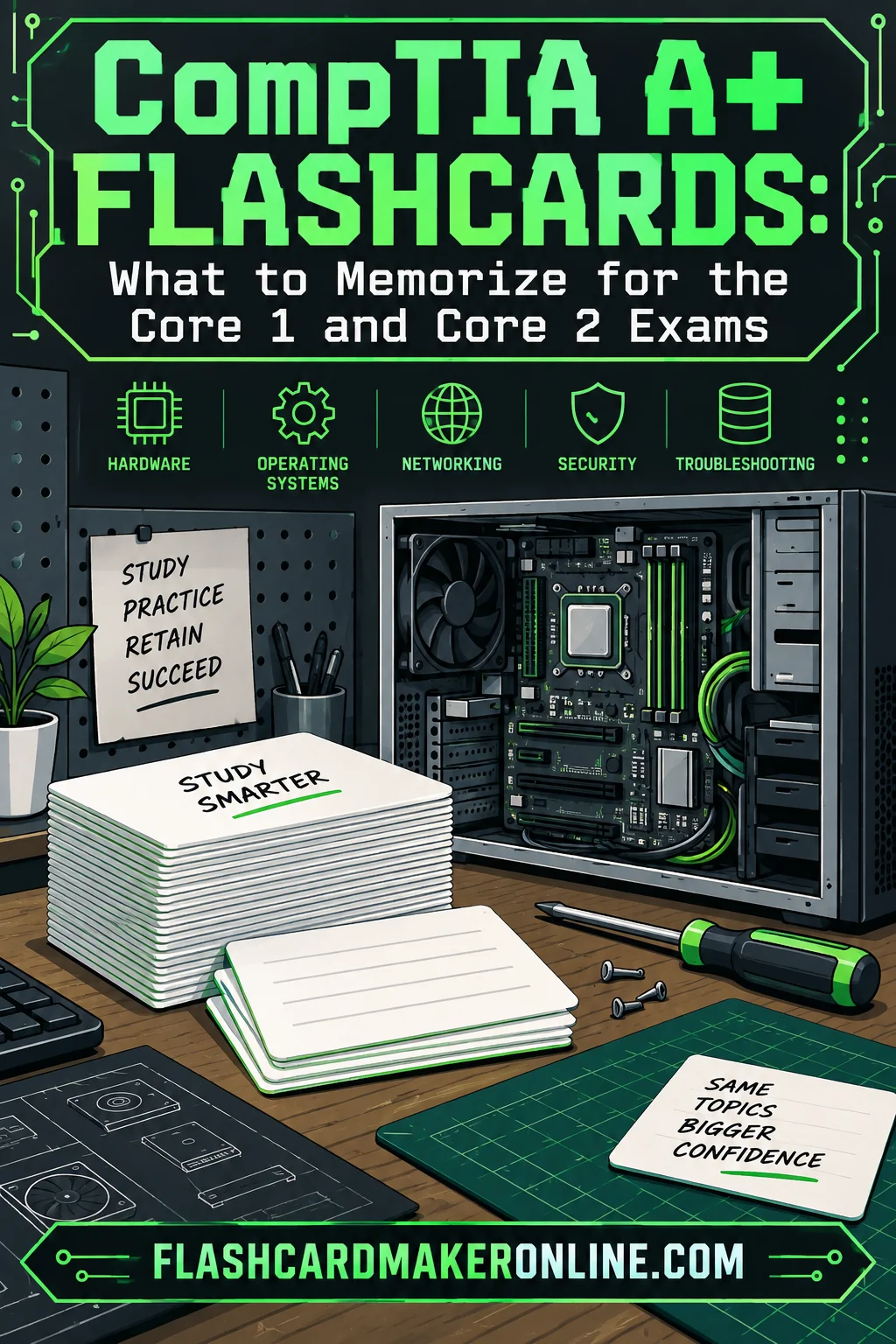
CompTIA A+ Flashcards: What to Memorize for the Core 1 and Core 2 Exams
About a third of the A+ material is pure recall that flashcards handle better than any other method, and the rest is hands-on understanding that cards will quietly fail you on. Knowing which third is which is the single most useful thing you can work out before you build a deck.
The A+ is two exams, usually described as Core 1 and Core 2, and the two halves have different personalities. Core 1 leans hardware, mobile devices, networking and virtualization. Core 2 leans operating systems, security, software troubleshooting and operational procedures. That split matters for card building because Core 1 is dense with lists that have exact right answers, while Core 2 is full of scenarios where the right answer depends on context.
One rule before anything else, and it is the rule this whole article is built on: the objectives document published by the certifying body is the only authoritative list of what is on either exam. Objectives get revised, exam versions retire on their own schedule, and the details people repeat in forums go stale fast. Download the current official objectives at the start of your study block, use them as the outline for your deck, and check them again if your study period stretches long enough that a new version could land. Nothing in this article should be treated as a substitute for that document.
What Actually Needs Rote Recall
Flashcards earn their keep on facts with a single correct answer, no reasoning path, and no context dependency. On the A+ that means five families of content.
Port numbers and their protocols. There is no way to derive that a particular protocol uses a particular port. You either know it or you do not, and the exam will ask.
Connectors and cable types. Recognizing a connector by name and knowing what it carries is flat recall. So is knowing which category of twisted pair supports which speed over which distance.
Command syntax and what each command does. Command-line utilities on both Windows and Linux are named, not derived. The name-to-function mapping is a card.
Fixed sequences. The published troubleshooting methodology and the malware removal process are ordered steps. Ordered steps are card material because getting the order wrong is a wrong answer.
Terminology and acronyms. Core 2 in particular is packed with security and operational vocabulary where several terms sit one word apart from each other.
Everything on that list is a good candidate for a+ certification flashcards, because in each case there is a short prompt with an unambiguous answer and no thinking required once you know it.
What Cards Will Not Teach You
The other side of the ledger matters just as much.
Physical assembly and disassembly. You cannot learn the order to pull a laptop apart from a card. You learn it by pulling one apart, ideally something old you do not care about.
Configuration walkthroughs. Setting up a wireless router, joining a machine to a domain, configuring a printer share, partitioning a drive. These are procedures with a real interface in front of you. A card can remind you a setting exists. It cannot build the muscle memory of finding it.
Scenario judgment. A great deal of Core 2 asks what you should do first in a situation involving a user, a policy and a risk. The reasoning is the skill. Making a card that says "user reports X, answer: do Y" trains you to pattern-match the card rather than reason through the scenario, and the exam wording will not match your card.
Anything you have never seen. If you have not looked at a real motherboard, cards about motherboard form factors are abstract trivia that will not stick and will not transfer.
The honest split: build cards for the recall layer, spend your hands-on time on everything else, and do not let a full deck convince you that you have covered material you have never actually touched.
Core 1 Card Sets, With Examples
Structure a comptia core 1 flashcards deck around the objective domains rather than around chapters in whatever book you are using. That way a gap in your deck maps directly to a gap in your coverage.
Ports and protocols
This is the highest-value set in the whole certification, because it is pure memorization with a guaranteed payoff. Make each card one-directional in both directions. That is, build a port-to-protocol card and a protocol-to-port card separately, because recognizing 443 is a different mental operation from producing 443.
| Front | Back |
|---|---|
| Which port does SSH use? | 22 |
| Port 3389 belongs to which protocol? | RDP |
| Which ports does FTP use? | 20 for data, 21 for control |
| Which port does DNS use? | 53 |
| Which two ports does DHCP use? | 67 and 68 |
| Port 445 belongs to which protocol? | SMB |
| Which port does LDAP use, and which does its secure version use? | 389 and 636 |
| Which port does IMAP use, and its encrypted version? | 143 and 993 |
Build the full list from your objectives document rather than from a list someone posted online, and keep the deck in one place so you can drill just this set on a phone in a spare five minutes.
Connectors and cables
Two card types here. Name-to-description, and description-to-name.
| Front | Back |
|---|---|
| Which connector terminates twisted pair for Ethernet? | RJ45 |
| Which twisted pair category is the minimum for gigabit over 100 meters? | Cat 5e |
| What distinguishes single-mode from multimode fiber? | Single-mode carries one light path for long distance; multimode carries several over shorter runs |
| Which cable rating is required for air handling spaces? | Plenum |
| Which connector type is used for coaxial cable in a residential setting? | F-type |
| Which storage interface uses an M.2 slot on the board directly? | NVMe solid state drives, among others |
Memory, storage and power
Cards work well for form factors, module types and the arithmetic you need for power supply sizing. Skip cards on installation steps.
Wireless and networking basics
Frequency bands, the difference between the bands in range versus throughput, what each network device does, and the distinctions between addressing types. These are all clean one-answer cards.
Printers and mobile
Printer technology types, the ordered stages of the laser printing process, and mobile synchronization and connection types. The laser stages are a sequence card, so write it as one card asking for the full ordered list, not seven separate cards, because the order is the thing being tested.
Core 2 Card Sets, With Examples
A comptia core 2 flashcards deck is more vocabulary-heavy and needs more discipline about what to leave out.
Operating system commands
Split Windows and Linux into two decks so you are not constantly switching mental context.
| Front | Back |
|---|---|
| Which Windows command checks and repairs protected system files? | sfc |
| Which Windows command releases and renews an address? | ipconfig with /release and /renew |
| Which Windows command shows the path a packet takes to a destination? | tracert |
| Which Linux command changes file permissions? | chmod |
| Which Linux command changes file ownership? | chown |
| Which Linux command runs a single command with elevated privileges? | sudo |
| Which command shows current disk free space on Linux? | df |
| Which Windows utility manages partitions from the command line? | diskpart |
For the commands you will actually use, run them once in a terminal. A command you have typed is remembered far better than one you have only read.
The troubleshooting methodology
The published methodology is an ordered sequence, and the order is the point. Make one card that asks for the full sequence and one card each for the trickier individual steps.
| Front | Back |
|---|---|
| List the steps of the troubleshooting methodology in order | Identify the problem; establish a theory of probable cause; test the theory to determine cause; establish a plan of action and implement the solution; verify full system functionality and implement preventive measures; document findings, actions and outcomes |
| What comes immediately after testing the theory? | Establishing a plan of action and implementing the solution |
| What is the final step? | Documenting findings, actions and outcomes |
Confirm the exact wording and step count against the current objectives, since the phrasing has been revised over the years and the exam uses its own language.
Security terminology
This is where cards pay off most in Core 2. Social engineering attack types, malware categories, authentication factors and methods, encryption concepts, and the differences between permission models. Most of these terms differ from a neighbor by one distinguishing feature, so write the distinguishing feature into the answer rather than a generic definition.
| Front | Back |
|---|---|
| Which social engineering attack targets a specific high-value individual? | Whaling |
| What distinguishes a worm from a virus? | A worm self-propagates without needing a host file or user action |
| What are the three authentication factor categories? | Something you know, something you have, something you are |
| What does the principle of least privilege require? | Granting only the access needed to perform the role, and nothing beyond it |
Operational procedures
Documentation types, change management concepts, safety practices, environmental controls and incident handling. These are recall-friendly and often under-studied because they feel like filler. They are not filler on the exam.
How to Write A+ Cards That Actually Work
Six rules cover almost everything.
One fact per card. A card that asks for a port, a protocol and a use case is three cards wearing a trench coat, and you will grade yourself as correct when you got two of three.
Write the answer you would say out loud. Not a paragraph copied from a book. If the answer takes more than about ten seconds to say, split the card.
Make lists into ordered-sequence cards, not fragments. Sequences are tested as sequences.
Build both directions for lookup pairs. Ports, acronyms and connector names all need forward and reverse cards.
Put the distinguishing feature in the answer. For any term that has a near neighbor, the answer should say what makes it different, because that is what the question will hinge on.
Delete cards you have never gotten wrong. After three clean passes, a card is costing you time. Retire it and spend that time on the ones that keep failing.
A digital deck you can build from a plain list is the fastest route here, and a flashcard maker lets you type a port list once and drill it on a phone during the fragments of time that are the only study time most working people get.
A Study Sequence That Works for IT Certification Flashcards
Most people building it certification flashcards make the same mistake: they build the whole deck first and start drilling last. Reverse it.
Week one, build the recall spine. Ports, connectors, cable categories, commands. These are the sets you will drill the longest, so they should exist first.
From week one onward, drill daily in short sessions. Ten to fifteen minutes, twice a day, beats an hour on Saturday. Spaced repetition works because of the spacing.
Add cards as you read, not before. When you hit a term in the material that you did not know, it becomes a card immediately. This keeps the deck matched to your actual gaps instead of to someone else's.
Protect hands-on time. Two or three evenings a week should be a machine, a virtual machine, or a router in front of you, not a card. Old hardware from a recycling pile is the cheapest lab there is.
In the last stretch, drill only the failures. Sort by what you keep missing and run just those. The rest of the deck has already done its job.
Frequently Asked Questions
Do flashcards alone get you through the A+? No, and anyone who tells you otherwise is selling something. Cards handle the recall layer well, but a meaningful portion of both exams tests whether you can work through a situation or perform a task, and that requires practice on real or virtual equipment.
Should I make one deck for both exams or two separate decks? Two. The content areas are different enough that mixing them makes each drilling session less focused, and you will almost certainly sit the two exams at different times. Keep a shared deck only for the acronyms and general networking terms that appear in both.
How many cards should an A+ deck have? However many the objectives require, which is usually several hundred once ports, commands and terminology are covered. The number is not the target. Coverage of the published objectives is the target, so build against that document and let the count fall where it falls.
Are pre-made A+ decks worth using? They are useful as a checklist for topics you forgot to cover, and they are risky as a primary study tool, because they may be built against an older objectives version and you have no way to see the author's errors. If you use one, verify it against the current objectives and rewrite the cards in your own words, which is where most of the learning happens anyway.