Paper vs Digital Flashcards: Which Works Better?
Paper flashcards win on focus and the small memory boost you get from writing by hand, while digital flashcards win on speed, scheduling, and never losing a card. For most people the best answer isn't one or the other. You make your deck once, then study on paper when you want to unplug and on your phone when you have five spare minutes. The good news: you can build both from a single set of terms in a couple of minutes.
Want to skip the debate and just make a deck? Open the free flashcard maker, type your terms and definitions, then study them on screen or print them as cards. No sign-up, no app to download, and the same set works both ways.
The Quick Answer: It Depends on Your Goal
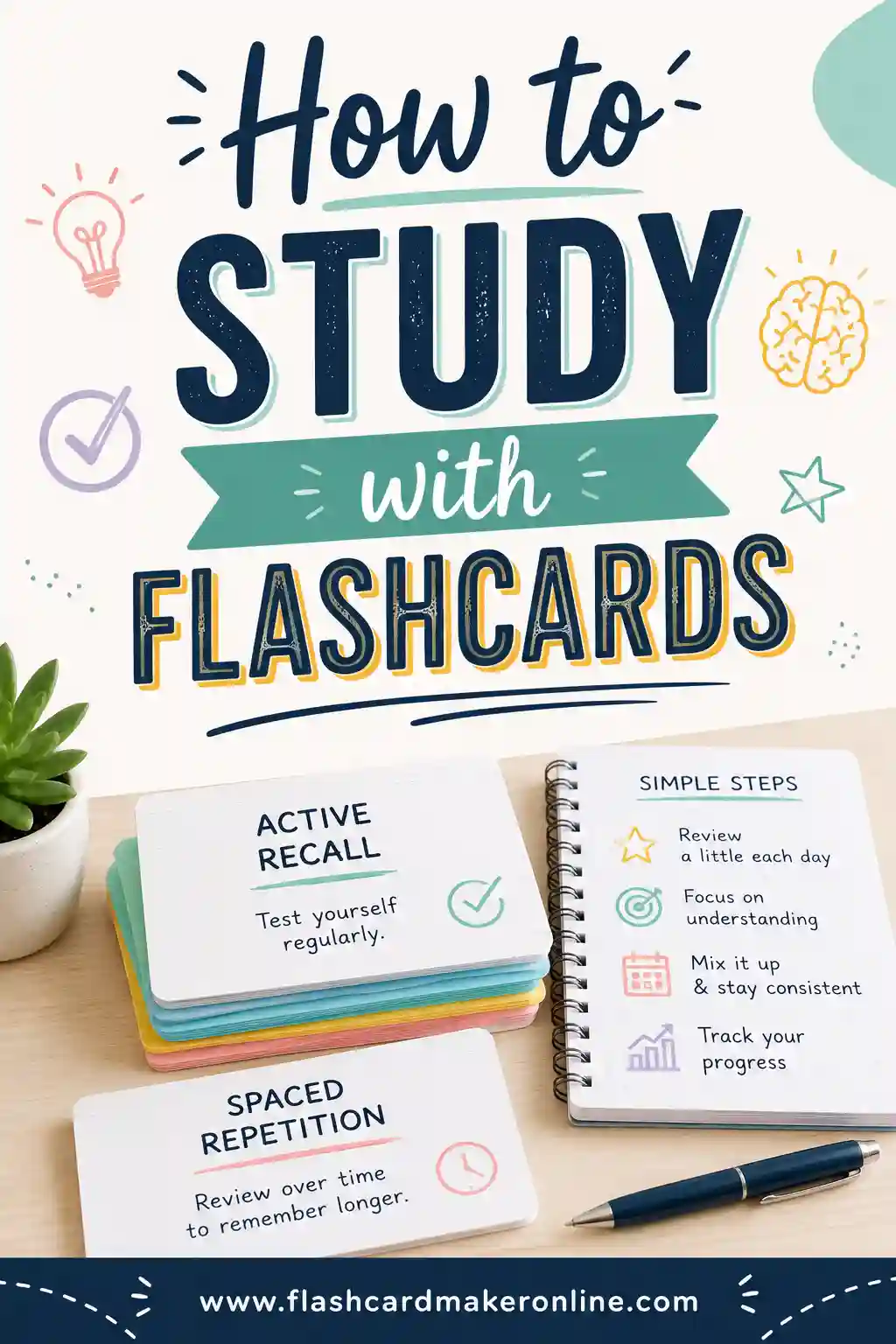
Both kinds of flashcards use the same powerful trick — active recall. You see a prompt, force your brain to dig out the answer, then check. That effort is what burns the fact into memory, and it works whether the card is paper or pixels.
So the real question isn't "which is better at learning?" It's "which fits how you study?" Here's the short version:
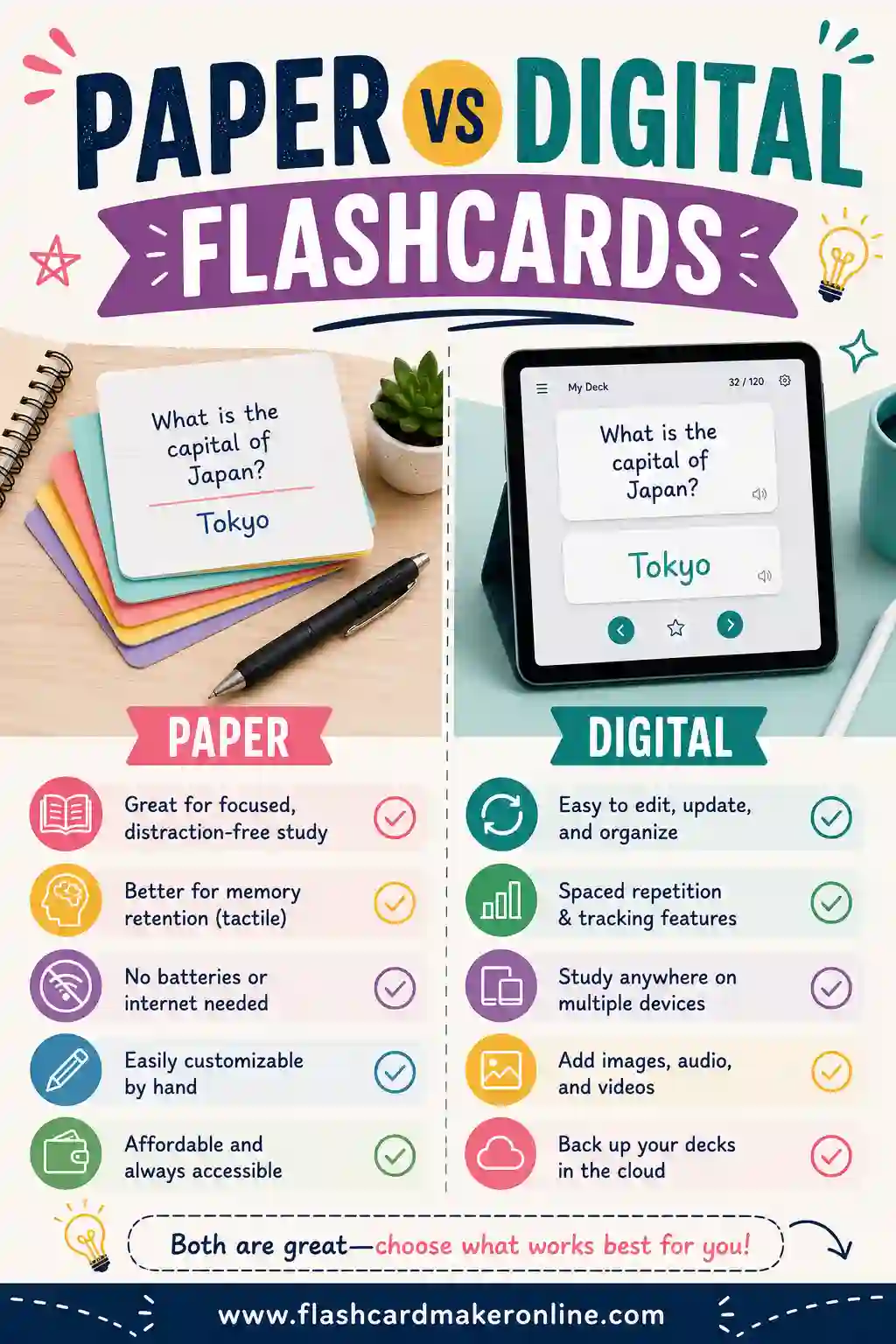
- Pick paper if you focus better away from screens, you remember things you write by hand, or you're studying somewhere a phone feels rude (a quiet library, a classroom, a flight).
- Pick digital if you have lots of cards, you study in short bursts on the go, or you want the app to schedule reviews for you so you never forget what's due.
Most students who stick with flashcards end up using both. Read on for exactly when each one shines.
Paper Flashcards: The Case for Going Analog
There's a reason index cards have survived a hundred years of new technology. They're cheap, they're distraction-free, and the simple act of writing them helps you learn.
What paper does well
- Writing helps you remember. Studies on note-taking keep finding the same thing: putting words on paper by hand makes you process them more deeply than typing. Making the card is itself a study session.
- Zero distractions. A stack of cards can't ping you with a notification or tempt you to check a message. For deep focus, that matters more than people expect.
- Easy on the eyes. No screen glare, no blue light before bed. You can study paper cards anywhere there's light.
- Tactile sorting. You can physically split a stack into "know it" and "don't know it" piles. That feedback is instant and satisfying, and it's the heart of the Leitner system.
- No battery, no app, no account. A deck of cards always works.
Where paper falls short
- It's slow to make a big set by hand.
- A dropped or lost card is gone, and you can't search a stack.
- You have to track your own review schedule with rubber bands and boxes.
- Carrying 300 cards isn't fun.
A nice middle path: type your terms into a free flashcard maker, then print them as clean, evenly sized cards. You skip the slow handwriting, but you still get a physical deck to shuffle and sort.
Digital Flashcards: The Case for Going Screen
Digital cards trade a little of that hands-on feel for speed and smarts. For big subjects — medical terms, a new language, exam prep — that trade is usually worth it.
What digital does well
- Fast to build and edit. Type a term, type a definition, repeat. Fix a typo in a second. Duplicate a deck in a click.
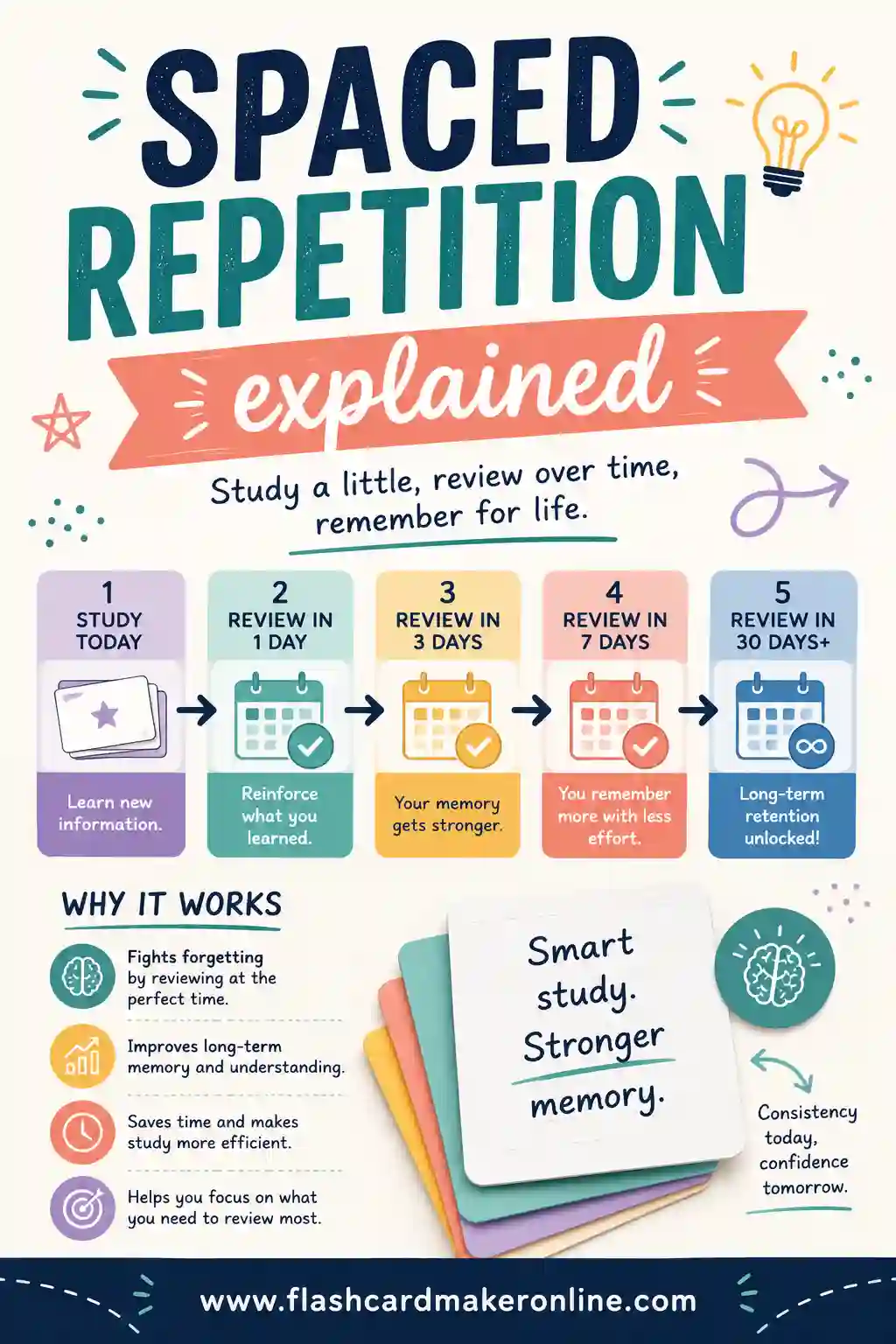
- Smart scheduling. Good apps use spaced repetition to show you a card right before you'd forget it. You review less and remember more.
- Always with you. Your whole deck lives on your phone. Five minutes in line becomes a study session.
- Search, shuffle, and stats. Find any card instantly, shuffle to avoid memorizing the order, and see which cards you keep missing.
- Add images and audio. Great for anatomy diagrams or hearing how a foreign word sounds.
Where digital falls short
- Screens invite distraction — one notification and you're scrolling.
- It leans on a charged device and, sometimes, an account.
- Tapping a card doesn't sink in quite like writing one by hand.
- Heavy screen time can tire your eyes.
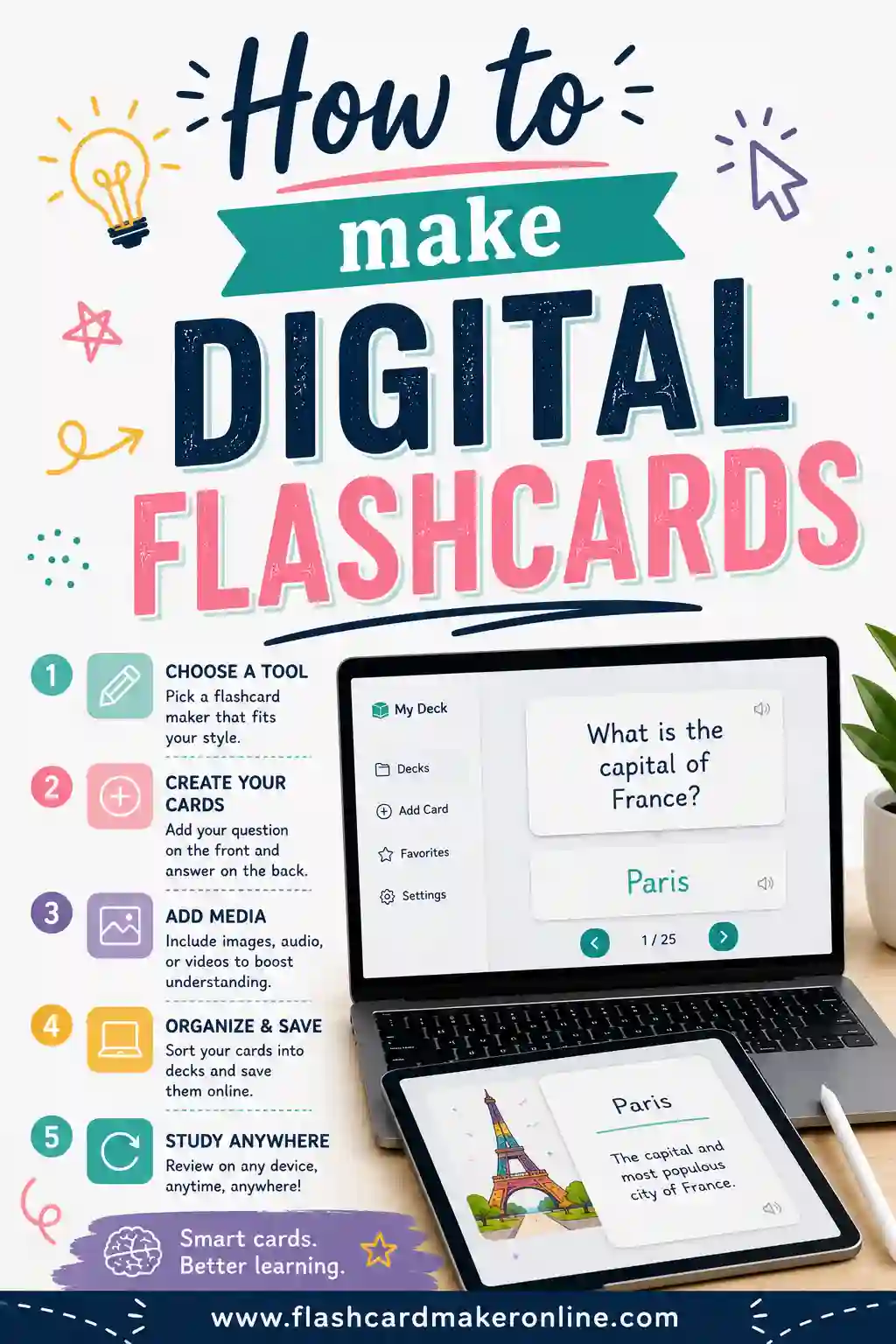
If you want screen study without the friction, make digital flashcards in your browser and flip through them right there — no install required.
Paper vs Digital Flashcards: Side-by-Side
Here's the whole comparison at a glance.
| Factor | Paper flashcards | Digital flashcards |
|---|---|---|
| Cost | Cheap (paper + ink) | Free with a browser tool |
| Speed to create | Slow by hand, fast if printed | Very fast |
| Memory boost from making them | High (handwriting) | Lower (typing) |
| Distraction risk | Very low | Higher (notifications) |
| Portability | Bulky for big sets | Whole deck on your phone |
| Editing & fixing typos | Hard | Instant |
| Auto review scheduling | Manual (boxes, piles) | Built in |
| Search & shuffle | No / by hand | Yes |
| Images & audio | No | Yes |
| Works offline / no battery | Always | Needs a device |
| Best for | Focus, small-to-mid sets | Big sets, study on the go |
A Sample Deck You Can Use Either Way
Want to see how the same content works on paper and on screen? Here's a ready-made deck of common study and memory terms. Type it into the flashcard maker, then flip it digitally or print it — your call.
| Term | Definition |
|---|---|
| Active recall | Pulling an answer from memory instead of rereading it |
| Spaced repetition | Reviewing material at growing intervals over time |
| Leitner system | A box method that moves cards based on how well you know them |
| Retrieval practice | Testing yourself to strengthen memory |
| Interleaving | Mixing different topics within one study session |
| Cramming | Studying a lot of material right before a test |
| Massed practice | Repeating one thing many times in a row |
| Encoding | Turning new information into a lasting memory |
| Consolidation | The brain locking in a memory, often during sleep |
| Cue | A prompt that triggers recall of stored information |
| Mnemonic | A memory aid like a rhyme, acronym, or image |
| Forgetting curve | How fast we lose new info without review |
| Chunking | Grouping items so they're easier to remember |
| Elaboration | Connecting new facts to things you already know |
| Self-testing | Quizzing yourself instead of rereading notes |
| Confidence rating | Marking how sure you are of each answer |
| Recall failure | Not being able to retrieve something you learned |
| Overlearning | Studying past the point of just barely knowing it |
| Distributed practice | Spreading study over days instead of one sitting |
| Metacognition | Thinking about how well you actually know something |
That's 20 cards. Big enough to feel the difference between flipping on paper and tapping on a screen.
How to Choose (A Simple Decision Guide)
Still on the fence? Run through these questions.
- Is your set small (under ~50 cards)? Paper is easy and pleasant. Either works.
- Is your set huge (hundreds of cards)? Lean digital so you can search, shuffle, and schedule.
- Do you get distracted by your phone? Paper protects your focus.
- Do you study in short pockets of free time? Digital fits your day better.
- Do you remember things you write by hand? Make paper cards, or at least write the first draft.
- Do you need images or audio? Digital is the only real option.
When in doubt, do both. Build the deck once in the flashcard tool, study digitally during the week, then print a stack for a focused, screen-free review the night before a test.
Tips for Getting the Most Out of Either Type
The format matters less than how you use it. These habits work on paper and on screen:
- Keep cards simple. One question, one answer. Don't cram a paragraph onto a card.
- Shuffle often. If you always study in the same order, you start memorizing the sequence instead of the content.
- Say answers out loud. Speaking forces real recall and catches the cards you only half know.
- Sort by difficulty. Spend more time on the cards you miss, less on the ones you've nailed. That's the core idea behind studying with flashcards the smart way.
- Review a little, often. Ten minutes a day beats a two-hour cram. Both formats reward consistency.
Frequently Asked Questions
Are paper or digital flashcards better for memory?
Both work because both use active recall. Paper has a small edge because writing the cards by hand helps you process the material. Digital has an edge for large sets thanks to automatic spaced repetition. Pick the one you'll actually use consistently.
Can I make paper and digital flashcards from the same set?
Yes, and that's the easiest approach. Type your terms and definitions once into the free flashcard maker, study them on screen, then print the same set as physical cards whenever you want a screen-free review.
Do digital flashcards really help you remember better?
They can, mainly because good tools schedule your reviews with spaced repetition so you see each card right before you'd forget it. That makes your study time more efficient than flipping a random paper stack.
Are paper flashcards outdated?
Not at all. They're distraction-free, cheap, and the handwriting itself aids memory. Plenty of top students still swear by index cards, especially for smaller subjects and final-night review.
Which is cheaper, paper or digital flashcards?
Digital is usually free if you use a browser-based maker. Paper costs a little for cards and ink. If you print your digital deck, you get the best of both for the price of some cardstock.
Ready to Build Your Deck?
You don't have to choose sides. Open the free flashcard maker, enter your terms once, and you'll have a deck you can flip on screen or print for a focused, paper study session. It's free, there's no sign-up, and the same set serves both styles. Make it once, study it your way, and remember more.