Physical Flashcards: When Paper Beats an App
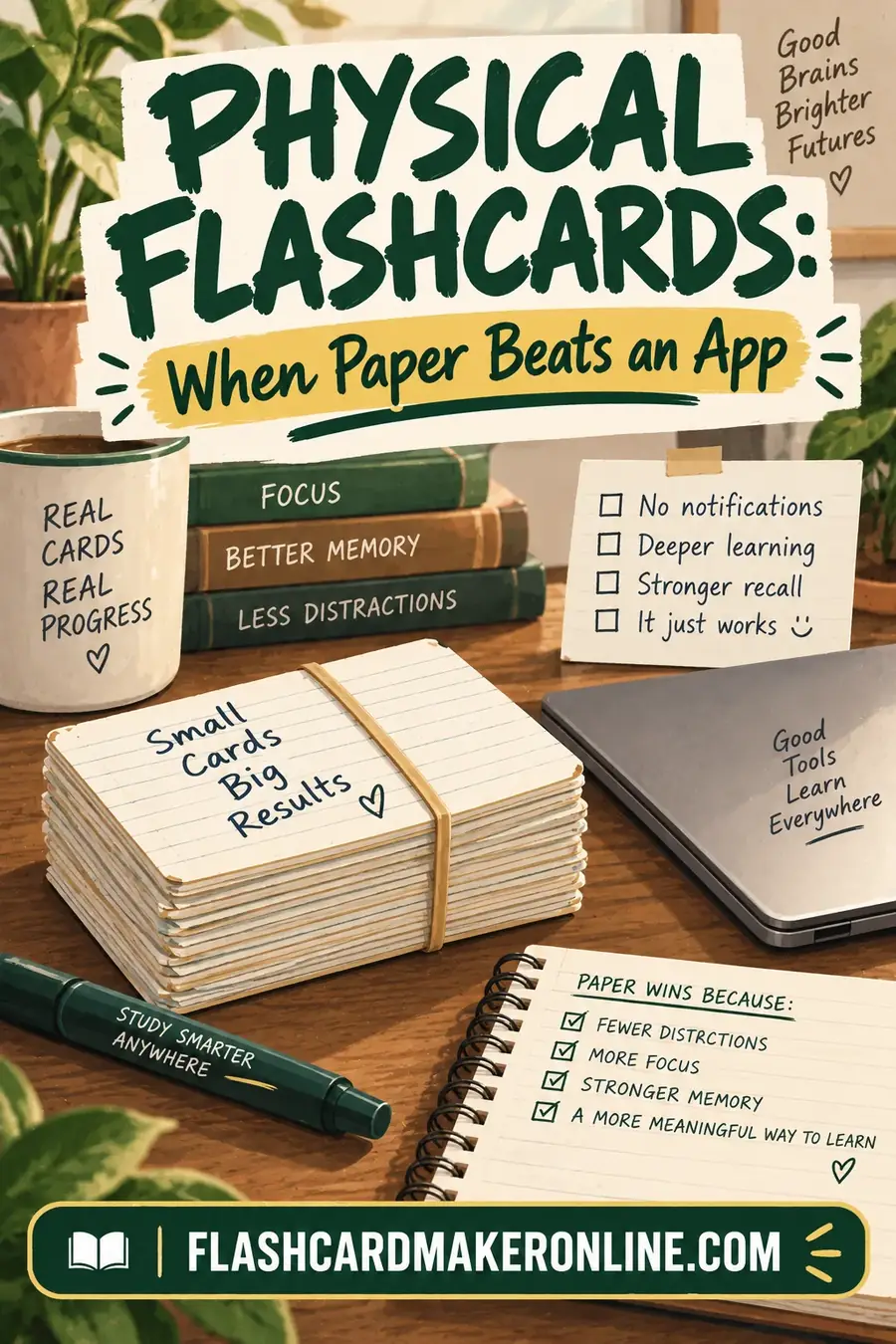
Digital flashcards win on scheduling and portability. Physical cards win on encoding, focus and spatial memory. Those are different advantages, and which matters depends entirely on what you're studying and where you are in learning it.
The short version: physical cards are better while you're learning something; digital cards are better while you're maintaining it.
Where Paper Genuinely Wins
The act of writing does encoding work. Making a card by hand forces you to condense and reformulate the material, and that reformulation is where a substantial part of the learning happens. Typing is fast enough to do without thinking; handwriting isn't. This is well documented in note-taking research and applies directly to card creation — more in handwritten flashcards.
No notifications. A phone is a device with a study app on it and also everything else. For anyone who reaches for their phone to study and resurfaces twenty minutes later, this alone is decisive.
Spatial memory helps. People genuinely remember "the card with the coffee ring on it" or "the one near the bottom of the stack." It's an extra retrieval hook that a uniform digital interface doesn't provide.
Sorting is physical and obvious. Three piles — trouble, working, retired — is a complete study system you can see at a glance. In an app the same information exists but is abstracted behind an algorithm, which makes it easier to ignore.
Nothing to charge, nothing to sync. Works on a plane, in a waiting room, with a dead battery.
Easier to study with someone. Handing cards to a study partner works instantly. Sharing a phone screen doesn't.
Where Digital Genuinely Wins
Automatic spaced repetition. This is the big one. Manual scheduling requires discipline that most people don't sustain past a few weeks. An app that tells you exactly which cards are due removes the main failure point.
Scale. A 2,000-card medical deck is a filing problem on paper and trivial digitally.
Audio and images at no cost. Pronunciation for a language, a diagram for anatomy. Possible on paper with effort, free digitally.
Always with you. Five minutes in a queue is a review session if the deck is in your pocket.
Statistics. Knowing your accuracy per card, and which cards you consistently fail, is genuinely useful and impractical to track by hand.
Shared decks. A class building one deck together works digitally and doesn't work on paper.
Choosing by Situation
| Situation | Better choice |
|---|---|
| Learning brand-new, hard material | Physical |
| Maintaining a large body of knowledge | Digital |
| Under 100 cards | Physical |
| Over 300 cards | Digital |
| You get distracted by your phone | Physical |
| You study in transit | Digital |
| Language pronunciation matters | Digital |
| Formulas, diagrams, handwriting practice | Physical |
| Studying with a partner | Physical |
| Long-term retention over months | Digital |
The Hybrid Most Effective Students Use
Write the cards by hand, then digitise for review.
The writing does the encoding. The app does the scheduling. You get the benefit of both, at the cost of doing the work twice — which is less redundant than it sounds, since writing the card and reviewing it are different cognitive tasks.
A common variant: keep everything digital except a small physical trouble deck of the fifteen or twenty cards you consistently fail. Rewriting those by hand periodically is unusually effective, precisely because they're the ones that haven't stuck.
Making Physical Cards Work
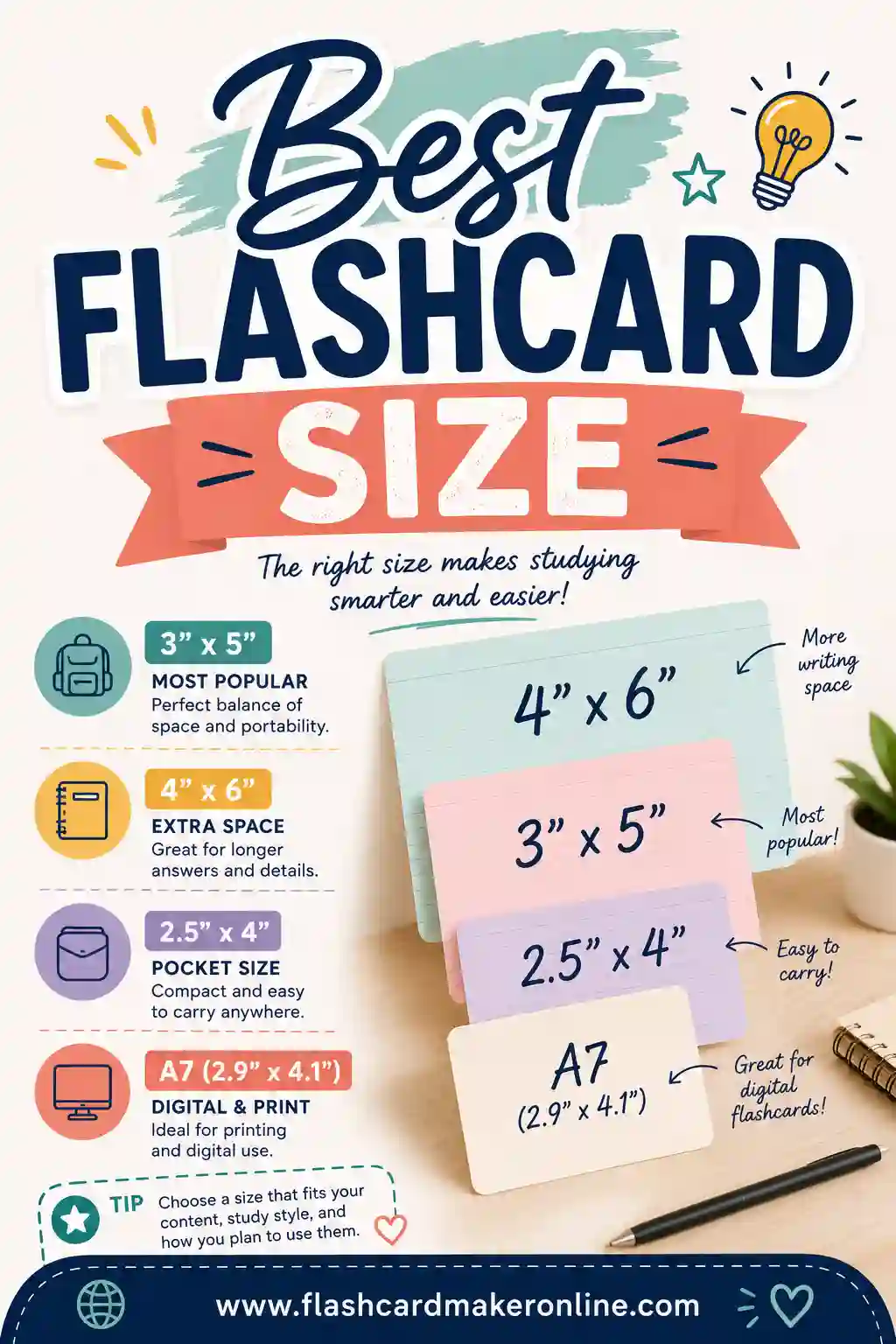
Index cards, not paper. Paper bends, tears and shuffles badly. 3x5 index cards are the standard for a reason.
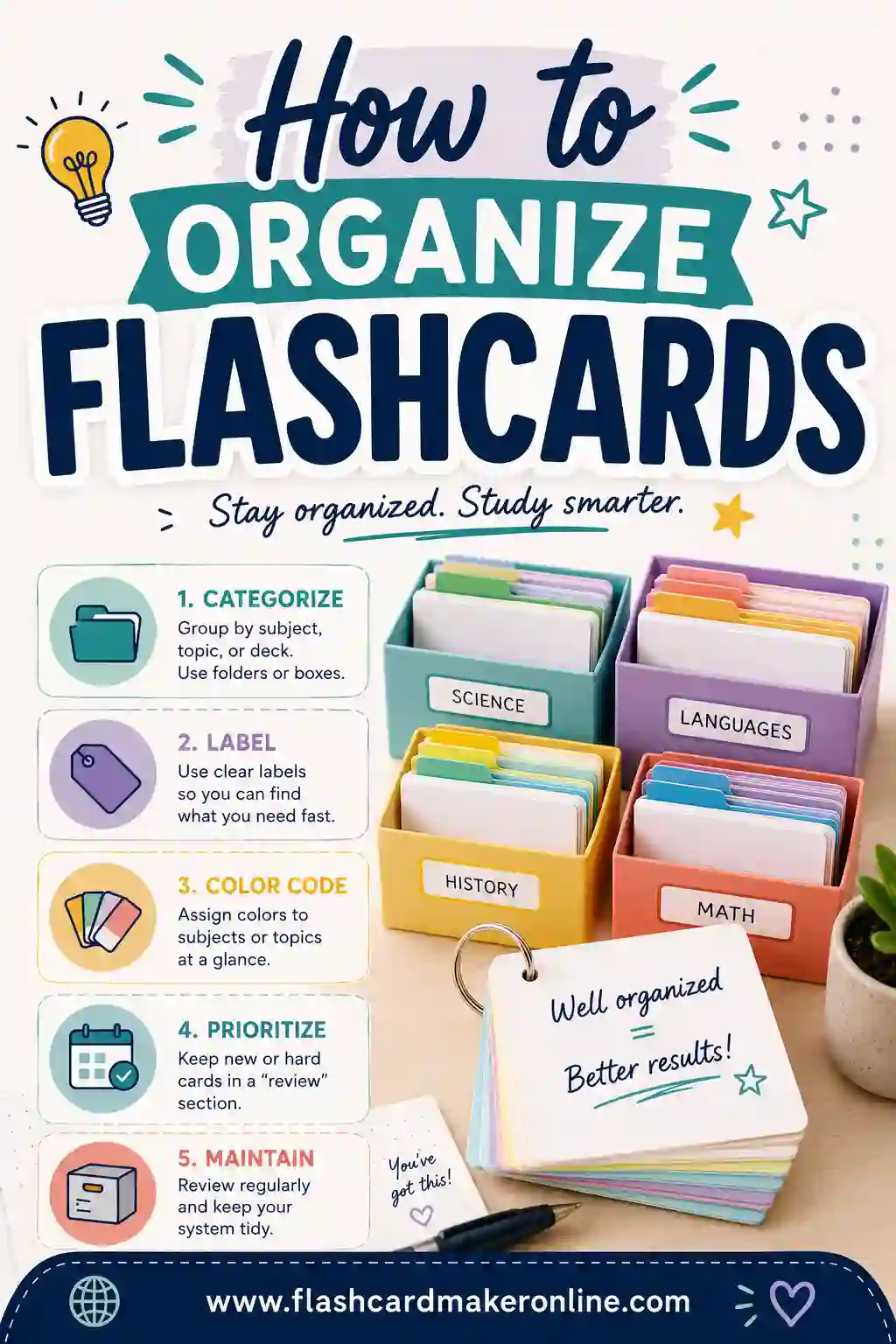
Rubber bands or a card box, not a pile. A loose pile becomes an unsorted mess within a week, and the sorting is the system.
Color-code by topic, not by difficulty. Difficulty changes constantly; topic doesn't. Colored cards or a corner dot both work.
Number them if order ever matters — for a sequence, a process, a timeline.
Punch a corner and use a ring for a deck you carry. Keeps order and prevents the bag-bottom scatter.
Write on one side at a time. Writing both sides of a card in one go means you're copying rather than testing yourself as you build.
Printing Instead of Handwriting
Handwriting is better for encoding, but there's a real case for printing:
Volume. Two hundred cards handwritten is hours. Printed, it's minutes.
Legibility for shared use. A study group can't read your handwriting.
Images and diagrams. Road signs, anatomy, chemical structures — printing is the only practical option.
Consistency. Every card the same size and layout, which matters more than it sounds for fast review.
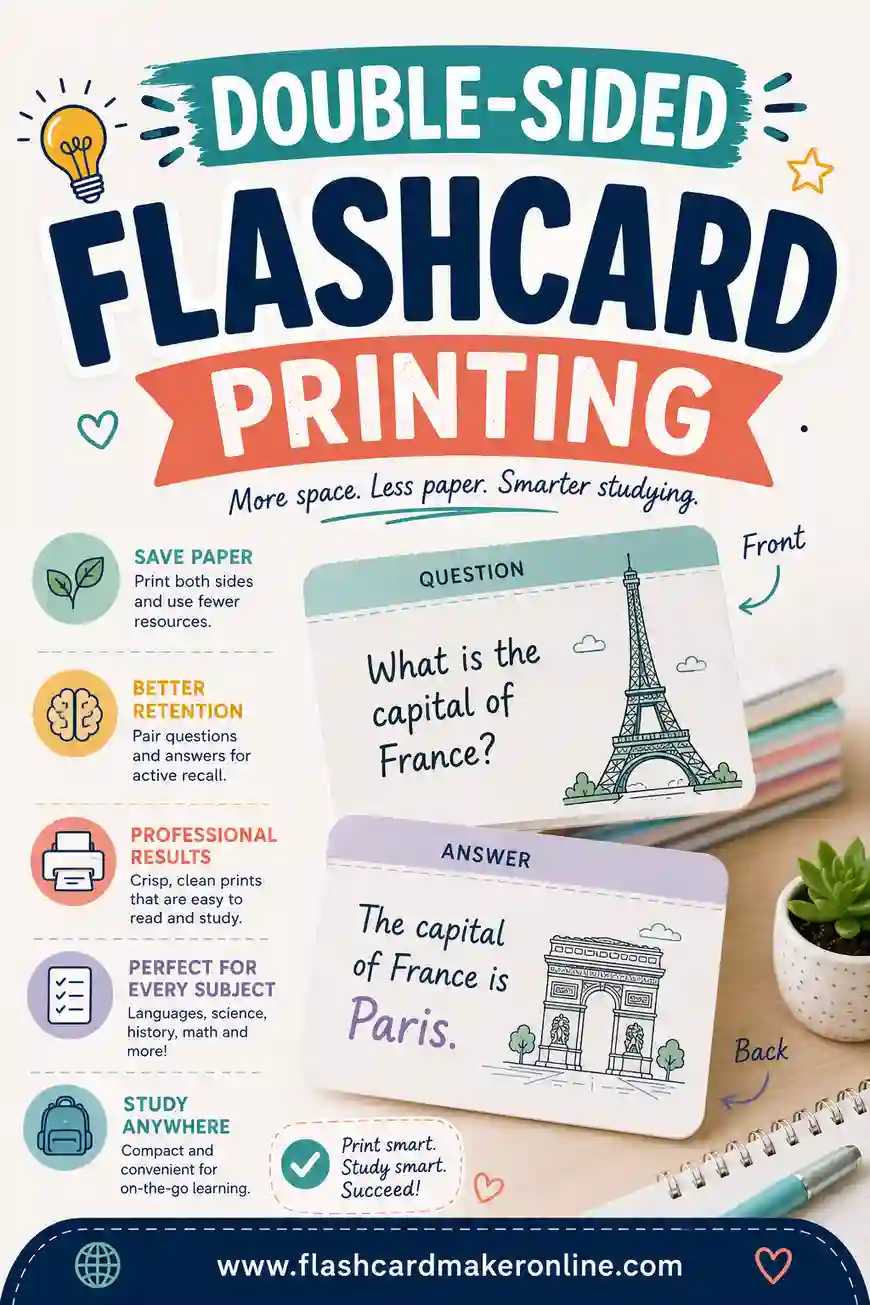
A flashcard maker that builds and prints a deck gives you physical cards without the writing time — a reasonable trade when volume or images are the constraint, and you can still handwrite the small trouble deck by hand later.
The Three-Pile System in Detail
The single biggest practical advantage of paper is that spaced repetition becomes physical, and the whole system fits in three rubber bands.
Pile 1 — Trouble. Cards you got wrong in the last session. Reviewed every session, first, while attention is fresh. This pile should stay small; if it exceeds about twenty cards, you're adding new material faster than you're learning it.
Pile 2 — Working. Cards you get right sometimes. Reviewed every second or third session.
Pile 3 — Retired. Cards you've got right several times running. Reviewed weekly, then monthly, then not at all.
Movement rules. Wrong in any pile sends the card straight back to Trouble. Right twice consecutively promotes it one pile. That's the entire algorithm, and it approximates what spaced-repetition software does automatically.
Why physical piles beat an app for this. You can see the proportions. A Trouble pile that's visibly shrinking is motivating in a way that a progress percentage isn't, and a Trouble pile that's growing is a warning you can't ignore.
Practical Setup
3x5 index cards. Standard for a reason — they shuffle properly, survive handling, and are the right size for one fact.
Rubber bands or a card box. Loose piles become one unsorted pile within a week, and the sorting is the system.
One color per subject, not per difficulty. Difficulty changes constantly; subject doesn't.
A hole punch and a ring for a deck you carry. Keeps order and prevents the bag-bottom scatter.
Write on one side, then the other later. Writing both sides in one pass means copying rather than testing yourself as you build.
A pencil for cards you'll revise. Definitions frequently need refining once you understand the material better.
When to Switch to Digital
Signals that paper has stopped serving you:
The deck exceeds about 300 cards. Manual sorting becomes the bottleneck.
You're reviewing on the move. Paper in a bag gets bent and lost; a phone doesn't.
You need audio or images. Language pronunciation and anatomy diagrams are impractical on hand-made cards at volume.
You're maintaining rather than learning. Once material is mostly known and the job is preventing decay over months, automatic scheduling does it better than you will.
You keep losing track of what's due. The moment you're guessing at your own schedule, an algorithm beats you.
The hybrid remains the strongest option for most people: build by hand, review digitally. The writing does the encoding, the app does the bookkeeping.
Making Cards Efficiently
Building a deck by hand is the main cost of the physical approach, and there are ways to reduce it.
Batch by topic. Write fifteen cards on one subject in a sitting rather than five cards across three subjects. Staying in one context is considerably faster.
Write the fronts first, then the backs. Doing both sides of each card in turn means you're copying; doing all the fronts then all the backs forces you to recall each answer as you write it, which is a free extra review pass.
Use abbreviations you'll understand. Cards are for you, not for publication.
Don't decorate. Colored pens, neat lettering and careful layout feel productive and do nothing for retention. A rough card reviewed properly beats a beautiful card reviewed once.
Print the bulk, handwrite the hard ones. A sensible hybrid — print a large deck for coverage, then handwrite the twenty cards you keep failing. The writing does real encoding work exactly where it's needed.
Cost and Practicality
Index cards are cheap. A few hundred cards costs very little, and a deck lasts a term or more with reasonable handling.
No subscription, no account, no sync. Worth something for anyone who has abandoned a digital deck because they stopped paying for an app.
They survive water, drops and dead batteries. Genuinely relevant for anyone studying in transit or outdoors.
They can be shared instantly. Handing half a deck to a study partner takes a second.
They can't be backed up. The one real risk. A lost deck is genuinely lost, which is an argument for photographing a large hand-built set once it's complete.
Who Each Format Actually Suits
Physical suits you if: you're learning genuinely new material, your deck is under a couple of hundred cards, you get distracted by your phone, you study at a desk, you like seeing progress physically, or you're working with someone else.
Digital suits you if: you're maintaining a large body of knowledge, your deck runs to hundreds or thousands of cards, you study in short bursts on the move, you need audio or images, you want the scheduling handled for you, or you've tried manual spacing and not kept it up.
Neither suits you if you're using cards for material that isn't suited to them at all. Flashcards are for discrete facts with defined answers. Essays, arguments, problem-solving and anything requiring synthesis need a different tool entirely, and trying to force them into a card format produces cards you can't grade.
A Note on Handwriting
The encoding advantage of handwriting is real but frequently overstated in the way it gets repeated online.
What the research supports: writing by hand is slower than typing, which forces summarizing and reformulating rather than transcribing, and that reformulation improves retention. The benefit comes from the processing, not from the physical act of holding a pen.
What follows practically: typing cards in your own words captures most of the benefit. If you're rephrasing and condensing as you type, you're doing the thing that matters. If you're copying a definition verbatim — by hand or by keyboard — you're not.
So the handwriting advice is really shorthand for "don't copy." Handwriting just makes copying inconvenient enough that most people stop doing it.
A Final Recommendation
If you're deciding right now and don't want to think about it further: handwrite a deck of under a hundred cards for anything you're actively learning, and use an app for anything you're maintaining long-term.
That single rule captures nearly all of the benefit of both formats, and it's what most people who study seriously converge on after trying each one exclusively and finding the limits.
Subjects Where a Paper Deck Still Wins Outright
Some material is a poor fit for a phone screen, and two subjects come up again and again.
Chemistry. Polyatomic ions flashcards are the classic paper deck: name on one side, formula and charge on the other. Superscripts and subscripts are quick to write by hand and fiddly to type into most apps, and the memorization is pure rote — roughly forty ions, no reasoning to fall back on. What makes the paper version better is sorting. Lay the deck out and group it: the -ate and -ite pairs together, the ions sharing a charge together, the ones you keep confusing in their own pile. Physically arranging cards you have written yourself is how the pattern becomes visible, and it is the step people searching for polyatomic flashcards usually skip.
Geography. Geo flashcards — countries and capitals, flags, rivers, state outlines — benefit from the same table space. Deal the cards into continents, spread them roughly the way the map is laid out, and the spatial arrangement gives you a second retrieval cue that a shuffled digital deck never provides.
For both, the three-pile system described above does the rest: the confusable cards keep coming back until they stop being confusable.
Frequently Asked Questions
Are physical flashcards better than digital ones? Neither is universally better. Physical cards win on encoding, focus and spatial memory, which matters most while learning new material. Digital cards win on automatic scheduling and scale, which matters most for maintaining a large body of knowledge over time.
At what deck size should I switch to digital? Roughly 100 to 300 cards is the crossover for most people. Below that, physical sorting is manageable and beneficial; above it, manual scheduling becomes the bottleneck.
Does writing flashcards by hand actually help? Yes — handwriting forces you to condense and reformulate the material rather than copy it, and that reformulation is where much of the learning happens. It's the same mechanism that makes handwritten lecture notes outperform typed ones.
Can I use both physical and digital cards together? That's what many effective students do — handwrite cards for the encoding benefit, then review digitally for automatic spacing. A common variant is keeping everything digital except a small handwritten deck of persistently difficult cards.