Flashcards for Visual Learners: See It, Remember It
Flashcards for visual learners work because they turn plain facts into something your eyes and memory can grab onto: a picture, a color, a position on a card. If you remember things better when you can see them, flashcards play right to that strength. The easiest way to start is with a free flashcard maker where you build cards, pair each one with an image or color in your mind, and flip through them until they stick.
Want to try it now? Open the free flashcard maker, type a few terms, and picture each answer as you flip. No sign-up, no install, no cost.
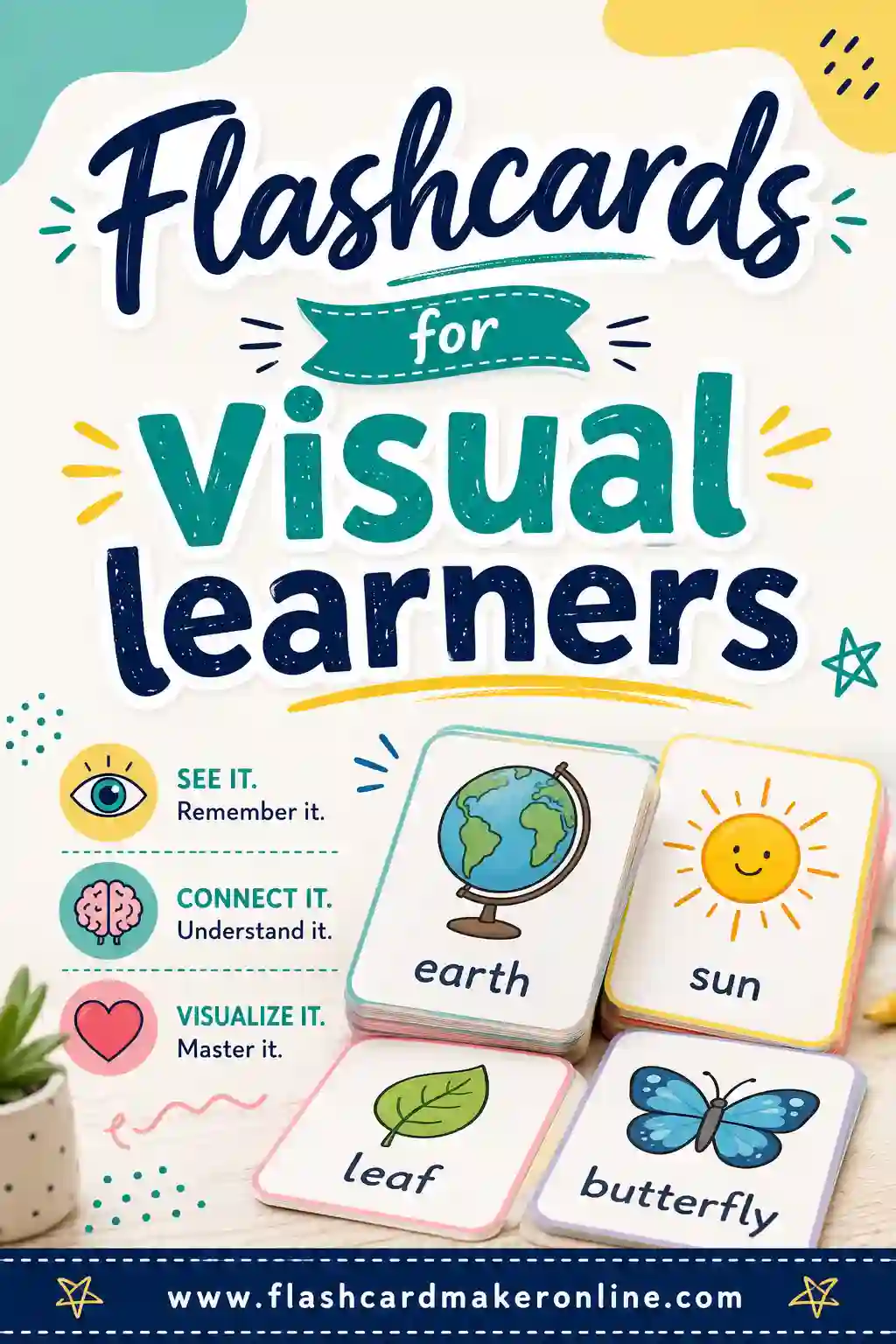
What Makes a Visual Learner
A visual learner remembers best through what they see: images, diagrams, charts, colors, and layouts. If you can recall where a fact sat on a page but not the words around it, or you doodle in the margins to stay focused, you probably lean visual.
The good news is that flashcards are one of the most visual study tools out there. A card is a small, contained picture. You see the front, you flip it, you see the back, and your brain ties the two images together. With a few tweaks, you can make that connection even stronger.
Why Flashcards Suit Visual Learners So Well
Flashcards already do a few things that visual brains love.
- Each card is a distinct image. Your memory can tag a fact by how its card looked, not just the words on it.
- Position matters. Flipping front-to-back creates a little before-and-after picture you can replay in your head.
- They're easy to color-code. Group cards by topic with a colored dot or border and your brain sorts them by sight.
- They invite drawing. A quick sketch on a card sticks better than a sentence for visual learners.
On top of that, flashcards still give you the core benefits everyone gets: active recall (pulling the answer from memory) and spaced repetition (reviewing across days). For a visual learner, those benefits land even harder when the cards are designed to be seen.
How to Make Flashcards More Visual
Plain text cards work, but a few simple moves make them far stronger for visual brains.
Add a small drawing or icon
Even a rough sketch helps. A tiny lightning bolt for "energy," a clock for "time," a heart for the circulatory system. The picture becomes the hook your memory grabs.
Use color on purpose
Pick a color for each topic and stick with it. Biology cards get green, history gets blue, vocabulary gets orange. When you recall a fact, the color comes with it and helps you place where it belongs.
Turn definitions into diagrams
Instead of writing out the water cycle, draw the loop with arrows. A diagram packs the same information into a single picture your brain can recall all at once.
Picture the answer before you flip
When you see the front of a card, build a mental image of the answer. The act of visualizing it is itself a memory boost.
Put facts where they belong on the card
Visual memory loves position. If you always write the cause in the top corner and the effect in the bottom, your brain starts recalling facts by where they sat, not just what they said. Use the same layout across a deck and the consistency itself becomes a memory cue. It's a small habit that pays off, especially when you're trying to recall a card under pressure.
A Ready-Made Sample Deck
Here's a sample deck built around facts that are easy to picture. Each row is one card. Notice how many answers can become a quick mental image. Build your own version in the flashcard maker.
| Front | Back |
|---|---|
| Red + Blue | Purple |
| Red + Yellow | Orange |
| Blue + Yellow | Green |
| Triangle | 3 sides, 3 angles |
| Square | 4 equal sides, 4 right angles |
| Water cycle | Evaporation, condensation, precipitation, collection |
| Heart | Pumps blood through the body |
| Lungs | Take in oxygen, release carbon dioxide |
| North on a map | Points up |
| Photosynthesis | Leaves turn sunlight into food |
| Right angle | A perfect corner, 90 degrees |
| Volcano | A mountain that erupts lava |
| Equator | The line around the middle of the Earth |
| Food chain | Sun → plant → animal → predator |
| Phases of the moon | New, crescent, half, gibbous, full |
| Layers of the Earth | Crust, mantle, outer core, inner core |
| Parallel lines | Two lines that never meet |
| Cell | The basic building block of life |
| Solar system | The sun and the planets that orbit it |
| Rainbow order | Red, orange, yellow, green, blue, indigo, violet |
Each of these can be paired with a quick sketch or a color, which is exactly what makes them stick for visual learners.
Color-Coding Your Deck
Color is one of the strongest tools a visual learner has. Here's a simple system you can use across any subject.
| Color | Use it for |
|---|---|
| Green | Biology, nature, anything living |
| Blue | History, dates, events |
| Orange | Vocabulary and language |
| Red | Formulas and key facts to memorize |
| Purple | Definitions and terms |
You don't need fancy supplies. A colored dot in the corner, a highlighter stripe, or printing each topic on different colored paper all work. The point is that when you recall a fact, its color comes along and tells your brain where it belongs.
How to Study a Visual Deck
Building the deck is half the job. Here's how to review it in a way that plays to your strengths.
- Look at the front and picture the answer. Build the image first, then flip to check.
- Notice the color and the sketch. Let those visual cues anchor the fact.
- Sort by sight. Make a "got it" pile and a "missed it" pile you can literally see growing.
- Spread cards out. Lay your deck on a table so you can see the whole topic at once, like a map.
- Shuffle and repeat. Mix up the order so you learn the facts, not the sequence.
Space your reviews
Visual or not, everyone forgets without review. Go through your deck on day one, then again the next day, then a few days later. Each spaced pass moves the facts into long-term memory. Our guide on flashcards for memorization breaks the schedule down step by step.
Print or Study on Screen
Visual learners often do well with physical cards they can arrange, color, and spread out. But screens have their place too.
- Printed cards let you lay out a whole topic, color-code by hand, sketch in the margins, and shuffle a real stack. Great for studying at a desk.
- On-screen cards are perfect for quick reviews on a phone and let you flip through a big deck without printing.
To get a physical set, build your deck in the flashcard maker and print it. Use colored paper or add a color stripe by hand, then cut along the lines for a stack you can sort with your eyes.
Common Mistakes Visual Learners Make
Even with the right tool, a few habits get in the way.
- Cramming everything in text. If your cards are walls of words, you lose the visual edge. Add a sketch, a diagram, or color.
- Using one color for everything. Color only helps if it means something. Assign a color per topic.
- Skipping the mental picture. Flipping the card without imagining the answer first wastes the biggest advantage you have.
- Never spreading the cards out. Visual learners gain a lot from seeing a whole topic laid out. Don't keep the deck stacked all the time.
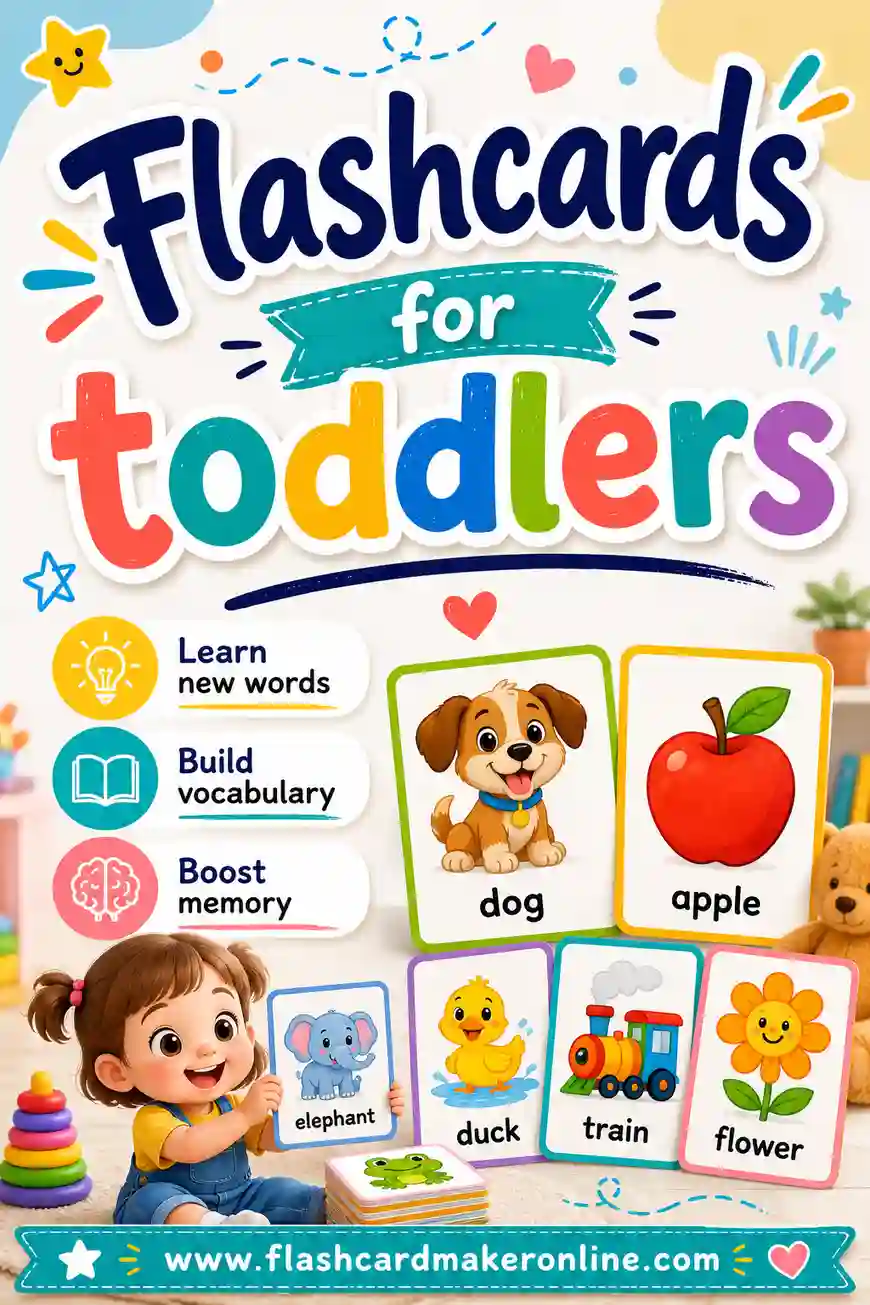
If you're building cards for the youngest learners, our guide on flashcards for toddlers leans even harder into pictures and color.
Turn a Whole Topic Into One Picture
One of the most powerful things a visual learner can do is build a "map" of a topic from their cards. Instead of treating each card as a lonely fact, lay them out so the layout itself tells a story.
Studying the digestive system? Arrange the cards in the order food travels: mouth, stomach, intestines, and so on, left to right. Learning a timeline? Spread the event cards along an imaginary line on your desk, earliest to latest. Now when you close your eyes, you can recall the whole topic as a single mental picture, with each fact sitting in its place.
This works because visual memory is great at holding spatial layouts. You remember where your keys live, where the milk sits in the fridge, where a word appeared on a page. Lay your cards out with intention and you tap into that same effortless spatial memory for your studies. It turns a stack of separate facts into one connected image your brain can replay on demand.
For the research behind picture cards, see how pairing words with pictures helps you remember.
Before you label yourself a type of learner, see what the research shows about the learning styles myth.
Frequently Asked Questions
What kind of flashcards work best for visual learners?
Cards with images, color-coding, and simple diagrams work best. Pair each fact with a quick sketch or assign a color to each topic so your brain can sort and recall by sight, not just by reading words.
Do I need to be able to draw to make visual flashcards?
Not at all. Rough stick figures, simple icons, and basic shapes work fine. The point isn't art, it's giving your memory a picture to grab. Even a single symbol in the corner of a card helps.
How does color-coding help me remember?
Color gives each topic a visual tag. When you recall a fact, its color comes with it and tells your brain where it belongs. Assign one color per subject and stay consistent for the effect to work.
Are printed or digital flashcards better for visual learners?
Printed cards are great because you can spread them out, color them, and sketch on them. Digital cards are handy for quick reviews on a phone. Many visual learners use printed cards for deep study and digital for review on the go.
Can I add diagrams to my flashcards?
Yes. A diagram often beats a written definition for a visual learner because it packs the whole idea into one picture. Draw arrows, loops, and labels right on the card, or sketch them on a printed copy.
How often should I review my visual flashcards?
Review on a spaced schedule: the day you make them, the next day, then a few days later, then a week out. Picturing each answer before you flip makes every pass more effective.
Ready to Build Your Visual Deck?
If you remember what you see, flashcards are built for you, especially when you add color, sketches, and diagrams. Pick a topic, open the free flashcard maker, and turn your facts into cards your eyes will remember. It's free, there's no sign-up, and you can print a colorful stack or study on screen. Make a few cards, picture each answer, and let your visual memory do the rest.