Index Card Template: Free Printable 3x5 and 4x6 Cards
An index card template is a page laid out so you can print cards at a real index card size, most often 3 x 5 inches (the standard size) or 4 x 6 inches. The easiest way is to type your cards into a flashcard maker, choose the 3x5 or 4x6 print size, print at 100% scale, and cut along the lines. Below you'll find the sizes, a free template you can fill in online, and step-by-step tips for printing on card stock or right onto real index cards.
Here's a sample study deck already set up for 3x5 cards. Read the front, guess, then tap to flip:
🃏 Quiz yourself: 10 cards from this page
Read the front, say your answer, then tap the card to check.
Make, study & print this deck → Opens the free flashcard maker with all 10 cards ready to edit or print.The button opens the full deck in the free maker. Before you print, choose 3×5 index card under the print size options, and every card prints at index card size.
Index card sizes (in inches and millimeters)
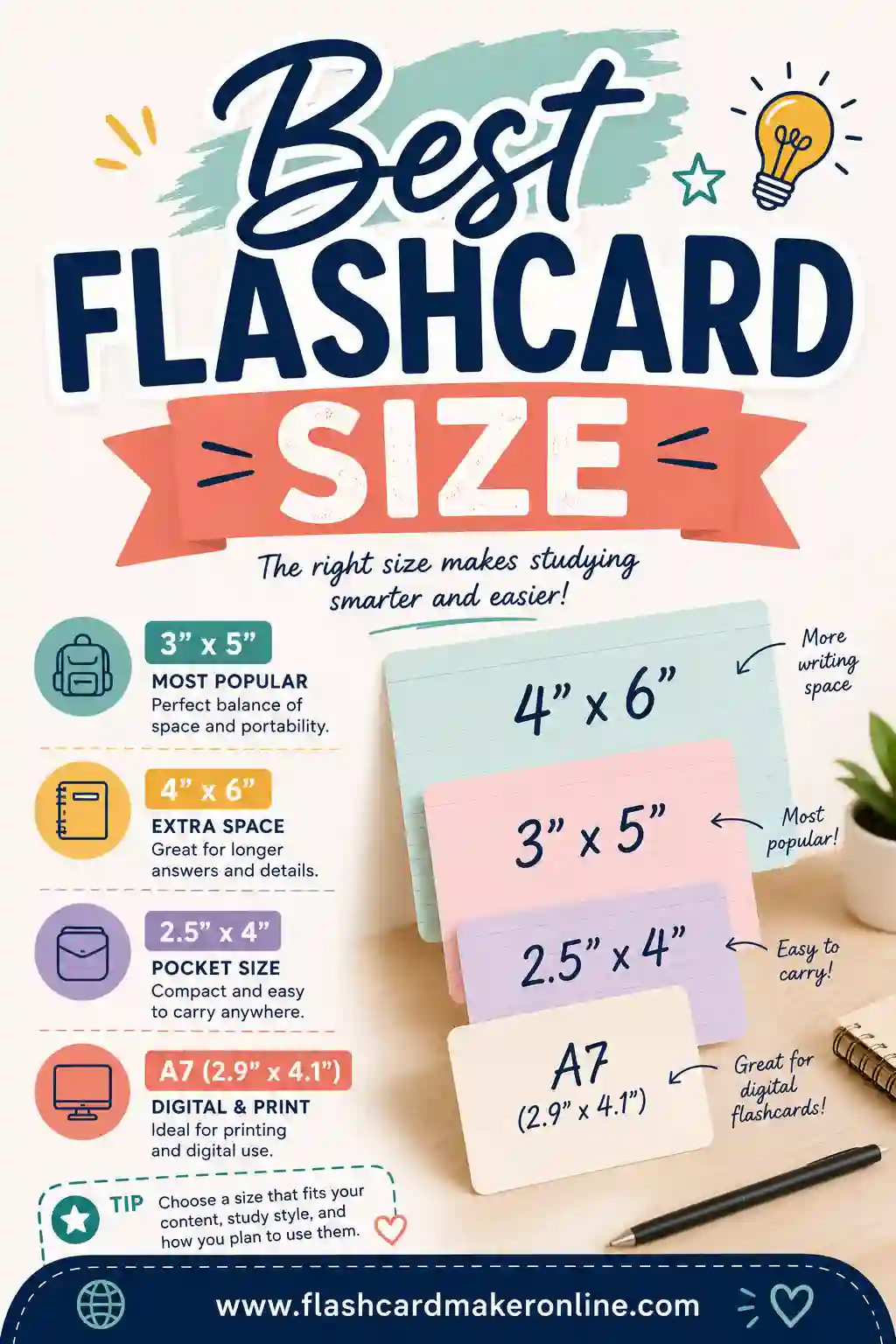
Index cards come in three common sizes in the US. Here's what each one is good for:
| Size | Millimeters (about) | Best for | Cards per letter-size page in the maker |
|---|---|---|---|
| 3 x 5 inches | 76 x 127 mm | Flashcards, vocabulary, quick facts, recipe cards | 3 |
| 4 x 6 inches | 102 x 152 mm | Longer answers, speech notes, diagrams, recipes | 2 |
| 5 x 8 inches | 127 x 203 mm | Outlines, lesson notes, study sheets | Print a half sheet instead (letter paper cut in half is 5.5 x 8.5) |
Outside the US, A6 (105 x 148 mm) and A7 (74 x 105 mm) cards are common. A6 is very close to 4 x 6, so the 4x6 layout works well for it. Not sure which size to pick? Our best flashcard size guide compares them for different subjects.
How to use the free 3x5 index card template
- Open the maker. Use the button above, or start a blank deck in the free flashcard maker.
- Name your deck. Something like "Biology Unit 3" or "Spanish Week 2."
- Type the front and back of each card. One question on the front, one answer on the back.
- Choose the print size. Pick 3×5 index card (3 per page) or 4×6 index card (2 per page).
- Print at 100%. In the print window, set the scale to 100% or "Actual size," not "Fit to page."
- Cut on the lines. A paper trimmer gives the straightest edges, but scissors work fine.
Want a blank index card template instead? Leave the backs empty, or type just the fronts, and you'll get printable index cards with space to write by hand.
How to print flashcards on real index cards
Many home printers can feed real 3x5 or 4x6 cards. It takes a little setup the first time, so here's the safe way to do it:
- Check your printer manual. Look for the smallest paper size and the heaviest paper it takes. Most printers that handle photo paper can handle index cards.
- Set a custom paper size. In your print settings, choose 3 x 5 in (or 4 x 6 in, which many printers already list as a photo size).
- Use the manual or rear feed slot if your printer has one. It gives card stock a straighter path.
- Test on plain paper first. Print one card on regular paper, then hold it against a real index card to check that the text lands where you want it.
- Feed one card at a time until you're sure it works, then try a small stack.
Honestly, printing on letter-size card stock and cutting is easier for most people. It's faster, and you're not fighting a printer that wasn't built for tiny paper.
Paper choices for printable index cards
| Paper | Feel | Good for |
|---|---|---|
| Regular printer paper | Thin, see-through if printed both sides | Quick drills, cards you'll toss after the test |
| Light card stock | Stiffer, easy to shuffle | Most study decks; works in most home printers |
| Heavier card stock | Feels like a store-bought card | Decks you'll use all year; check your printer's limit first |
| Pre-cut index cards | Exactly like a store index card | Feeding through a printer that supports small sizes |
Printing double-sided index cards
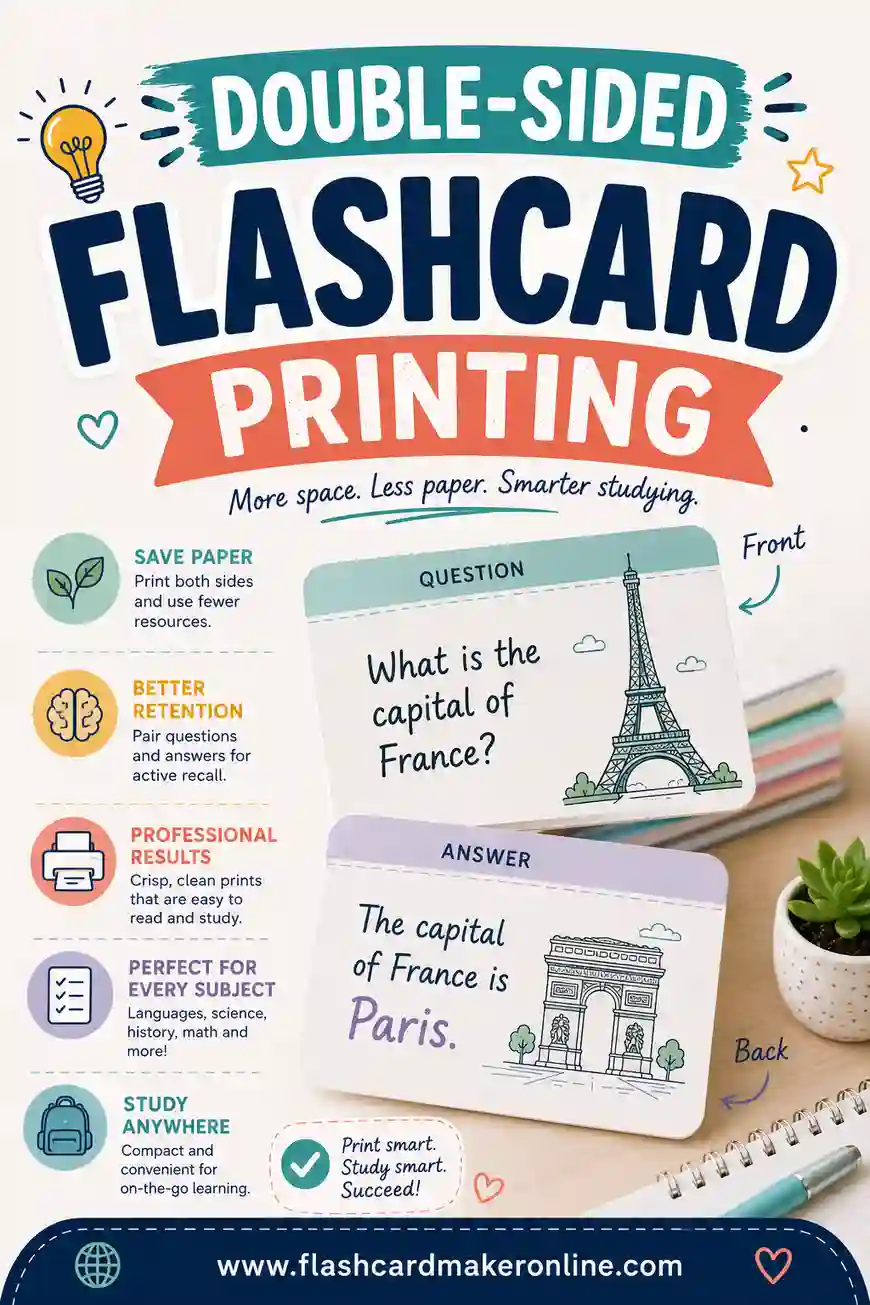
Double-sided cards are where most people get stuck, because the backs have to line up with the fronts. The reliable way is to print all the fronts, flip the stack according to your printer's direction, and print the backs. Always run one test sheet first and mark the top edge with a pencil so you know which way it went in. Our double-sided flashcard printing guide walks through it with pictures of each step.
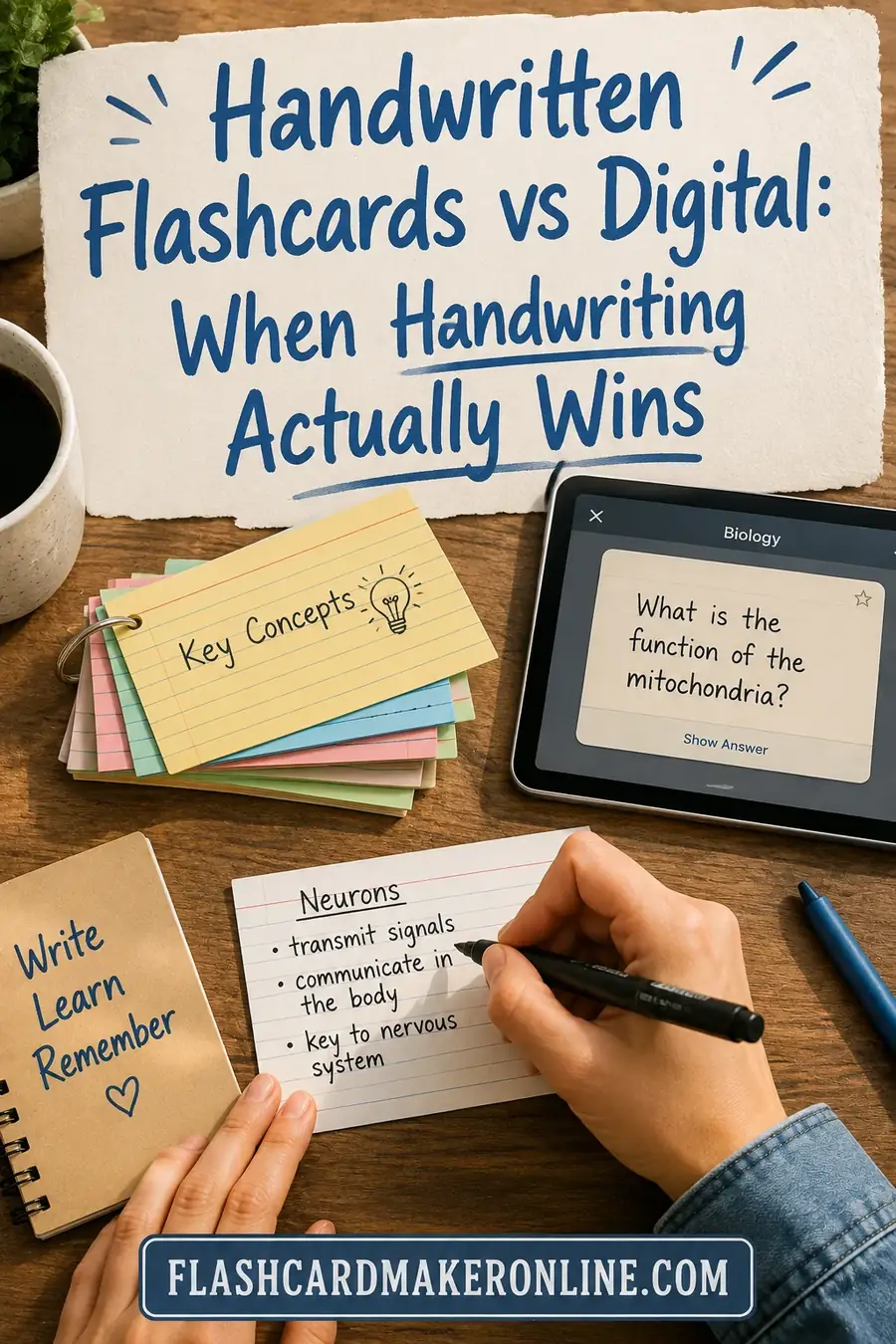
If lining up both sides feels like too much, print just the fronts and write the answers on the back by hand. It's slower, but writing answers out helps you remember them. Our page on handwritten flashcards explains when handwriting is worth it.
What to put on an index card (examples)
| Use | Front | Back |
|---|---|---|
| Vocabulary | photosynthesis | How plants use sunlight, water and carbon dioxide to make food |
| Math facts | 7 x 8 | 56 |
| History dates | Year the Declaration of Independence was signed | 1776 |
| Language | a picture of an apple | apple, plus the word in the language you're learning |
| Speech notes | "2. Why it matters..." | Three keyword bullets for that part of the talk |
| Recipe card | Grandma's oatmeal cookies | Ingredients and steps (a 4x6 card gives more room) |
Giving a talk? A 4x6 card per section works well, and our guide on how to memorize a speech shows exactly what to write on each one.
Tips for index cards that actually help you study
- One idea per card. A card with five facts on the back is really five cards.
- Ask a question on the front. "What does the mitochondria do?" works better than just "mitochondria."
- Write big. If you can't read it at arm's length, there's too much on the card.
- Number your cards for speeches or step-by-step processes, so a dropped stack isn't a disaster.
- Sort into boxes. Cards you know go to a box you review less often, and missed cards go back to the front. Our Leitner system guide explains how.
Index card template in a word processor or doc
You can also set up an index card template in most word processors. The general steps are the same everywhere: set a custom page size of 3 x 5 inches (or 5 x 3 for landscape), set small margins of about 0.25 inch, type one card per page, and print on cards or card stock. It works, but it's slow when you have more than a few cards, and you'll have to line up double-sided printing by hand. Our step-by-step guide to making flashcards in Google Docs covers that route if you prefer it.
For a whole deck, the free flashcard maker is quicker: type your cards once, pick the 3x5 or 4x6 size, and print as many copies as you need.
Frequently Asked Questions
What size is a standard index card?
The standard index card is 3 x 5 inches (about 76 x 127 mm). The other common US sizes are 4 x 6 inches and 5 x 8 inches.
How do I print flashcards on index cards?
Type your cards into a flashcard maker, choose the 3x5 or 4x6 index card print size, and print at 100% scale. Print on card stock and cut, or set a custom paper size and feed real index cards through the manual feed slot, testing on plain paper first.
How many 3x5 index cards fit on a sheet of paper?
Three 3x5 cards fit on one letter-size sheet in our maker's index card layout, with room to cut cleanly. Two 4x6 cards fit on one sheet.
Why are my printed index cards the wrong size?
Your print settings are probably shrinking the page. Set the scale to 100% or Actual size instead of Fit to page, and print a test sheet on plain paper to check.
Is there a free blank index card template?
Yes. Open the free flashcard maker, choose the 3x5 or 4x6 index card size, and leave the backs blank (or type only the fronts). You'll get printable cards with space to write by hand.