The Cornell Note-Taking Method: Set It Up and Turn Notes Into Review
The Cornell note taking method is a way to split each page of notes into three parts: a wide column for notes during class, a narrow "cue" column on the left for questions you add afterward, and a summary strip across the bottom. The magic isn't the layout itself. It's what the layout pushes you to do after class: boil your notes down, turn them into questions, and quiz yourself by covering the notes and answering the cues.
That last step is why the system fits so well with flashcards. The cue column is basically a stack of flashcard fronts written straight onto your notes. In this guide you'll learn where the method came from, how to set up a page, what to do before, during and after class, what research says about each piece, and how to turn your cue column into a deck you'll actually review.
What the Cornell note taking method is
The Cornell system is a page format plus a review routine. Most people remember the format and forget the routine, which is a bit like buying running shoes and never going for a run. Here's the whole thing in one view.
- Note-taking column (right side, wide): Where you write during the lecture, reading or video. Short phrases, abbreviations, diagrams, examples.
- Cue column (left side, narrow): Left blank during class. Afterward, you fill it with questions and keywords that line up with the notes beside them.
- Summary (bottom of the page): Also written after class. A few sentences in your own words that capture the main point of the page.
- Review: Cover the note-taking column, read each cue, and answer it out loud or on paper before you check.
The University of Cincinnati's Learning Commons gives a typical setup on its Cornell Method page: the in-class notes area is about six inches wide and nine inches long, and the cue column is 2.5 inches wide and nine inches long. Add those widths together and you get 8.5 inches, the width of a standard US letter sheet. The summary then runs across the bottom of the page.
Where the Cornell system came from
The method is named after Cornell University in Ithaca, New York, where it was developed. According to Cornell's alumni magazine, in a 2022 article titled "Take Note: Popular Study Method has 'Cornell' Written All Over It", the system was created by Walter Pauk, a longtime education professor who earned his PhD at Cornell in 1955. He developed it in the 1950s while working as a teaching assistant there.
Pauk spread the method through his book How to Study in College, first published in 1962. The alumni article notes the book has reached an 11th edition. Cornell's own Learning Strategies Center points students to the 10th edition from 2010, where the method appears in Chapter 10, "The Cornell System: Take Effective Notes." Pauk retired from Cornell in 1978, and he lived to 105. More than half a century after the book came out, Cornell's Learning Strategies Center still teaches the system to its own students.
The alumni article also quotes one of Pauk's instructions that's easy to miss: "As you're taking notes, keep the cue column empty." That one rule tells you a lot about the design. The cue column isn't for class time. It's for the review session that turns raw notes into something you can study.
How to set up a Cornell notes page
You don't need special paper. A regular notebook and a ruler will do. If you take notes on a laptop or tablet, you can build the same layout with a two-column table and a box at the bottom.
| Section | Typical size on letter paper | When you fill it | What goes in it |
|---|---|---|---|
| Header | Top line or two | Before class | Your name, course, date and topic |
| Note-taking column | About 6 inches wide, 9 inches long | During class | Main ideas, examples, diagrams, short phrases |
| Cue column | About 2.5 inches wide, 9 inches long | Soon after class | Questions and keywords that match the notes beside them |
| Summary | Strip across the bottom | Soon after class | A few sentences on the page's main point, in your own words |
The exact sizes don't matter much. What matters is that the cue column is narrow enough to force short questions and wide enough to fit them, and that the summary box is small enough to force you to choose what's important.
Quick setup steps
- Draw a vertical line about 2.5 inches from the left edge of the page, stopping a few inches from the bottom.
- Draw a horizontal line across the page a few inches above the bottom edge.
- Write the course, date and topic at the top.
- Repeat on several pages before class so you're not drawing lines while the lecture starts.
The University of Cincinnati suggests using the same layout for every class, so your notes are consistent and easy to review later.
The Cornell note taking method, step by step
Many study guides describe the routine as a handful of steps that start with "R": record, reduce, recite, reflect and review. The names vary from guide to guide, but the sequence is the same. Here's what each step looks like in practice.
1. Record: take notes during class
Write in the right-hand column only. Aim for meaning, not a transcript. The University of Cincinnati recommends short, concise sentences and abbreviations, and leaving a few blank lines between ideas so you can add details later. Draw quick diagrams when the speaker draws on the board. Mark anything you didn't understand with a question mark so you can follow up.
2. Reduce: write cues soon after class
As soon as you can after class, read through your notes and fill in the cue column. For each chunk of notes, write a question or keyword next to it. Good cues are questions you could answer only if you understood the notes, such as "What are the three branches of government and what does each do?" rather than just "branches."
This step is where the real thinking happens. Turning notes into questions makes you decide what's important and how ideas connect. It also catches gaps while the lecture is still fresh in your mind.
3. Recite: cover the notes and answer
Fold the page or lay a sheet of paper over the note-taking column so only the cues show. Read each cue and answer it out loud or on scrap paper, in your own words. Then uncover the notes and check. The University of Cincinnati's guide describes exactly this: cover the notes side and answer the cue questions aloud to test what you know.
4. Reflect: write the summary
At the bottom of the page, write a few sentences that sum up the page. Ask yourself: what was the main point here, and how does it connect to what we learned last week? A summary that only repeats headings isn't doing much. One that explains a connection is.
5. Review: come back on later days
Recite from the cue column again a few days later, and again before the test. Each time, mark the cues you couldn't answer so you know where to focus. This is the step that turns notes from a record of class into a study tool.
What the research says about Cornell notes
Here's an honest answer: there aren't many large, well-controlled experiments testing the Cornell layout itself against other note formats. Most published studies on the format are small, use a single class, or don't have a strong comparison group. So be cautious of claims that the Cornell page will raise your grade by a specific amount.
What is well supported is the set of habits the method builds in. The Cornell system is a container for several study techniques that have strong research behind them.
Self-testing is the engine
The recite and review steps are a form of retrieval practice, which means pulling information out of memory instead of reading it again. In a classic 2006 study, Henry Roediger and Jeffrey Karpicke had students read short passages and then either restudy them or take recall tests. On a test five minutes later, restudying looked better. But on tests two days and one week later, students who had practiced recalling the material remembered substantially more, even though restudying made them feel more confident. As the authors put it, "Testing is a powerful means of improving learning, not just assessing it."
A 2011 study in Science by Karpicke and Janell Blunt compared retrieval practice with concept mapping, a popular way of drawing connections between ideas. Retrieval practice produced greater gains in meaningful learning, including on questions that required drawing inferences. That matters for Cornell notes, because it suggests the covering-and-answering step does more than help with simple facts.
Spacing gives it staying power
In their 2013 review of ten common study techniques, John Dunlosky and colleagues rated two as having high utility: practice testing and distributed practice, which means spreading study over time. The same review rated rereading and highlighting as low utility. The Cornell routine nudges you toward the high-utility pair and away from the low-utility pair, but only if you do the review steps. A beautifully drawn Cornell page that you just reread is still rereading.
Summarizing is helpful but not magic
The Dunlosky review rated summarization as low utility overall, mainly because it helps some learners more than others and depends on how well people summarize. That doesn't mean you should skip the summary box. It means treat it as a thinking exercise, not the main event. A good summary pushes you to connect ideas. A summary that copies the headings adds little.
| Cornell step | Research idea behind it | How strong the support is |
|---|---|---|
| Record in your own words | Processing ideas rather than copying them word for word | Mixed; depends on whether you review your notes later |
| Reduce into cue questions | Generating questions and organizing ideas | Reasonable, but mostly as a lead-in to self-testing |
| Recite with notes covered | Retrieval practice (practice testing) | Strong across many studies |
| Reflect in a summary | Summarization | Rated low utility overall; useful when done thoughtfully |
| Review on later days | Distributed practice (spacing) | Strong across many studies |
Pen or laptop for Cornell notes?
Cornell's Learning Strategies Center says on its Cornell Note Taking System page that research shows taking notes by hand is more effective than typing on a laptop. That claim mostly traces back to a well-known 2014 paper.
In that paper, Pam Mueller and Daniel Oppenheimer ran three studies. Students who typed notes on laptops did worse on conceptual questions than students who wrote longhand. The laptop users tended to copy lectures word for word instead of putting ideas in their own words, and the authors argued that this shallow, verbatim style was what hurt learning.
But the full picture is more mixed. A 2013 paper by Dung Bui, Joel Myerson and Sandra Hale found that it depends on what you do with the notes. In their experiments, people who transcribed a lecture on a computer recalled the most on an immediate test, organized notes did best on a delayed test, and when people were allowed to study their notes before the delayed test, the transcribers came out ahead. Put side by side, these studies suggest that the device matters less than what you do with it: whether you put ideas in your own words, and whether you go back and study what you wrote.
Here's the practical takeaway for Cornell notes:
- Either tool can work. The device matters less than whether you process ideas and review later.
- If you type, don't transcribe. Resist the urge to capture every word. Paraphrase.
- If you type, still do the cue column. A two-column table in a document works fine.
- If you hand-write, keep it legible. Notes you can't read later are no use for review.
- Turn off distractions. A laptop with open messaging apps is a different tool from a laptop used only for notes.
Turning your cue column into flashcards
The cue column already does half the work of making flashcards. Each cue is a question, and the notes beside it are the answer. Moving those pairs onto cards gives you two advantages. You can shuffle them, so you don't rely on the order of your notes as a hint. And you can sort them into piles by how well you know them, which makes spaced review easy.
How to convert a page in about 10 minutes
- Read each cue. Does it make sense on its own, without the notes beside it? If not, rewrite it to include enough context. "Why?" becomes "Why did the Articles of Confederation create a weak central government?"
- Split big cues. If an answer has five parts, make several smaller cards. One fact or idea per card is easier to review honestly.
- Write the answer briefly. Put the core answer on the back, in your own words. Add a diagram if the notes had one.
- Add a "why" card or two. For key concepts, write a card that asks why or how, not just what.
- Tag the card with the lecture date. That way you can find the original notes if you need more detail.
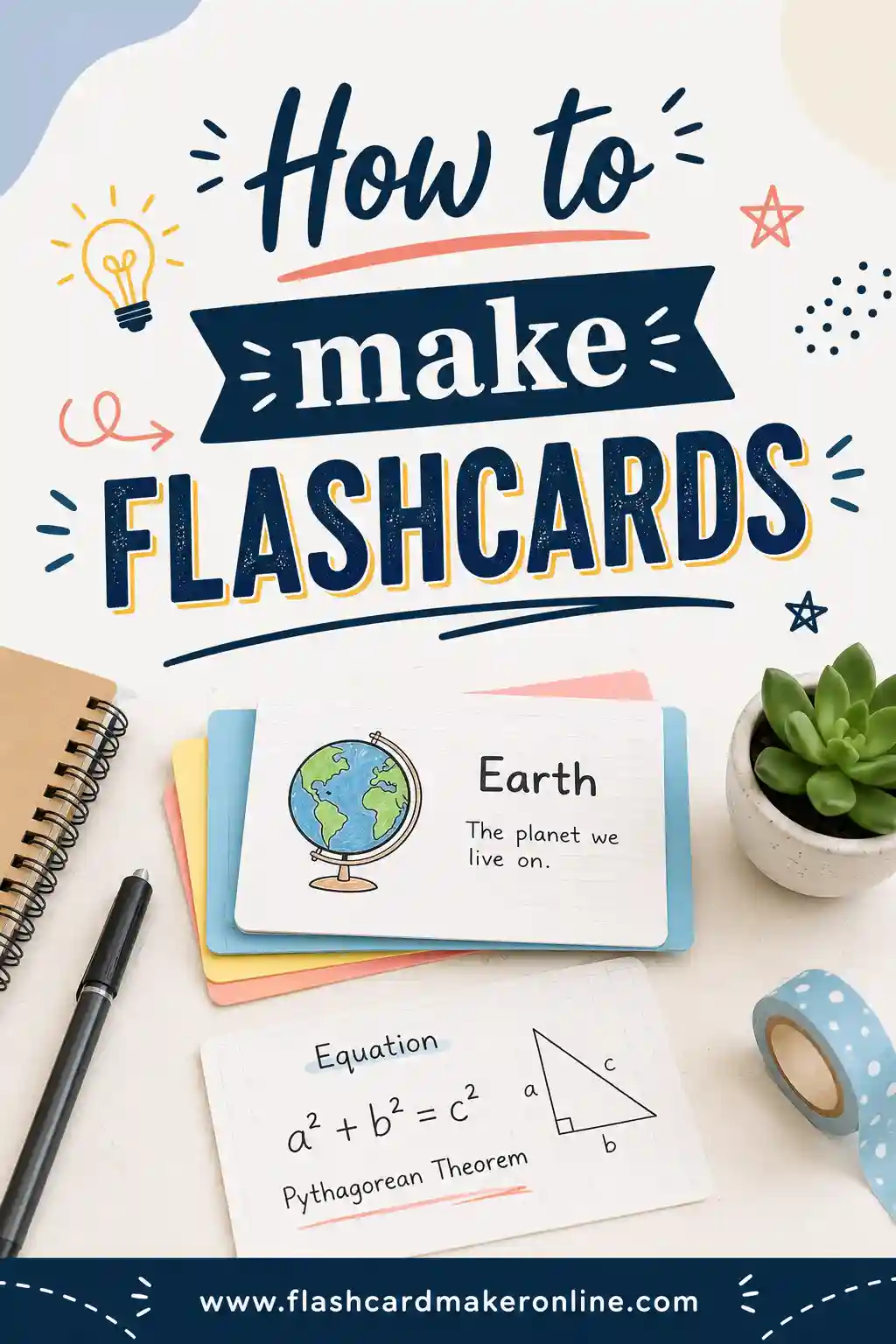
If you're new to writing cards, our guide on how to make flashcards covers card design in more detail, and handwritten flashcards explains the paper option.
A worked example
Here's an illustrative example with a made-up student. Jordan is in an intro psychology class. Here's part of one Cornell page from a lecture on memory, and the cards Jordan made from it.
| Cue column | Notes column (abbreviated) | Flashcard front | Flashcard back |
|---|---|---|---|
| 3 memory stages? | Encoding, storage, retrieval. Encoding = getting info in. | What are the three basic stages of memory? | Encoding, storage and retrieval |
| Testing effect? | Practicing recall improves long-term memory more than restudying (Roediger & Karpicke 2006). | What is the testing effect? | Practicing recall strengthens long-term memory more than rereading does |
| Why reread feels good? | Rereading = familiar = feels like knowing. Doesn't test recall. | Why does rereading feel effective even when it isn't? | The material feels familiar, which we mistake for being able to recall it |
| Spacing? | Same time spread across days > one long session. | What is distributed practice? | Spreading the same study time across several sessions instead of one |
Notice how the cue "Testing effect?" was fine for Jordan right after class but too vague for a shuffled card two weeks later. The card version asks a complete question. That small rewrite is the difference between a card that tests memory and one that just jogs it.
Reviewing the deck
Once the cards exist, review them a little each day rather than all at once. Start with the cards you miss most. Our guides to spaced repetition and reviewing flashcards efficiently show simple schedules you can follow, with or without an app.
Cornell notes for different subjects
The basic page works for almost any class, but you'll get more out of it if you adjust the cues to the subject.
| Subject | What goes in the notes column | Good cue questions |
|---|---|---|
| History | Events, dates, people, causes and effects | "What caused...?" "What happened after...?" "Why did...?" |
| Biology | Processes, labeled diagrams, vocabulary | "What are the steps of...?" "Label this diagram." "What does ... do?" |
| Math | Worked examples, formulas, common errors | "Solve a problem like this." "When do you use this formula?" "What's the mistake here?" |
| Literature | Themes, quotes, character changes | "How does this quote show the theme?" "How does the character change?" |
| Languages | Grammar rules, example sentences, vocabulary | "Translate this sentence." "When do you use this tense?" |
| Chemistry | Reactions, definitions, problem types | "Balance this equation." "What type of reaction is this?" |
For math and science, add at least one cue that asks you to work a new problem, not just recall the one from class. Recognizing a solved example is easy. Solving a fresh one is what the test will ask.
A full sample page, from class to review
It helps to see one page all the way through. Here's an illustrative example of a single Cornell page from a made-up high school history lesson on the causes of the American Revolution, and what happens to it over a week.
During class (notes column only)
- French and Indian War over; Britain in debt
- Parliament taxes colonies to pay: Stamp Act, later Townshend Acts
- Colonists: "no taxation w/o representation"; no seats in Parliament
- Boycotts of British goods; protests
- Boston Massacre: soldiers fire on crowd
- Tea Act, then Boston Tea Party
- Britain responds with harsh laws (colonists call them "Intolerable Acts")
- ? Ask teacher: why did the Tea Act anger people if it lowered the price of tea?
Notice the short phrases, the abbreviations and the question mark on the last line. The student isn't trying to capture every word. They're catching the main chain of events and flagging something they didn't understand.
Same evening (cue column and summary)
Lined up beside the notes, the student writes cues like these:
- Why did Britain start taxing the colonies after the French and Indian War?
- Name two taxes Parliament passed on the colonies.
- What did "no taxation without representation" mean?
- How did colonists push back without fighting?
- What did Britain do after the Boston Tea Party, and what did colonists call it?
The summary at the bottom reads something like: "Britain's war debt led Parliament to tax the colonies, and colonists objected because they had no say in Parliament. Each new tax led to protests, and each protest led to a harsher British response, building toward open conflict." That second sentence is the valuable part. It explains a pattern, not just a list.
Over the next week
The next day, the student covers the notes and answers each cue out loud. They miss the two tax names, so those get a mark. Two days later, they turn all five cues into flashcards, rewriting the vague ones so they make sense alone. By the end of the week, they review the cards in a shuffled deck mixed with cards from earlier lessons. They also bring the question-mark item to their teacher and add the answer to the notes.
That's the whole method in motion: brief notes, real questions, a summary that connects ideas, and several short rounds of recall.
Cornell notes for reading, videos and online classes
The method was built for lectures, but it works just as well for textbooks, articles, recorded videos and online courses. In some ways it works better, because you can pause.
- Textbook chapters: Read a section first without writing. Then close the book and jot the main ideas in the notes column from memory. Open the book to fill gaps. That small change adds a round of recall before you've even written a cue.
- Recorded lectures and videos: Resist pausing every few seconds to copy slides. Watch a short chunk, pause, and write the key point in your own words.
- Online courses: If the course has its own quizzes, use your cue column to write questions the quizzes don't cover, especially "why" and "how" questions.
- Research articles: Use cues for the study question, the method, the main finding and the limits. Those four cues make article review much faster before a seminar or exam.
Cornell notes for younger students and classrooms
Teachers often introduce the Cornell format in middle or high school. A few adjustments make it easier for younger students.
- Pre-printed pages: Hand out sheets with the lines already drawn so students don't spend time with rulers.
- Guided cues at first: For the first few lessons, give students the cue questions and let them practice writing notes that answer them. Later, have them write their own cues.
- Partner quizzing: Pairs take turns reading cues to each other while the other student's notes are covered. This keeps the recall step from being skipped.
- Summary starters: Offer sentence starters like "The main idea of today was..." and "This connects to... because...".
- Short review routines: Open class with five minutes of cue questions from last week's notes. It's a quick way to build in spaced review.
The goal is the same as for older students: get kids into the habit of turning notes into questions and answering those questions without looking.
Common mistakes with Cornell notes
The method is simple, so most problems come from skipping parts of it. Watch for these.
- Filling the cue column during class. Pauk's own advice was to keep it empty while taking notes. If you write cues during class, you lose the review step that makes the method work.
- Waiting a week to add cues. By then you've forgotten what half your abbreviations meant. Try to add cues the same day.
- Writing keywords instead of questions. A keyword like "mitosis" doesn't tell you what to recall. "What happens in each stage of mitosis?" does.
- Never covering the notes. If you only reread the page, you're using a Cornell layout without the Cornell method.
- Copying the lecture word for word. Paraphrase instead. If the speaker is going too fast, leave gaps and fill them in after class.
- Skipping the summary. Even a two-sentence summary forces a decision about what matters.
- Treating it as decoration. Color coding and neat handwriting are fine, but they're not the point. Time spent recalling is.
Cornell notes on a laptop or tablet
You can run the whole system digitally. Here are a few simple setups.
- Word processor: Create a two-column table with a narrow left column for cues and a wide right column for notes. Add a one-cell table or a text box at the bottom for the summary.
- Tablet with stylus: Make a page template with the lines already drawn, then duplicate it for each class.
- Note apps: Use a heading for each cue, with notes indented underneath. Collapse the notes to quiz yourself on the headings.
Whatever tool you use, the cover-and-answer step is still the key. On a screen, that might mean hiding the notes column, collapsing sections or scrolling so only cues show.
How Cornell notes compare with other note formats
Cornell isn't the only option. Outline notes, mind maps and charts each have their place. The main difference is that Cornell builds in a review routine. Other formats can do the same if you add your own self-testing.
- Outlines are quick for well-organized lectures with clear headings. Add a question beside each main heading and you're close to a Cornell page.
- Mind maps show connections well. To review, cover branches and try to rebuild them from the center.
- Charts or tables work for comparing things, like types of rocks or different wars. Cover one column and recall it.
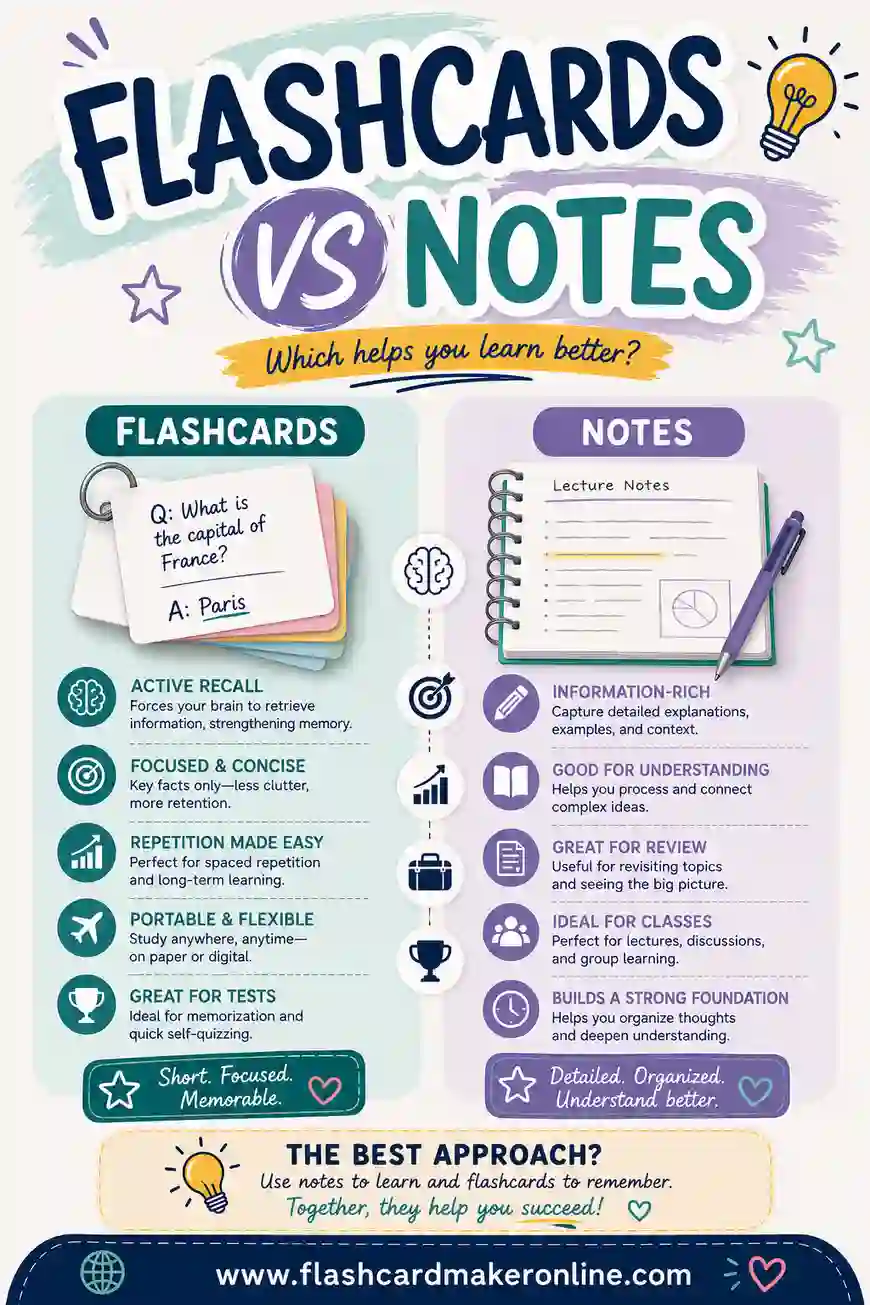
- Flashcards alone are great for review but awkward during a fast lecture. Many students take notes first and make cards from them afterward. Our comparison of flashcards and notes goes into when each one fits best.
When the Cornell method isn't the best fit
No note format suits every situation, and it's worth knowing when to bend the rules.
- Very fast lectures: If the speaker races through slides, you may not have time for neat columns. Write freely, then rebuild a Cornell page that evening from your rough notes and the slides. The rebuilding itself is useful review.
- Heavy problem-solving classes: In math or physics, much of the learning happens while working problems, not while listening. Keep Cornell pages short and spend more time on practice sets, using cues like "Solve a problem of this type."
- Classes with handouts or full slide decks: If the instructor gives you everything in writing, your notes column can hold only what's not on the slides: examples, explanations and your own questions. The cue and summary steps still apply.
- Skills you learn by doing: Lab techniques, art, sports and music need hands-on practice. Notes help you remember steps and feedback, but they won't replace practice.
In each case, the core habit survives: after the session, turn what you learned into questions, and answer them later without looking.
Try it yourself: a one-week Cornell plan
If you want to test the method, try it for one class for one week. Here's a simple plan.
- Before class: Set up three or four pages with the Cornell layout.
- During class: Write notes in the right column only. Leave space between ideas.
- Same day, 15 minutes: Fill in the cue column with full questions. Write a two- or three-sentence summary.
- Next day, 10 minutes: Cover the notes and answer every cue. Put a small mark next to any you missed.
- Day 3: Turn the marked cues and the most important unmarked ones into flashcards.
- Days 4 to 7: Review the cards for a few minutes a day. Retire cards you get right several times in a row and keep the tricky ones in rotation.
- End of week: Try to answer all the cues from the week's pages without looking. Compare that with what you'd usually remember a week after class.
The time cost is small, roughly 15 minutes after each class plus a few minutes a day. If your recall at the end of the week is better than usual, you've got your answer.
Turning your Cornell notes into a study deck
The Cornell note taking method works because it builds in a habit that's easy to skip: testing yourself on what you wrote down. The layout is just a reminder. Fill the cue column with real questions soon after class, cover your notes and answer them, and come back on later days. That combination of self-testing and spacing has strong research support, while the layout itself has less direct evidence.
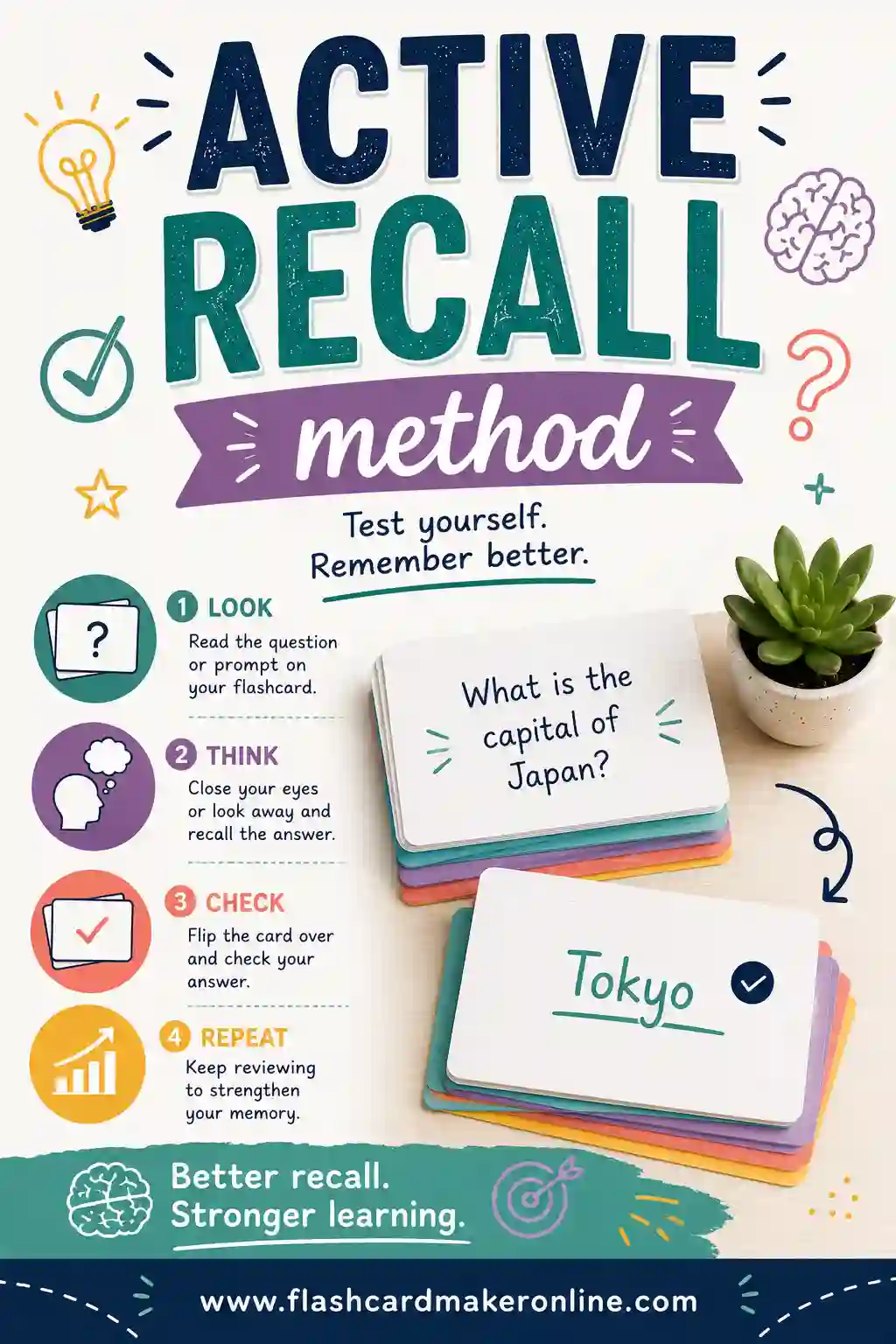
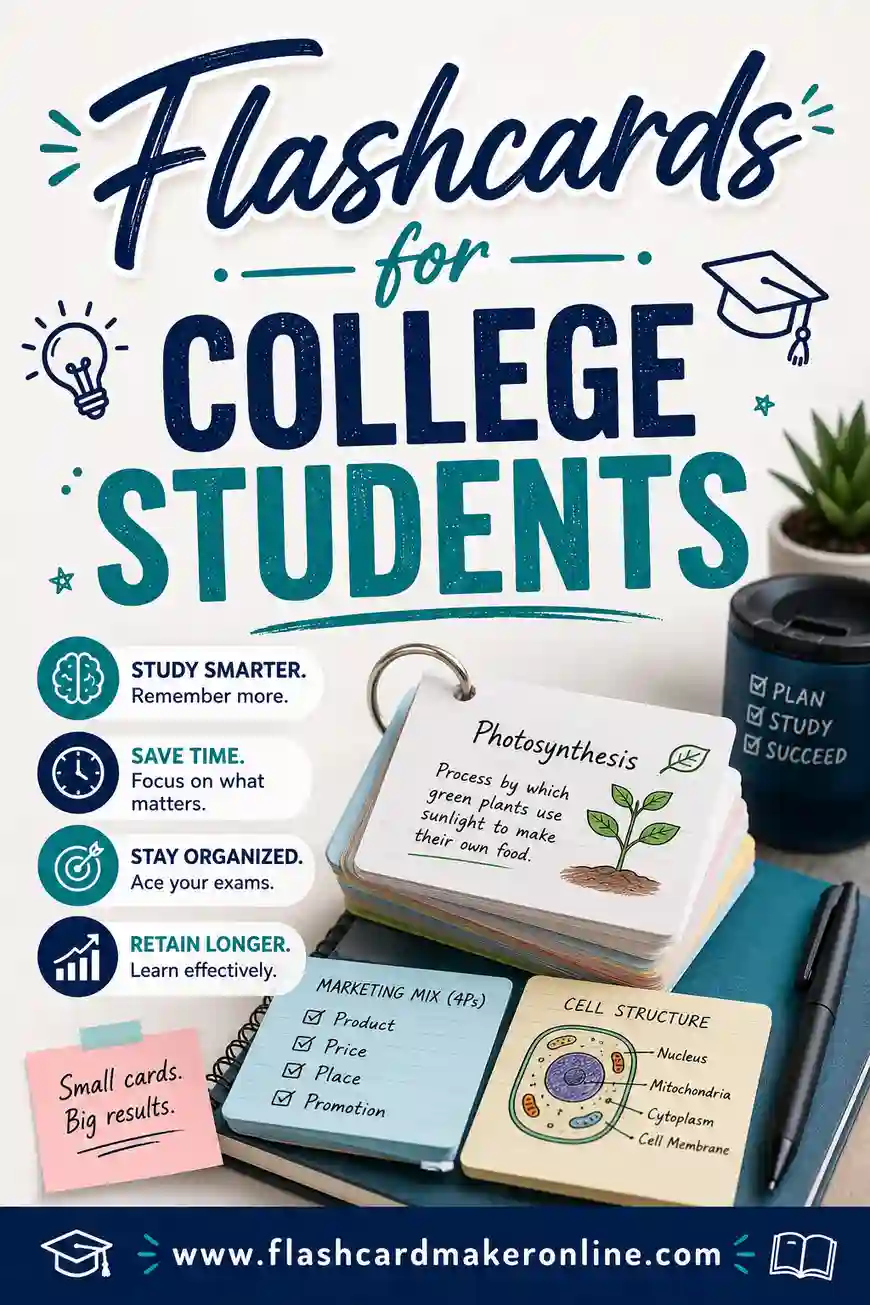
For more on why recalling beats rereading, see our guide to the active recall method. If you're in college and juggling several classes, flashcards for college students has tips for keeping decks under control.
When you're ready to move your cues onto cards, the free flashcard maker on our homepage lets you type in your questions and answers, add your own pictures such as diagrams from your notes, study with flip cards on screen, and print the deck double-sided or as cut-out sheets.
The Five R Steps: When and What
This table lines up each step of the Cornell routine with when you do it and what you do.
| Step | When | What you do |
|---|---|---|
| Record | During class | Write in the right-hand column only, aiming for meaning rather than a transcript |
| Reduce | Soon after class | Fill the cue column with a question or keyword for each chunk of notes |
| Recite | After the cues are written | Cover the notes, answer each cue in your own words, then uncover and check |
| Reflect | At the bottom of the page | Write a few sentences on the main point and how it connects to what you learned last week |
| Review | A few days later, and again before the test | Recite from the cue column and mark the cues you couldn't answer |
Frequently Asked Questions
What are the three parts of Cornell notes?
A Cornell page has a wide note-taking column on the right, a narrow cue column on the left, and a summary section across the bottom. You write in the note-taking column during class. Soon after class, you add questions or keywords to the cue column that line up with your notes, then write a short summary of the page in your own words at the bottom. Some people also count a header at the top with the course name, date and topic.
How wide should the cue column be in Cornell notes?
A common guideline is about 2.5 inches wide, with the note-taking area about 6 inches wide. On standard US letter paper, 2.5 plus 6 adds up to the full 8.5-inch width. The University of Cincinnati describes the cue column as 2.5 inches wide and 9 inches long. The exact size isn't critical. The cue column just needs to be narrow enough to keep cues short and wide enough to fit real questions.
Who invented the Cornell note-taking method?
Walter Pauk, a longtime education professor at Cornell University, developed the system in the 1950s, according to Cornell's alumni magazine. He earned his PhD at Cornell in 1955 and popularized the method in his book How to Study in College, first published in 1962. The book has gone through many editions, and Cornell's Learning Strategies Center still teaches the system to students today. Pauk retired from Cornell in 1978 and lived to 105.
Do Cornell notes actually work?
The layout itself hasn't been tested much in large, well-controlled experiments, so be wary of exact claims about grade gains. What's well supported is the routine the method builds in. Covering your notes and answering cue questions is retrieval practice, and reviewing on later days is spaced practice. Major reviews rate both as highly effective. If you use the Cornell page only to reread, you lose most of the benefit.
When should I fill in the cue column?
After class, not during it. Walter Pauk advised keeping the cue column empty while taking notes. Try to add your cues the same day, while the lecture is still fresh and you can remember what your abbreviations meant. Read through each chunk of notes and write a question that the notes answer. Waiting too long makes the job harder, because you may have forgotten the context that makes your shorthand make sense.
Can I do Cornell notes on a laptop or iPad?
Yes. On a laptop, make a two-column table with a narrow left column for cues and a wide right column for notes, then add a box at the bottom for the summary. On a tablet, create a template page with the lines drawn and duplicate it for each class. Whatever tool you use, avoid typing the lecture word for word, and keep the cover-and-answer review step by hiding the notes column when you quiz yourself.
Is it better to take notes by hand or on a laptop?
The research is mixed. A well-known 2014 study found that laptop note-takers did worse on conceptual questions, apparently because they copied lectures word for word. Another study found that typed transcripts could help when students later studied them. The safest advice is to paraphrase rather than transcribe, limit distractions, and review your notes with self-testing. How you process and review the material matters more than the tool you write with.
How do I turn Cornell notes into flashcards?
Use each cue as the front of a card and the matching notes as the back. First, rewrite any cue that doesn't make sense on its own, since a shuffled card loses the context of the page. Split big questions into several smaller cards so each one tests a single idea. Write the answer briefly in your own words and add a diagram if it helps. Then review the deck over several days, spending more time on the cards you miss.
What should I write in the Cornell notes summary?
Write two to four sentences that capture the main point of the page in your own words. Try to explain how the ideas connect, either to each other or to earlier lessons, rather than just listing headings. A good test is whether a classmate who missed the lecture could get the gist from your summary alone. Treat the summary as a thinking step, and rely on self-testing with your cue questions for the main memory benefit.
Sources
We checked every source below while writing this guide. Last reviewed October 30, 2026, by Joan Ramos.
- Cornell Note Taking System (Cornell University Learning Strategies Center)
- Take Note: Popular Study Method has 'Cornell' Written All Over It (Cornellians, Cornell University)
- The Cornell Method for Note-Taking (University of Cincinnati Learning Commons)
- Test-Enhanced Learning: Taking Memory Tests Improves Long-Term Retention (Roediger & Karpicke, 2006) (Psychological Science, via PubMed)
- Retrieval Practice Produces More Learning than Elaborative Studying with Concept Mapping (Karpicke & Blunt, 2011) (Science, via PubMed)
- Improving Students' Learning With Effective Learning Techniques (Dunlosky et al., 2013) (Psychological Science in the Public Interest, via PubMed)
- The Pen Is Mightier Than the Keyboard: Advantages of Longhand Over Laptop Note Taking (Mueller & Oppenheimer, 2014) (Psychological Science, via PubMed)
- Note-Taking With Computers: Exploring Alternative Strategies for Improved Recall (Bui, Myerson & Hale, 2013) (Journal of Educational Psychology, via Washington University in St. Louis)